Half-Life: Alyx appeared to be all done and dusted, with no major updates or patches since 2022. Then along came the Steam Frame and we’ve a whole new port of the game for its Snapdragon processor. The good news is that you don’t need a Steam Frame to benefit from this recent flurry of activity either, as foveated rendering support has now been added to the PC version of the game for a bunch of PCVR headsets.
In the latest patch, Valve has added the option to toggle foveated rendering within the settings menu of the PC version of Half-Life: Alyx.
“Add a setting under Advanced Performance to enable Foveated Rendering on desktop for supported hardware (for DirectX: Nvidia GTX 16XX+, RTX 20XX+; AMD requires launching with -vulkan). Can increase rendering performance. Enable eye-tracking on your headset for best results. More information here.”
As Valve notes in the linked documentation, you can technically enable foveated rendering on any virtual reality headset; however, it is best applied in conjunction with eye tracking. Here are some of the headsets noted, including some that require third-party drivers:
- Steam Frame
- Meta Quest Pro
- Bigscreen Beyond 2e
- Apple Vision Pro
- PS VR2
- Pimax Dream Air
- Pimax Crystal series
- Varjo Aero
- And “probably more that we don’t know about!”
Foveated rendering works by rendering the peripheral edge of an image at a lower quality to the centre, thus lowering system demands. Add eye tracking into the mix, and theoretically no matter where the user is focusing their gaze, it’s always going to be rendered at the highest quality right there, right in front of the fovea (the central part of the eye with the clearest vision, hence ‘foveated’).
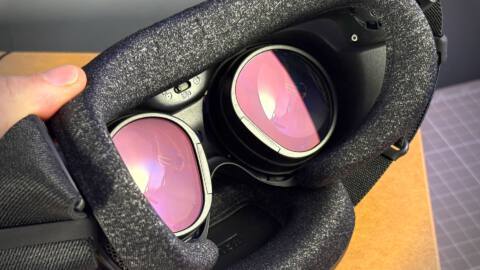
This technique is already in use within the Half-Life: Alyx ported to the Frame’s Snapdragon chip. That plucky li’l chip needs all the help it can get.
Contrary to foveated streaming, which is the technology used to do something similar but reduce bandwidth requirements for wireless gaming on the Steam Frame, the foveated rendering implementation is more noticeable in my experience. You can catch the edges of the high- and low-quality areas as you move your eyes around.
Still, it’s pretty good, and this update is sure to help anyone out that is struggling to play the game at a decent frame rate on a high-resolution headset.
About Author