
If the thought of buying an office chair from an AI-focused company is giving you pause for concern, then let me allay those fears now. The Autonomous ErgoChair Ultra 2 is a good chair that’s well-built, comfortable, and genuinely fine to use for a full day of work, followed by a night of gaming. It’s not perfect, and the price tag doesn’t quite match what you’re getting, but those are criticisms that can be cast at any gaming chair these days.
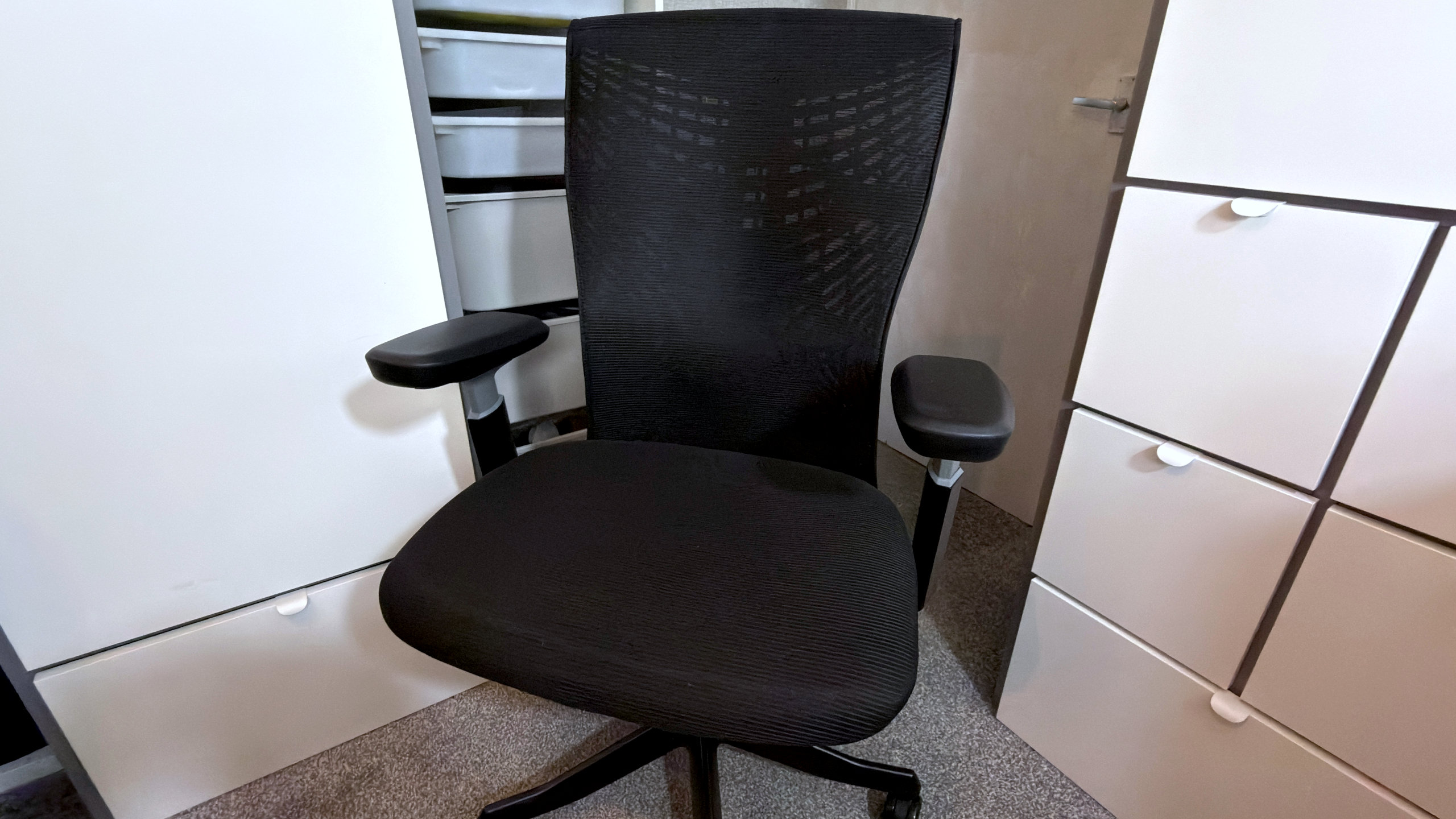
I am getting ahead of myself, though, so let me start with the basics. Autonomous has designed its chair with the ‘all-day PC enthusiast’ very much in mind, and the ErgoChair Ultra 2 (sometimes listed as the Chair Ultra V2) ticks off every box you’d expect for such a product, such as 4D adjustable arms and an expansive seat.
One difficulty with reviewing chairs, office or gaming, is that there is a considerable degree of subjectivity to it all, rather like with keyboards and mice. What’s comfortable or convenient for one person can be awkward and annoying for someone else, so it’s worth knowing my own specifications before I discuss those of the Autonomous chair.
Chair dimensions: 71 x 71 x 104-117 cm / 28 x 28 W x 41-46 inches
Max user weight: 145 kg / 320 lbs
Seat height range: 46-58 cm / 18-23 inches
Seat depth range: 46-52 cm / 18-20.5 inches
Seat recline range: 25°
Weight: 16.6 kg / 36.5 lbs
Price: $499
With a height of 184 cm (72.8 inches) and a weight of 68 kg (149.9 lbs), I’m the human equivalent of a giant stick insect, all arms and legs, and not much in the way of any padding around my posterior, if you catch my drift. I generally avoid mesh chairs, favouring dense foam ones, because they often lack enough support for my bony frame.
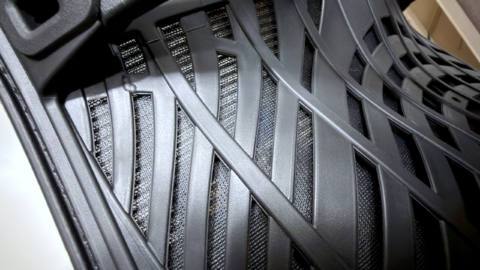
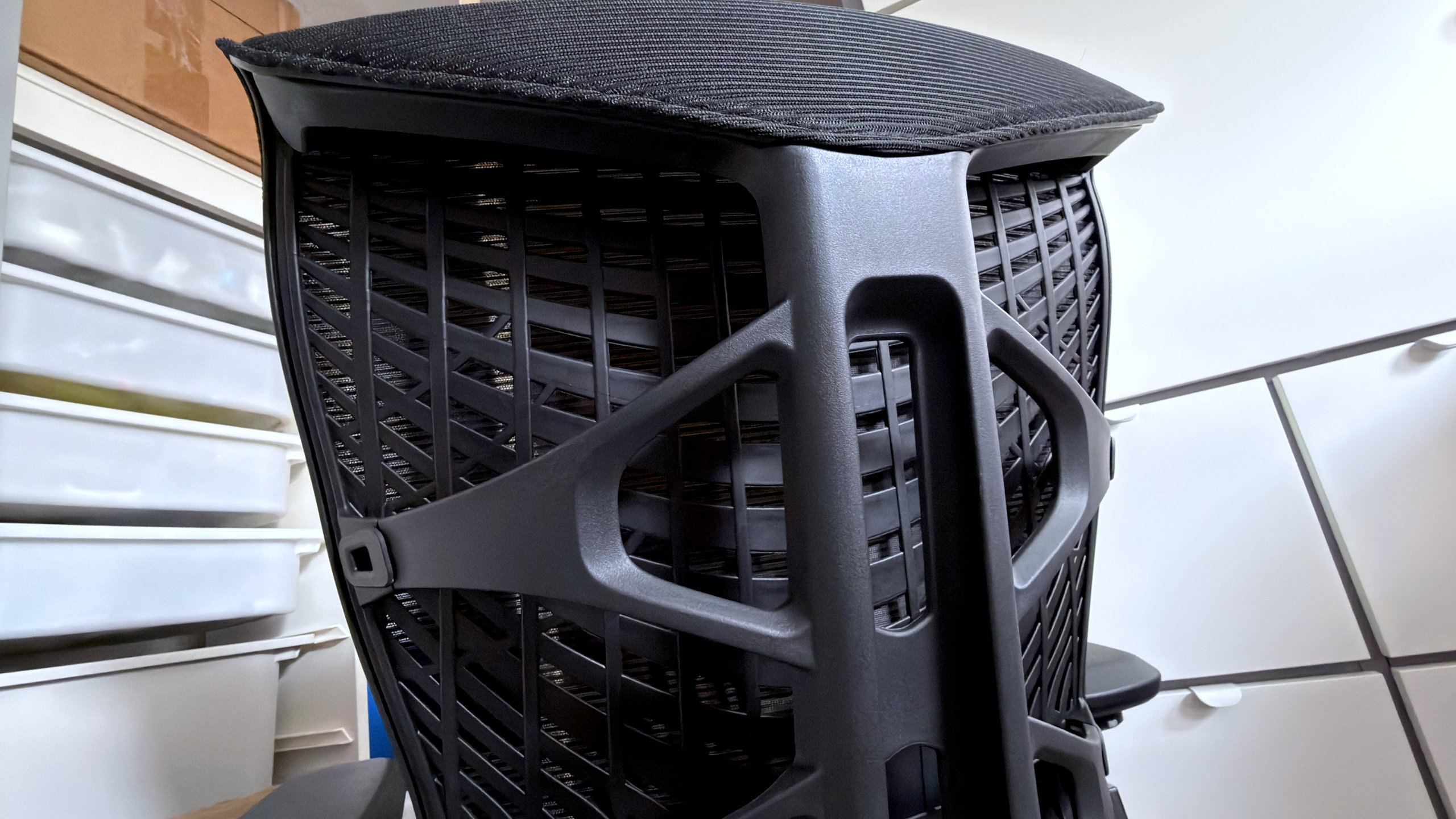
The ErgoChair Ultra 2 is the first mesh chair I’ve used where I’ve had no problems with back or seat comfort, and in the case of the former, the flexible spine helps by no small degree. Rather than using a rigid steel or aluminium frame, Autonomous designed a polymer structure that looks like alien cartilage.
That holds the seat back in place but also permits it to twist and flex slightly, and along with the polymer back itself, the whole thing does a good job of supporting my frame. There are no dials, knobs, or levers for adjusting anything: You just sit back, and the whole thing effectively moulds to, and fully supports, your shape. By not using metal here, the chair is also quite a bit lighter and easier to move about than your average gaming chair.
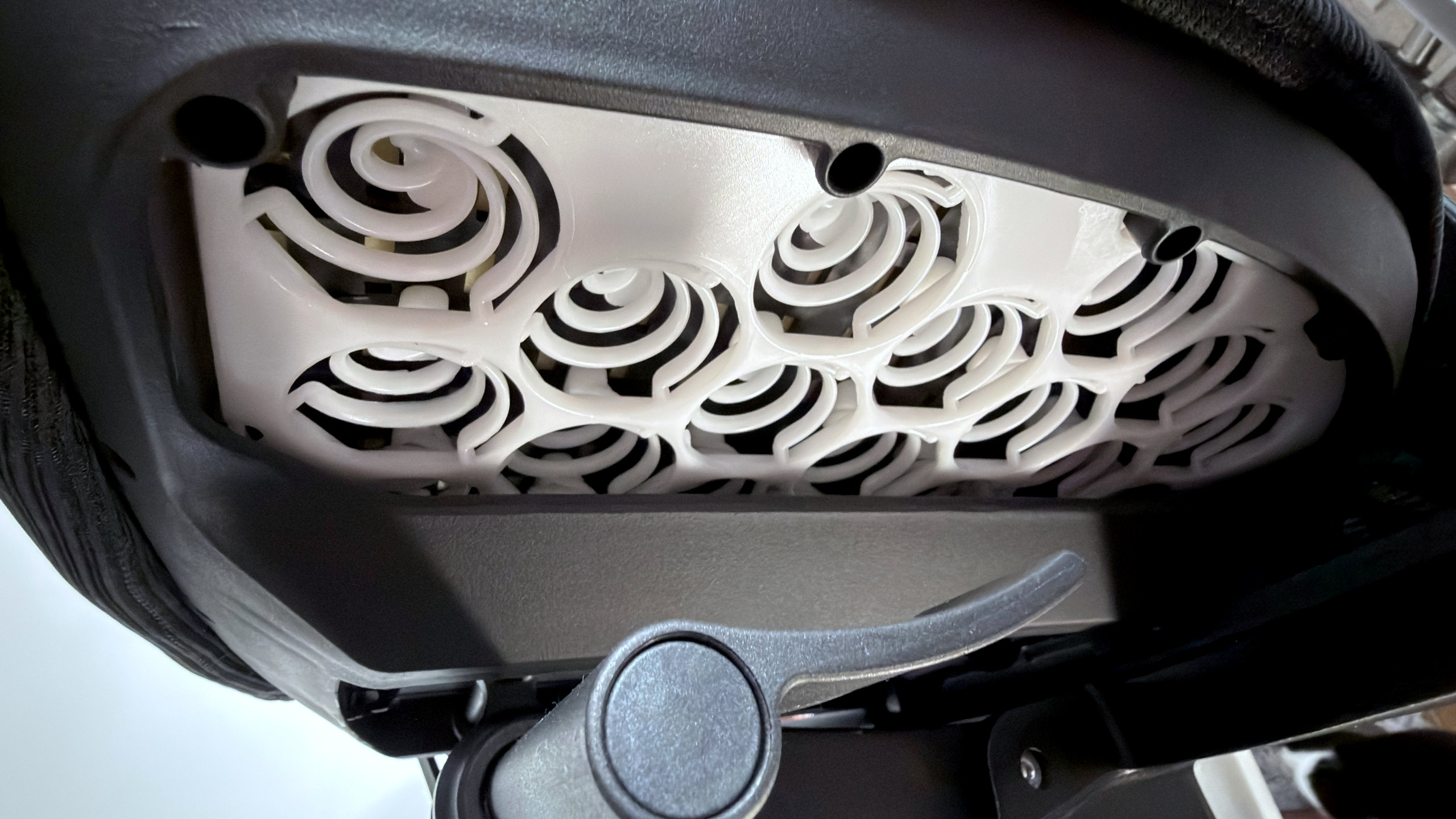
A similar approach has been used for the seat, in that underneath the foam pad, there is an array of polymer ‘springs’, though it’s not quite as supportive as I’d like. I can sit all day in the ErgoChair Ultra 2 without too much issue, but I’d prefer a few more centimetres of foam in the pad. As it is, the seat doesn’t feel as plush as the back, even though it’s very spacious.
One function I do appreciate about the Autonomous design is that the seat depth is adjustable. Simply pull out a handle in the seat base, and the whole thing can easily slide back and forth by a few inches, giving taller people more thigh support. The only thing I don’t like about this system is that shuffling the chair around while sitting in it causes the seat to ‘clunk’ about. That movement is only very small, but it does reduce the overall feeling of sturdiness.
Speaking of which, while the overall build quality is very good, the 4D adjustable armrests let down the package a touch. They’re altered for height by pressing a small catch on the underside, but everything else (lateral and horizontal location, rotation) is done by simply pushing or pulling the rest into the desired position.
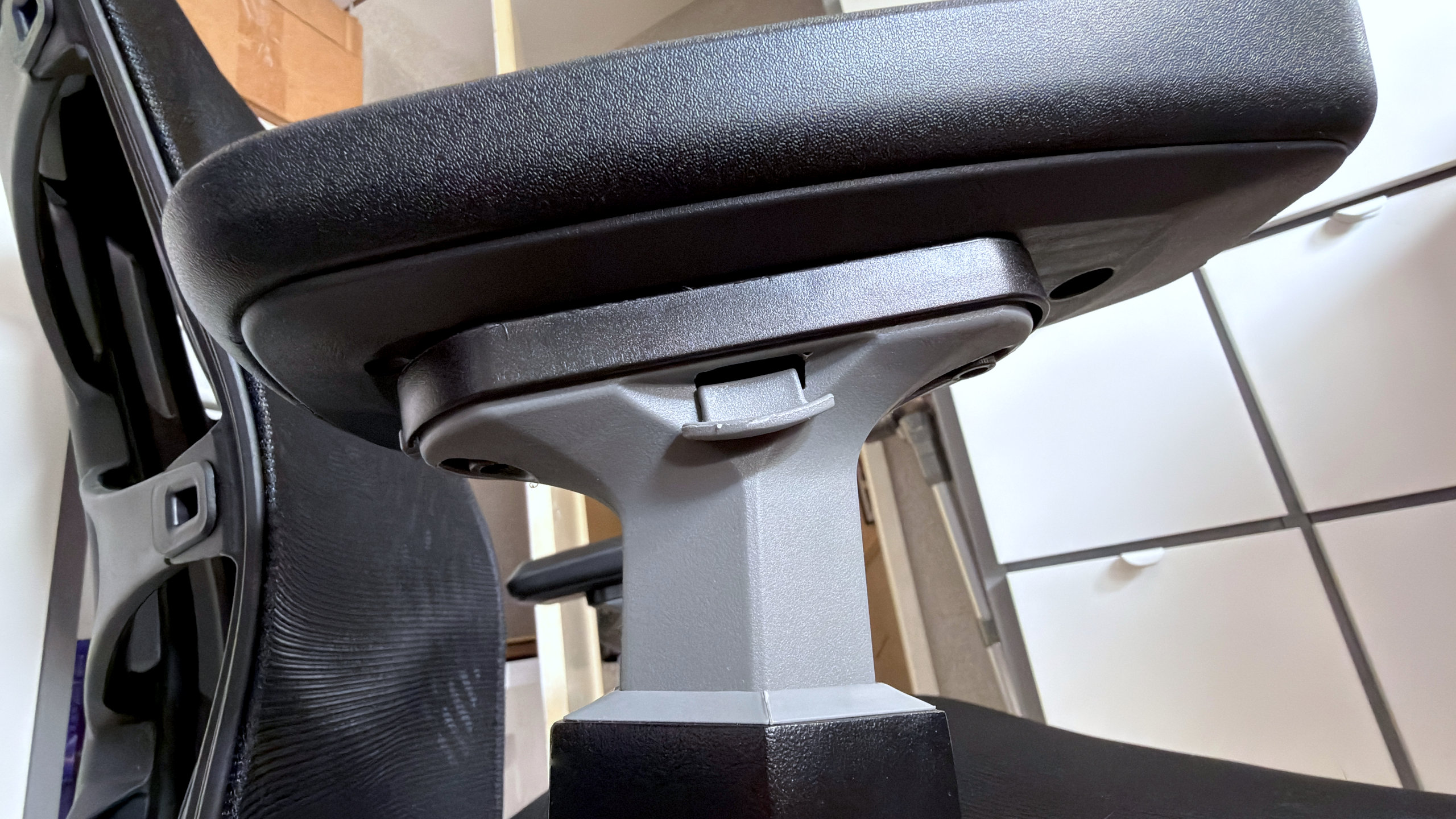
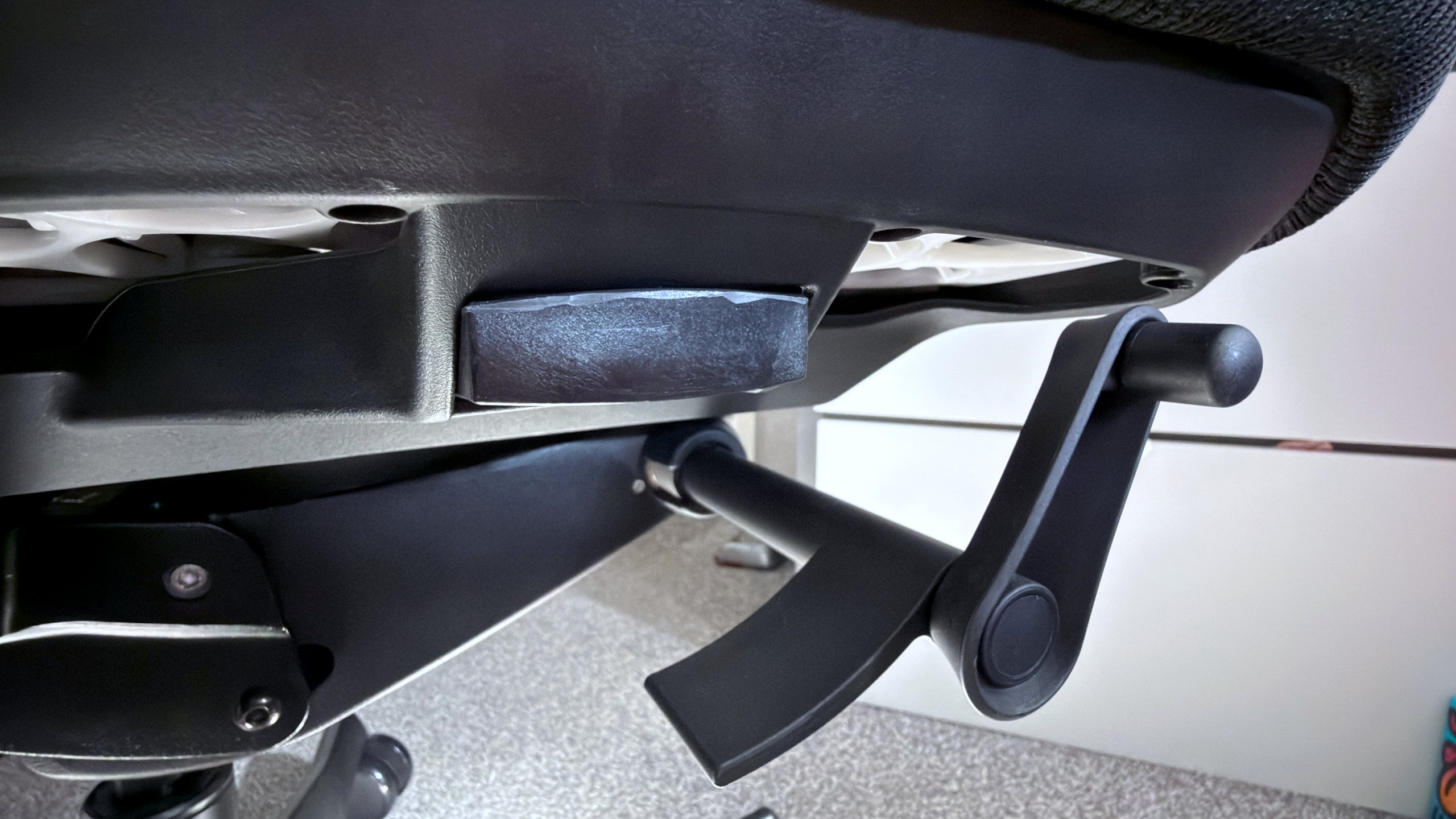
That’s very easy to do, but it’s actually too easy, and if you grab or lean on the armrests to move the chair about on a thick carpet, the rests will quickly slide out of position. Conversely, the height adjustment is quite stiff, and the arms tend to stick a little in the housing. A dose of silicone spray helped, though a better design would remove the problem altogether.
If you’ve just spent a good amount of time setting up the arms to suit your needs, you’d be rather annoyed that you’d have to do this all over again, simply because you needed to move the chair by pushing on the arms. On a smooth floor, tiled or laminated, this doesn’t happen, but if your office/gaming den is carpeted like mine, it’s something to be aware of with the Autonomous chair.
There are a couple of rough edges on parts that have been manufactured using injection moulding, too. Nothing to cause any harm, and unless you look for it, you’re unlikely to notice it. But it’s just one more thing that takes a little bit of shine off the Autonomous’ otherwise high levels of quality.
✅ You want a comfortable, well-built office chair that won’t ruin your spine: By using a clever, self-flexing design for the back, you don’t need to fiddle about with dials and levers to get the support you need
❌ You want top value for money: The ErgoChair Ultra 2 lacks features that the competition includes for the same price or less, such as head/footrests.
More so when you consider it costs $499. That’s not super expensive for the market sector Autonomous is targeting, but neither does it have the playing field to itself. For example, ThunderX3 and Flexispot both make excellent mesh office chairs and are highly competitive on price and features. Meanwhile, the ErgoChair Ultra 2 doesn’t sport footrests, and if you want a headrest, then you’ll need to spend $50 more for the Plus model.
With $75 to $100 knocked off the price tag, you’d have no reason at all to complain, and I’d recommend the Autonomous ErgoChair Ultra 2 without hesitation. At a dollar shy of five hundred bucks, however, I’d suggest that you weigh up the chair’s strengths—flexible back support, low weight, adjustable seat depth—against your specific needs and what the competition offers first.
There’s no shortage of great chairs to choose from these days, after all.
About Author