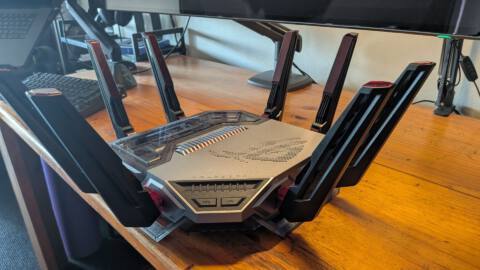
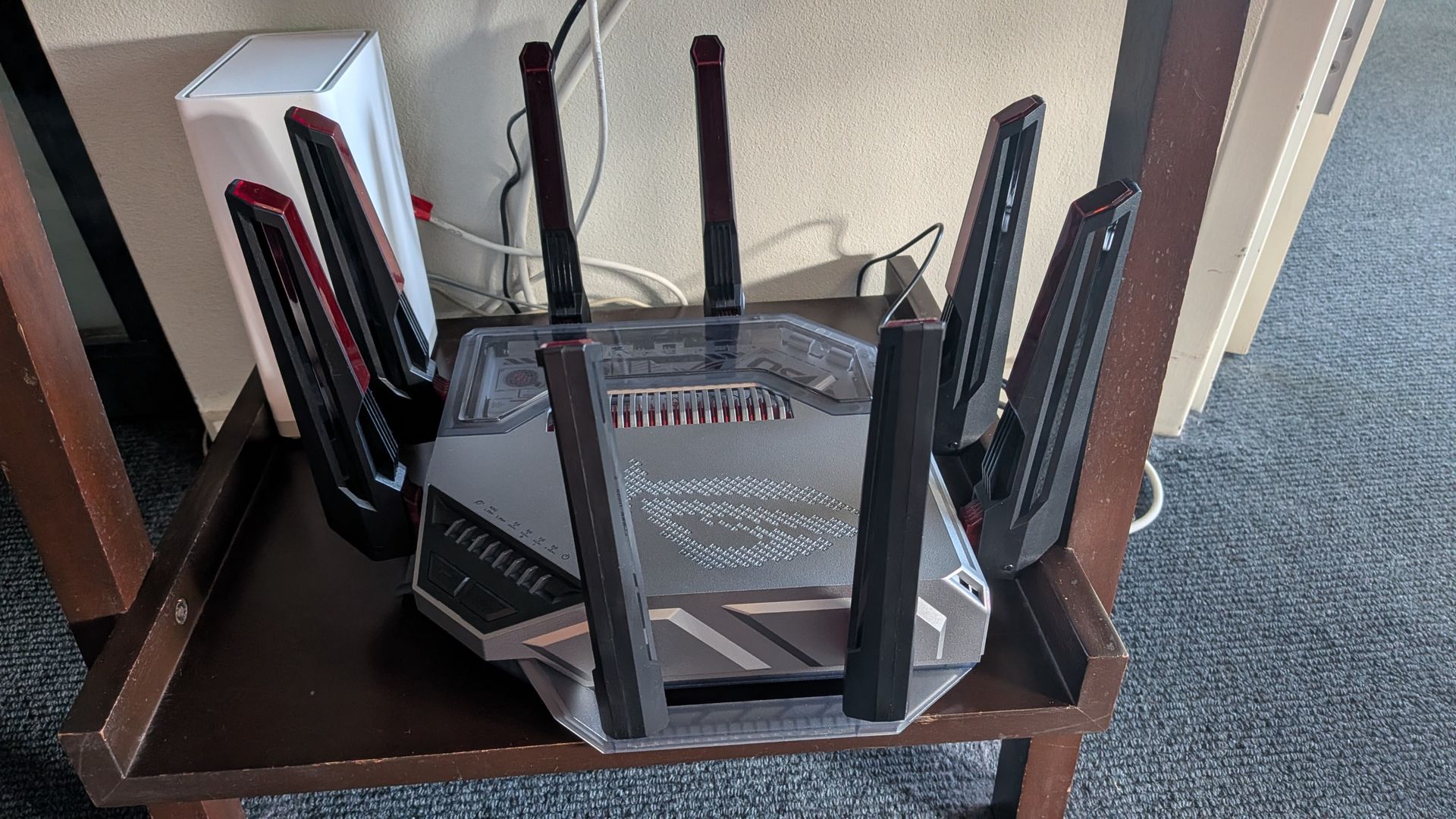
We’re not surprised that Asus has delivered the first Wi-Fi 8 router. The company has been ruling the router roost recently and notably broke the 3,000 Mbps transfer-rate barrier with its AI-enhanced, ROG Rapture GT-BE19000AI Wi-Fi 7 gaming router. That’s old hat now that its functionally-identical Wi-Fi 8 sibling, the Asus ROG Rapture GT-BN98 Pro, is here. Or is it?
Wi-Fi 8 (also known as 802.11bn) is expected to be officially ratified in late 2028. By the time you read this, at least four routers will have hit the market, but no laptops (or other devices) are in sight. But, that shouldn’t matter.
We’ve spent some time in the last year testing top-tier Wi-Fi 7 set-ups, and seeing they can be faster than some 10 Gbps wired connections, so why do we need another Wi-Fi generation? However, unlike previous generations, Wi-Fi 8 isn’t about delivering more speed, it’s about delivering a more-reliable signal (including more-robust uploading), to new and old devices alike, in crowded Wi-Fi environments, over greater distances, in real-world environments.
Network standard | WiFi 8 (802.11bn) (Draft) |
Speed | Wi-Fi 24.43 Mbps |
Operating frequency | 2.4 GHz, 5 GHz, 6 GHz |
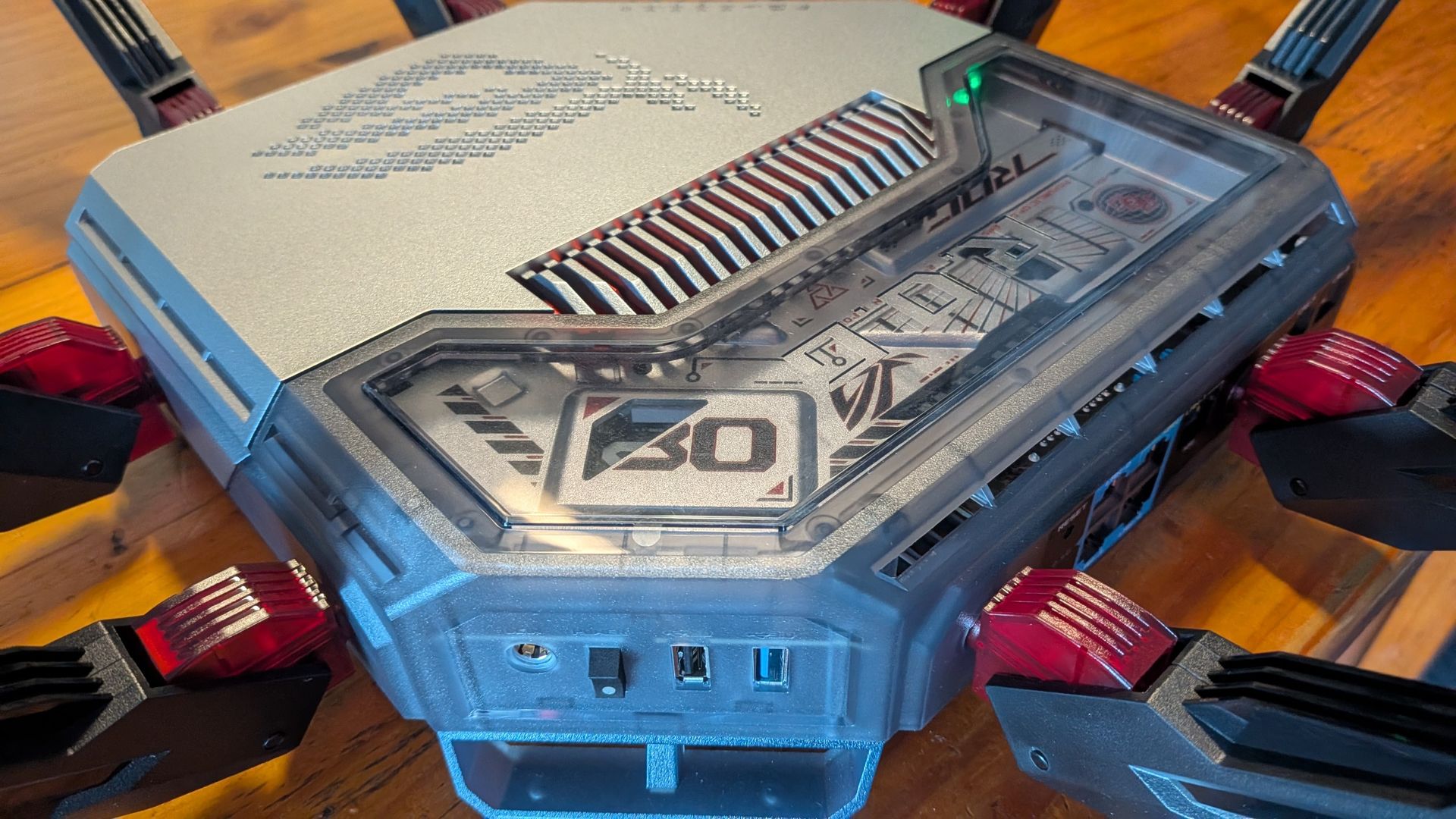
Connectivity | 1× 10 Gbps WAN/LAN, 1× 2.5 Gbps WAN/LAN, 1× 10 Gbps LAN, 3× 2.5 Gbps LAN, USB 3.2 Gen 1, USB 2.0 |
Features | Quad-Core CPU w/ NPU, parental controls, edge security controls, game acceleration, Docker, Portainer, AiQoS, multi-SSID, Alexa and Google voice assistants |
Dimensions | 350.41 x 350.41 x 220.6 mm |
Weight | 2.07 kg |
Price | ~$999 / £790 |
This should particularly benefit networks with numerous IoT and smart-home devices; gamers who require reliable, very-low latencies; people in high-density apartment blocks; industrial facilities filled with metal and RF interference; and streamers uploading live footage.
That pretty much covers everyone.
Aficionados will know that the technologies used to manifest these advances are denoted by a smorgasbord of acronyms and Wi-Fi 8 doesn’t disappoint…
Primary benefits stem from Modulation and Coding Schemes (MCS) that support Unequal Modulation (UEQM). This means that, when you move further away from the signal, the smoother the performance drop-off curve will be. With previous generations, whenever the signal-to-noise (SNR) ratio increased at distance, performance plummeted down to a lower performance tier in a harsh, stepped fashion. This new technology provides better performance at mid-to-long range.
Other core benefits stem from Enhanced Long Range (ELR) and Distributed-Tone Resource Unit (DRU) technologies. The former enhances weak connections with extra, back-up data packets and a stronger signal designed to benefit device connections at the edge of a network (including outdoors and in sheds and garages). This means low-powered devices will connect more reliably without dropping-off your network – essentially extending their range.
DRU augments this by distributing a signal across a wider spectrum. This doesn’t just strengthen distant connections, but (sometimes significantly) will improve upload speeds from networked devices.
Multi-AP Coexistence is a category of technologies that describes how nearby routers can work together: Coordinated Beamforming (Co-BF) enables multiple access points to exchange information and map out the fastest, most-efficient channels to devices. Coordinated Spatial Reuse (Co-SR) sees nearby wireless access points adjust transmission power dynamically, allowing them to transmit on the same channel simultaneously without drowning each other out. Coordinated Time-Division Multiple Access (Co-TDMA) sees neighbouring routers agree upon dividing up (and sharing) transmission slots to benefit everyone, instead of fighting for bandwidth. Non-Primary Channel Access (NPCA) lets an access point use secondary (sub) channels, if the primary channel gets blocked. Seamless Multi-Link Operation (Seamless MLO) facilitates smoother roaming across wireless nodes. This all makes wireless networks faster and more reliable in crowded environments.
Finally, there’s Dynamic Sub-Band Operation (DSO) which carves-up a wide wireless channel into smaller 20Hz or 40Hz blocks to suit narrow-band devices. Plus, Enhanced Distributed Channel Access (EDCA) which upgrades standard wireless traffic queues to reduce access delays in real-time, benefitting low-latency applications like voice, AR/VR and gaming.
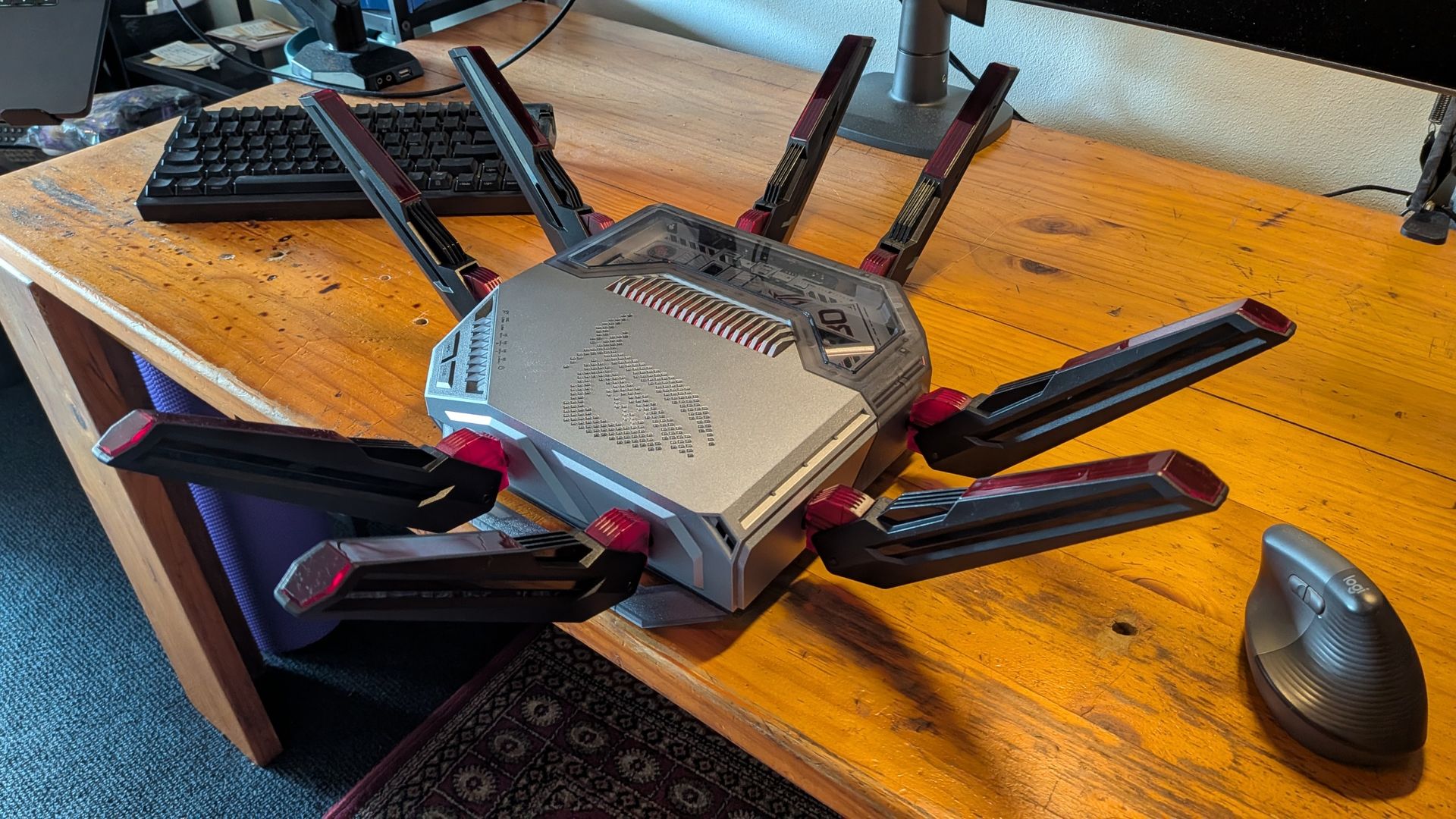
With all that ringing in your ears, how does the GT-BN98 Pro, with its two 10 Gbps ports and quad-band 24.4 Gbps wireless speed, actually perform? We ran an extended-version of our usual tests in our Sydney weatherboard cottage. This involves downloading large video files to a fast, Wi-Fi 7 laptop, from a tethered 10 Gbps Synology NVMe NAS up close, two rooms away and 15 metres away outside in the garden.
We compared it to our daily driver, the TP-Link Deco BE85 Wi-Fi 7 mesh which has undergone countless updates since our initial review, plus the ROG Rapture GT-BE19000AI which broke 3,000Mbps.
Up close the GT-BN98 registered 1,788 Mbps, which is fast but significantly behind the BE19000AI’s 3,052 Mbps and the Deco’s 2,500 Mbps.
Two rooms away, the GT-BN98 dropped to 894 Mbps which is significantly faster than any of its Wi-Fi 7 siblings which struggle to get past 500 Mbps at this distance. The Deco’s mesh managed 1,650 Mbps thanks to its nearby node.
In the garden, performance dropped to 120 Mbps for the GT-BN98, which is significantly better than the 12 Mbps of the BE19000AI but a long way off the Deco’s (third-node-augmented) 280 Mbps.
So, while it’s not the fastest up close (yet), we can already see Wi-Fi 8’s benefits at distance.
I then repeated the tests on the GT-BN98 and the Deco with 4K YouTube running on a networked PC and a Netflix movie running on a smart TV.
The GT-BN98 registered 1,647 Mbps up close, 695 Mbps two rooms away and 120 Mbps (again) outside. The Deco scored 1,526 Mbps, 1,490 Mbps and 280 Mbps respectively. This illustrates that there’s minimal performance drop-off on a busy network, at all distances, for the Wi-Fi 8 router, while performance drop-off is much-more pronounced, at high speeds, on the top-performing Wi-Fi 7 mesh.
While we had the opportunity to test a second, tethered GT-BN98 connected as an access point, we didn’t have a computer that had a 10Gbps Ethernet connection to gather any meaningful, non-bottlenecked results.
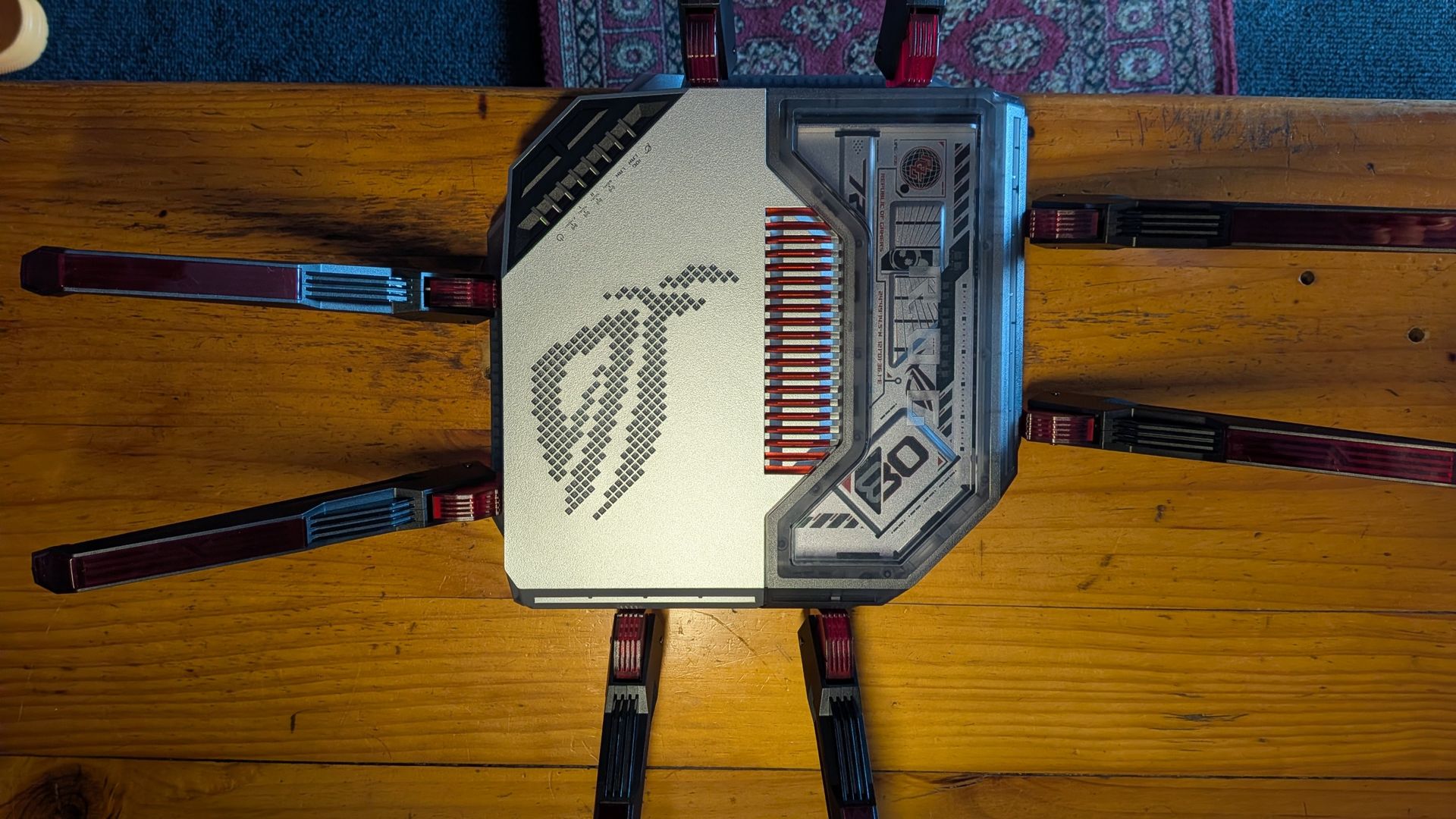
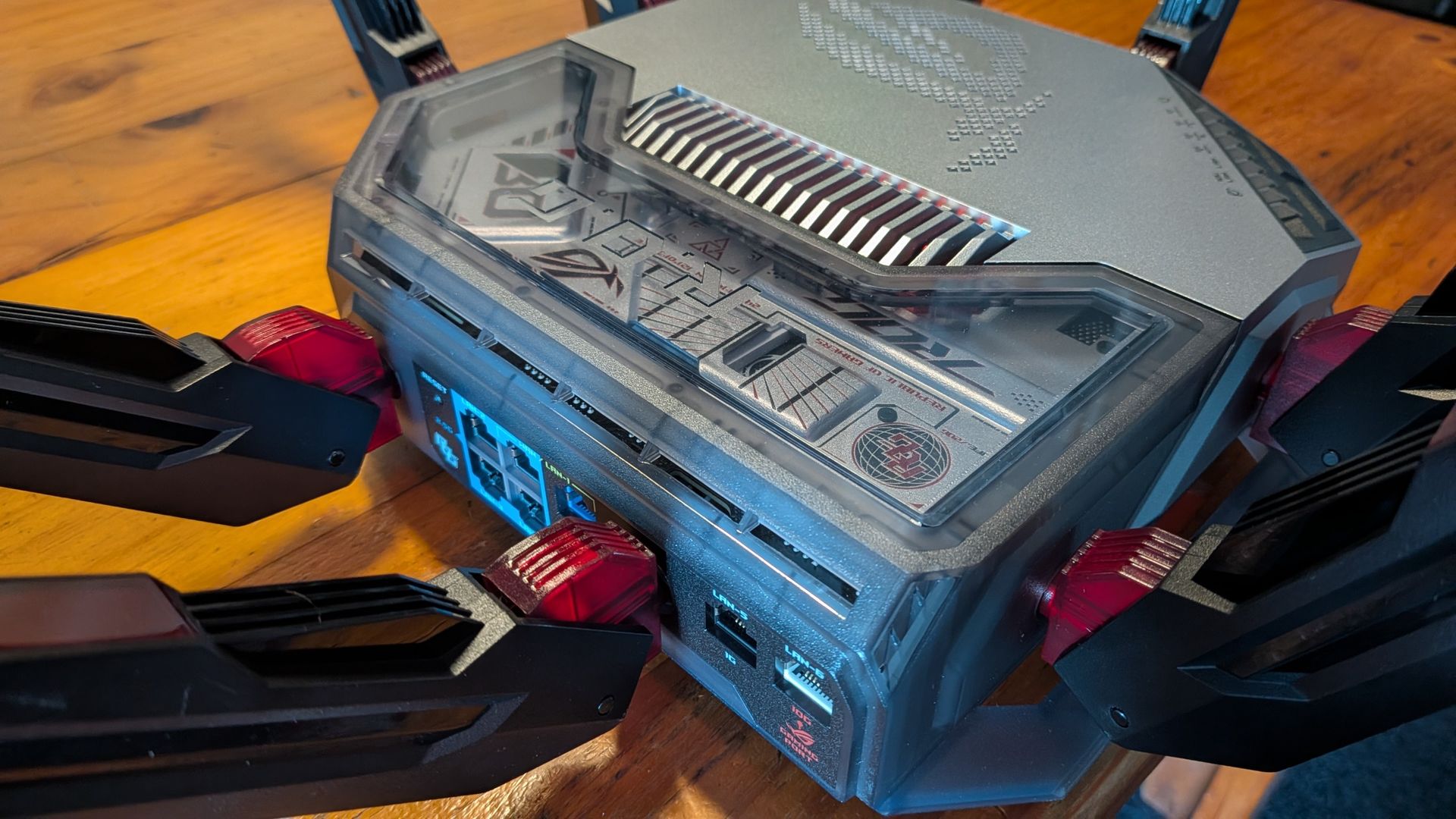
Ultimately, the scores are what we expected for a first-gen product: raw-speed can’t match mature, top-tier Wi-Fi 7 routers yet, but performance holds up better over distance. That’s an early big win for Wi-Fi 8 in general and the GT-BN98 in particular.
Beyond performance, the GT-BN98 is packed with Asus’ market-leading plethora of features which we’ll skirt through this time: competitive gamers get automated latency boosts with preconfigured game acceleration settings for connected computers, consoles and handhelds; extensive network and device-level security features and parental controls are provided sans subscription (unlike TP-Link); there’s media and file server functionality (that even includes Docker and Portainer hosting); SMB-level VPN functionality; and older/cheaper Asus routers can be used as range-extending nodes.
So, should you buy it? At around $999 (£790) it’s certainly not cheap, but when compared to other top-tier gaming routers, it’s not hideously expensive, either. The TP-Link BE85 three-node Wi-Fi mesh still costs $1,200 (plus subscriptions) and isn’t nearly as well featured. Its otherwise-identical Wi-Fi 7 sibling, the GT-BE19000AI, costs $560 less, but that’s suddenly old technology.
About Author