
It’s rare that I review something that I would actually buy right at this moment in time. Even if it’s a good product that I recommend, it’s usually out of my own budget or just not quite at the top of my PC priority list compared to other upgrades. But with the Alienware AW2525HM, I can say that I would 100%, for reals, be considering hitting the purchase button right now if I didn’t already have this review model in front of me.
That’s because it seems designed for people exactly like me: people who are into competitive FPS gaming more than anything else, but who are also on a strict budget.
Not too long ago, I tried out the 600 Hz Zowie XL2586X+. That monitor is perfect for serious tactical FPS players like me, but it also costs *gulp* $1,000. This Alienware is a much more sensible proposition: $250 for a 320 Hz panel. Plus, here you’re getting an IPS rather than a TN panel, and some pretty nice HDR to boot. That’s irrelevant for competitive FPS gaming, but even if you only very occasionally dabble in casual games, it’s nice to have.
Screen size | 25-inch |
Resolution | 1920 x 1080 |
Brightness | 400 nits |
Response time | 0.5 ms (GtG) |
Refresh rate | 320 Hz |
HDR | HDR10 (no VESA cert) |
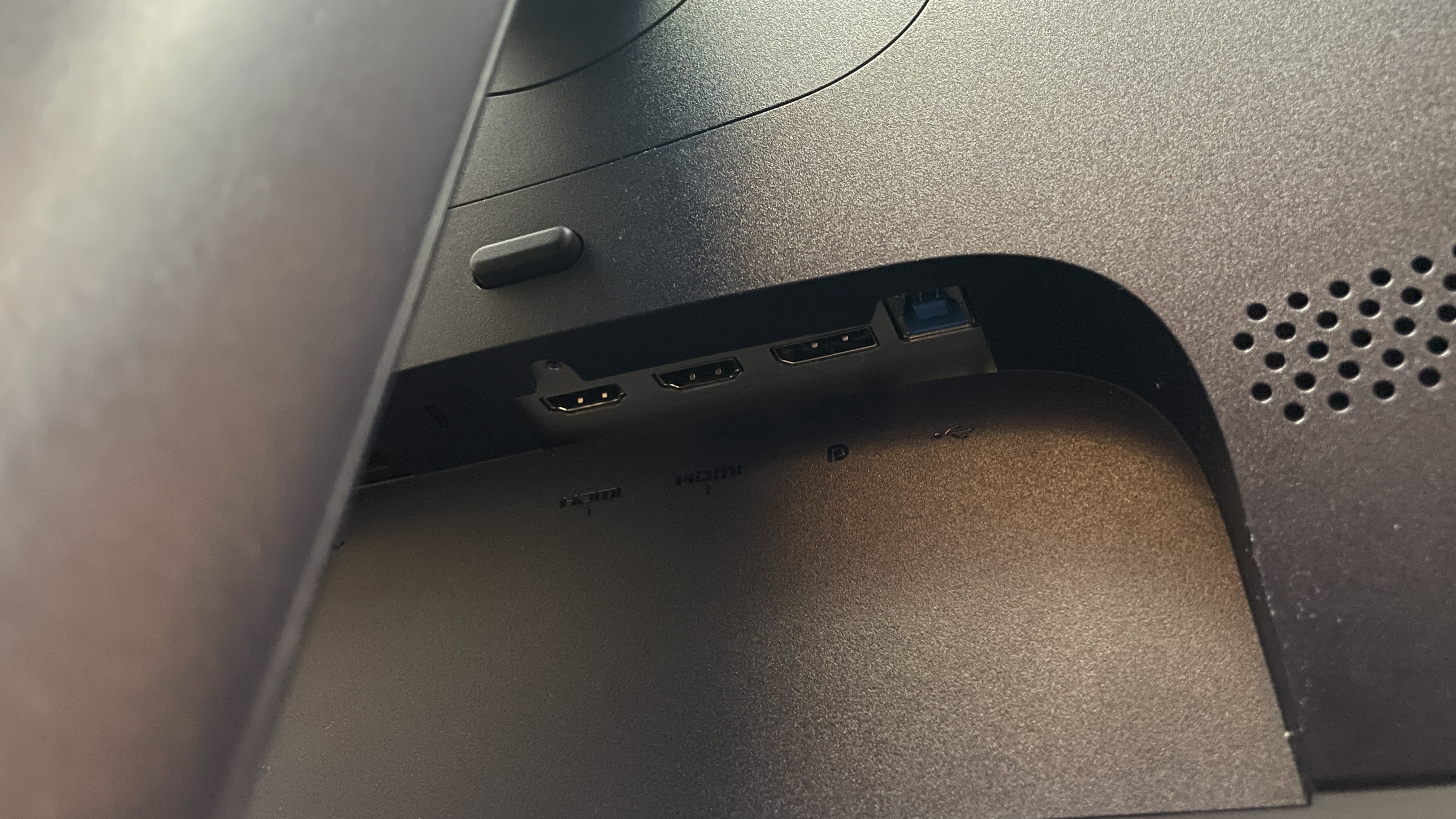
Features | IPS panel, adaptive sync, 2x HDMI 2.1, 1x DisplayPort 1.4, 1x USB Type-B in, 2x USB Type-A out (5 Gbps) |
Price |
✅ You prefer smoothness: This monitor’s colour accuracy isn’t bad, but the main appeal for the price is that 320 Hz refresh rate, which makes games look buttery smooth if you have the frame rate to match and can be a massive boon to competitive FPS gaming.
✅ You want decent HDR for cheap: The AW2525HM might not have an official VESA stamp, but my experience of using it in games that support it has left me impressed.
❌ You want the sharpest image: This monitor doesn’t look bad, but if sharp and vibrant visuals are the main end-goal, you’ll get a better experience even just by getting something with higher pixel density.
❌ You want the absolute best for competitive FPS: This monitor is great for competitive FPS gaming on a budget, but if you can spare a bunch more cash, there are options out there with better motion clarity, such as the Zowie XL2586X+.
Make no mistake, though, both the Zowie and the Alienware here are for a particular market, and that is the competitive FPS gamer. While most similarly priced panels are 1440p, 27-inch deals, monitors for this market skim off a couple of inches and drop down to 1080p resolution.
That’s great for giving a full view of a tactical FPS scene and permitting split-second reactions, and it can help boost your FPS a little, but for other games, higher pixel density and a wider view are probably where it’s at, even if you have to sacrifice some smoothness by dropping the refresh rate.
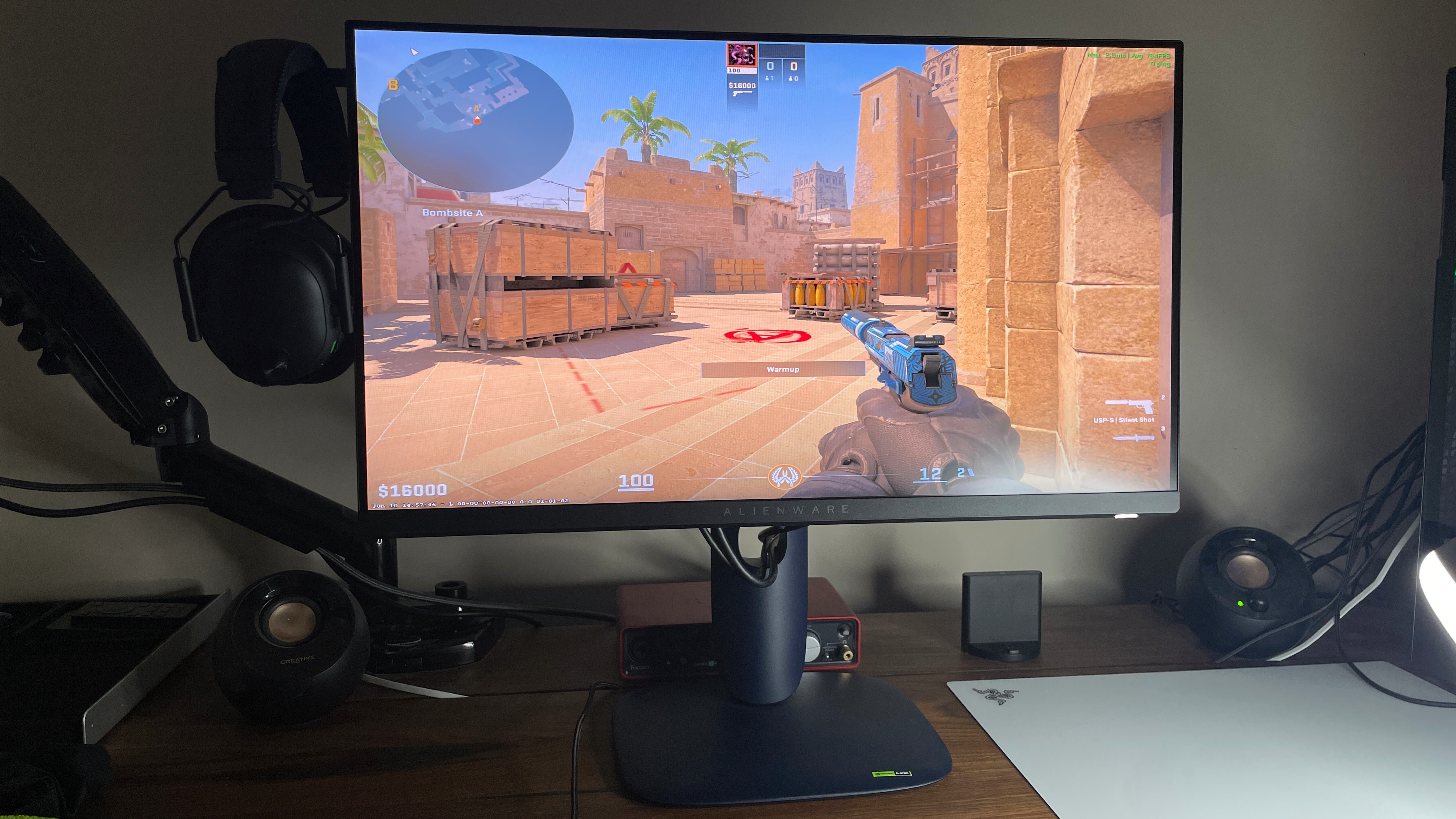
Jumping into Counter-Strike 2 with the Alienware AW2525HM after gaming on a 144 Hz IPS monitor for so long was a surreal experience: I couldn’t quite believe just how much of a difference doubling my refresh rate could make. Flicking my aim felt incredibly smooth, and I felt like I was seeing animations—including, importantly, enemy movements—in more detail and more quickly than I had seen them before. It’s hard to convey just how much better 320 Hz feels than 144 Hz if you’re a competitive FPS gamer; all I can say is the difference is more than noticeable.
That being said, there’s more to smooth and snappy gameplay than just the refresh rate, and this monitor isn’t perfect in at least one other area. That area is motion clarity, which shouldn’t be overlooked for competitive shooters. Unfortunately, the Alienware has significantly more noticeable blur—caused by pixels taking a long time to change colour—than a monitor like the Zowie one, which uses backlight strobing to keep motion very clear. I checked how the Alienware performs in the UFO test, and there’s a definite blur behind the friendly green creature’s flying machine.
Swapping from something as smooth and clear as the $1,000 Zowie, I certainly noticed the difference, even with the Alienware’s overdrive settings enabled and on their highest. (Side note: I noticed little contrast between the three overdrive options, so I kept the middle one selected just in the name of caution, given the ‘extreme’ option would be the most likely to cause inverse ghosting.)
Saying all this, coming from another 144 Hz IPS—as I swapped back and forth between the two for comparison—I didn’t really spot any additional blur in practice. The only thing I noticed was the buttery smooth, increased refresh rate. My brain simply doesn’t register any perceived blur in the face of such a step up in refresh rate. If I had the choice between a 144/165 Hz panel with great motion clarity or this 320 Hz Alienware panel, I’d choose the latter without a doubt.
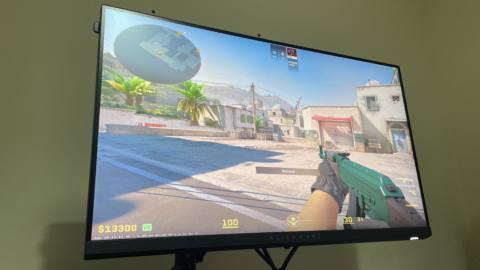
There is some competition in this budget, high refresh rate space, such as the 210 Hz KTC H27T22C-3, for instance, which our Jeremy rated pretty highly after testing. But we’re talking 320 Hz here, and while going from 210–320 isn’t going to be as big of a jump as from 144 or 165, it’s still noticeable, and every little helps if you’re playing competitive FPS games.
Going from 144 Hz to 320 Hz gives a night and day difference in terms of how enjoyable the gameplay is, and it can even improve your personal performance. Using Nvidia’s Latency and Display Analysis Tool (LDAT), I witnessed an end-to-end response time of 7.9 ms at 144 Hz, but a noticeable decrease to 6.1 ms at 320 Hz, tested over 150+ runs each.
It’s also worth noting that this kind of response time matches—in fact, even beats—the response time I saw with the Zowie monitor. It’s as snappy as you could want for competitive gaming, and you’ll only really get better if you opt for an OLED, but even then, any extra you gain won’t be perceptible.
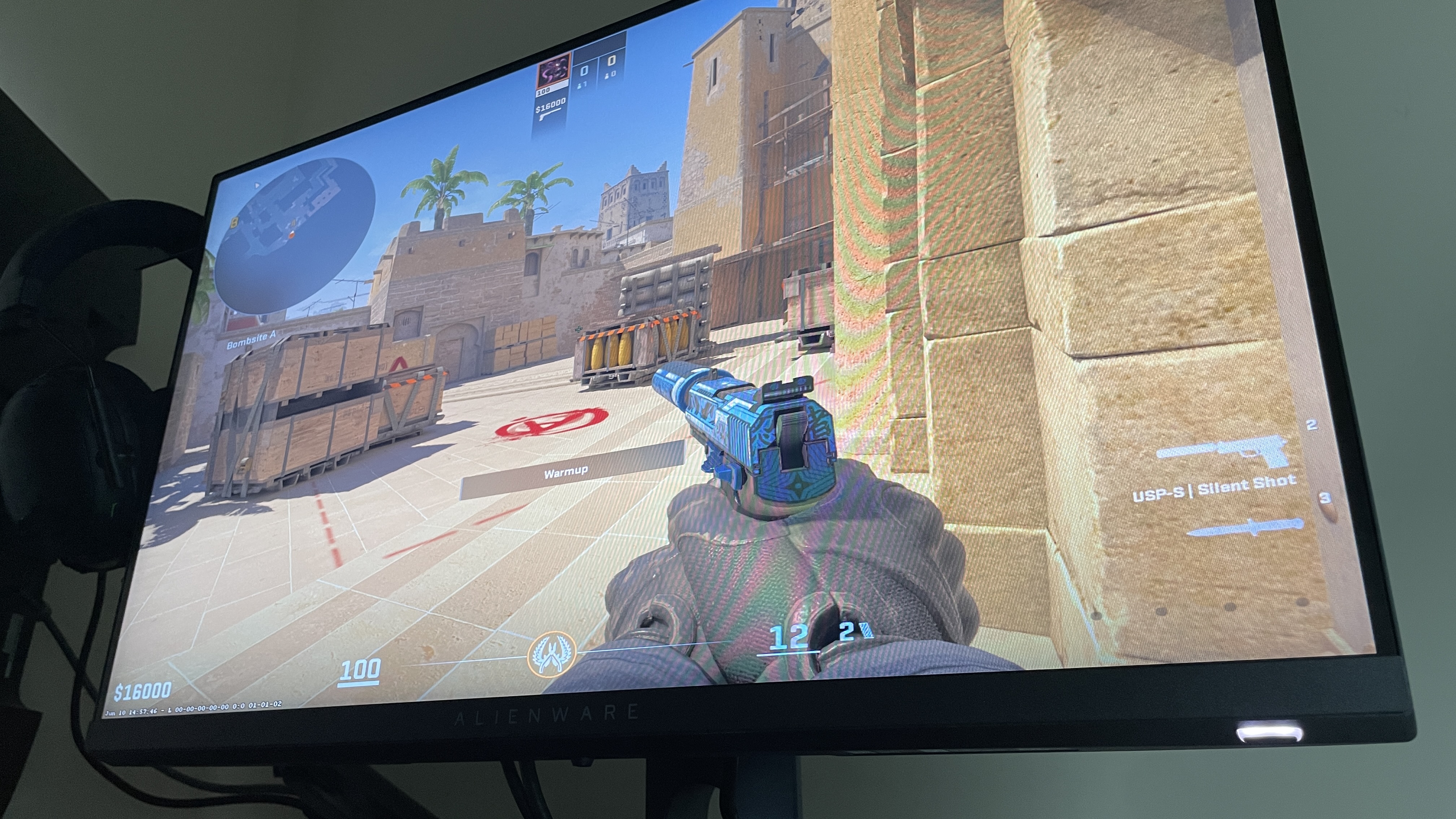
I should also note that I found the darkness stabilisation feature (on its lower setting) genuinely beneficial, which I didn’t expect. This essentially boosts darker areas, which can help you spot enemies more easily in shadowy parts of the map. I now only play CS2 when this is enabled, although I do turn it off when I play casual games, to make sure I’m getting the fully contrasted experience.
Given all this, I’d say this monitor is aimed at, and is ideal for, competitive FPS gamers looking to upgrade from a 144 Hz or 165 Hz monitor on a budget. Assuming their PCs can churn out the 300+ fps needed to make the most of the Alienware AW2525HM, it will be well worth it.
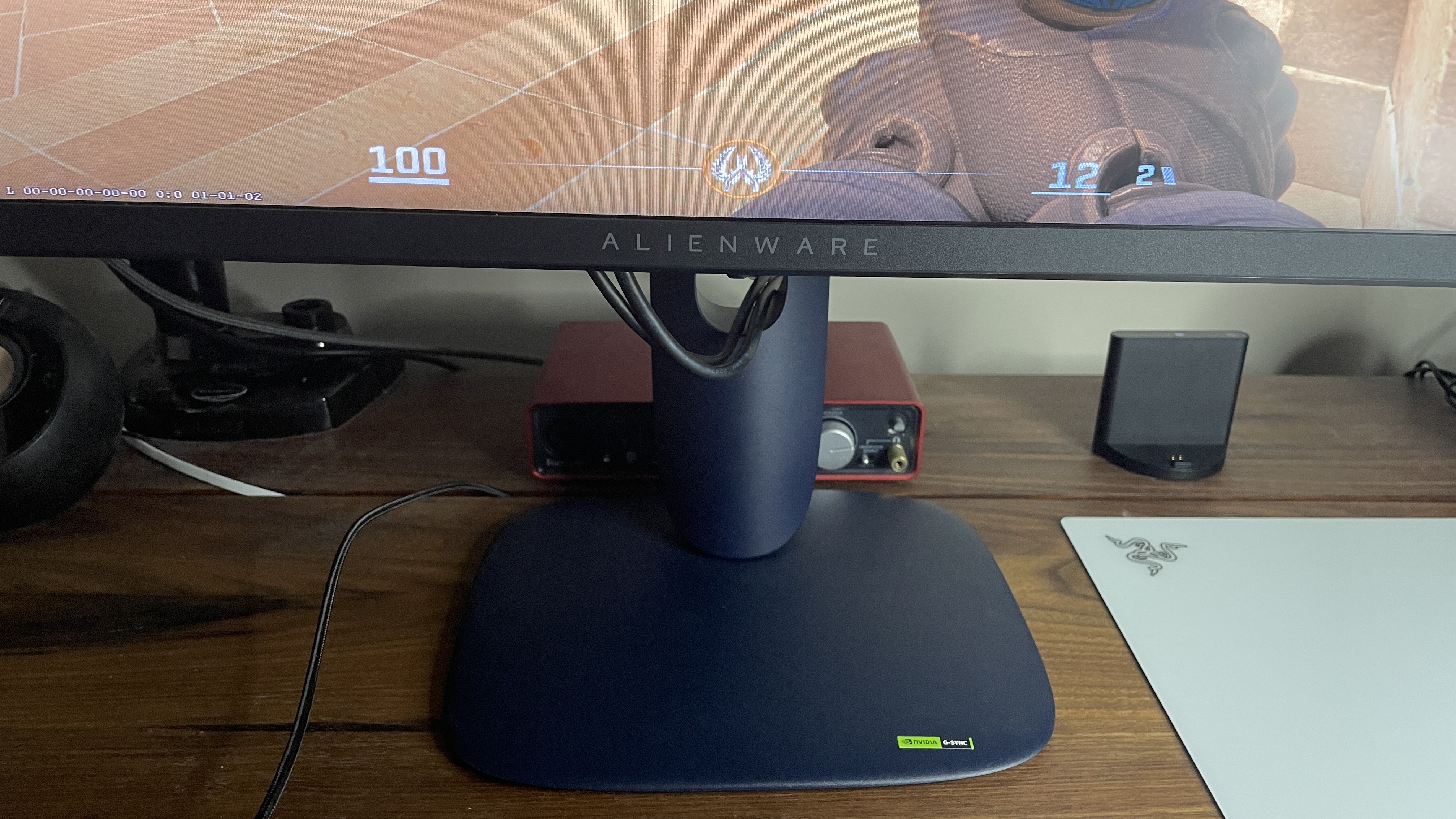
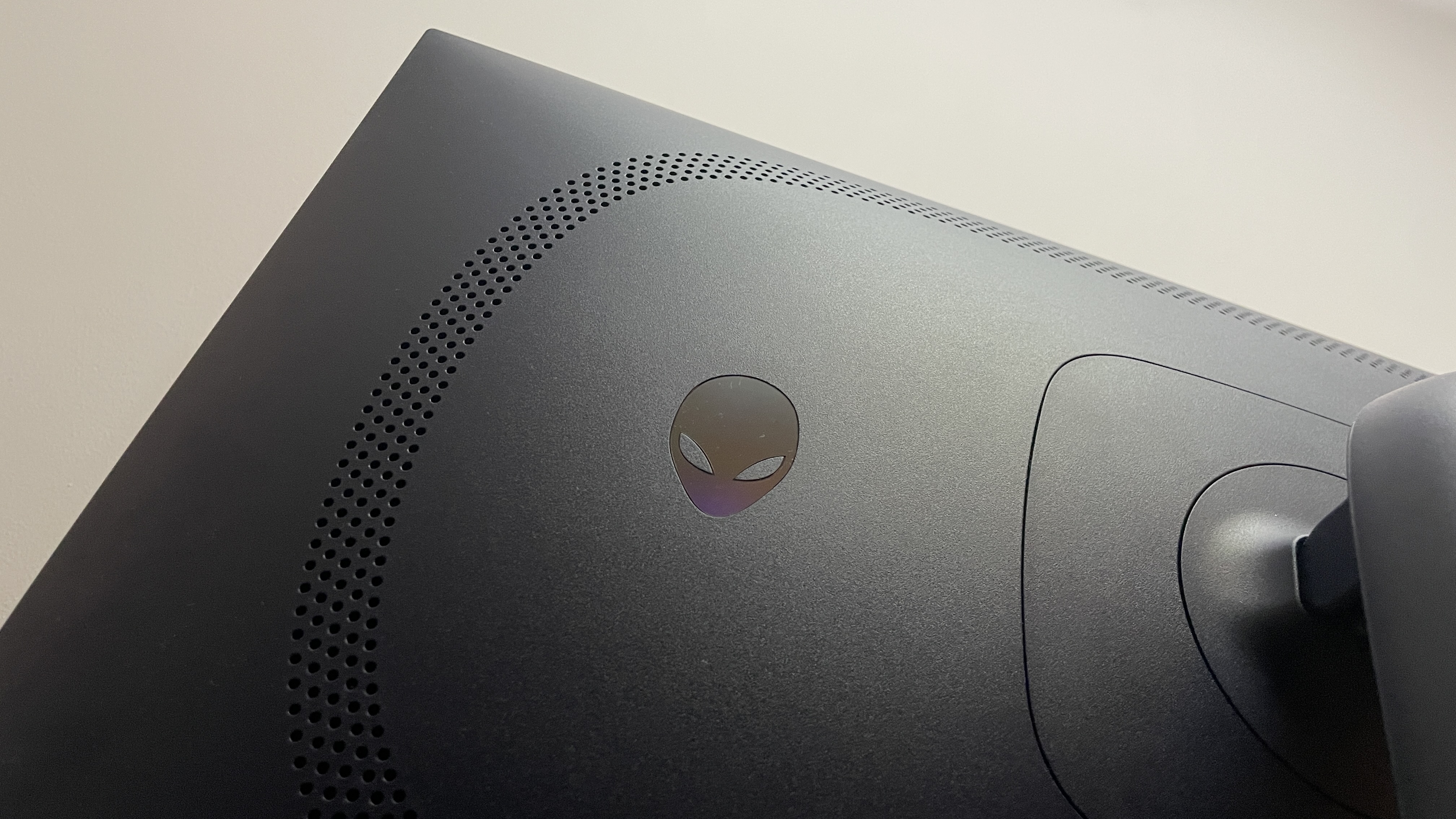
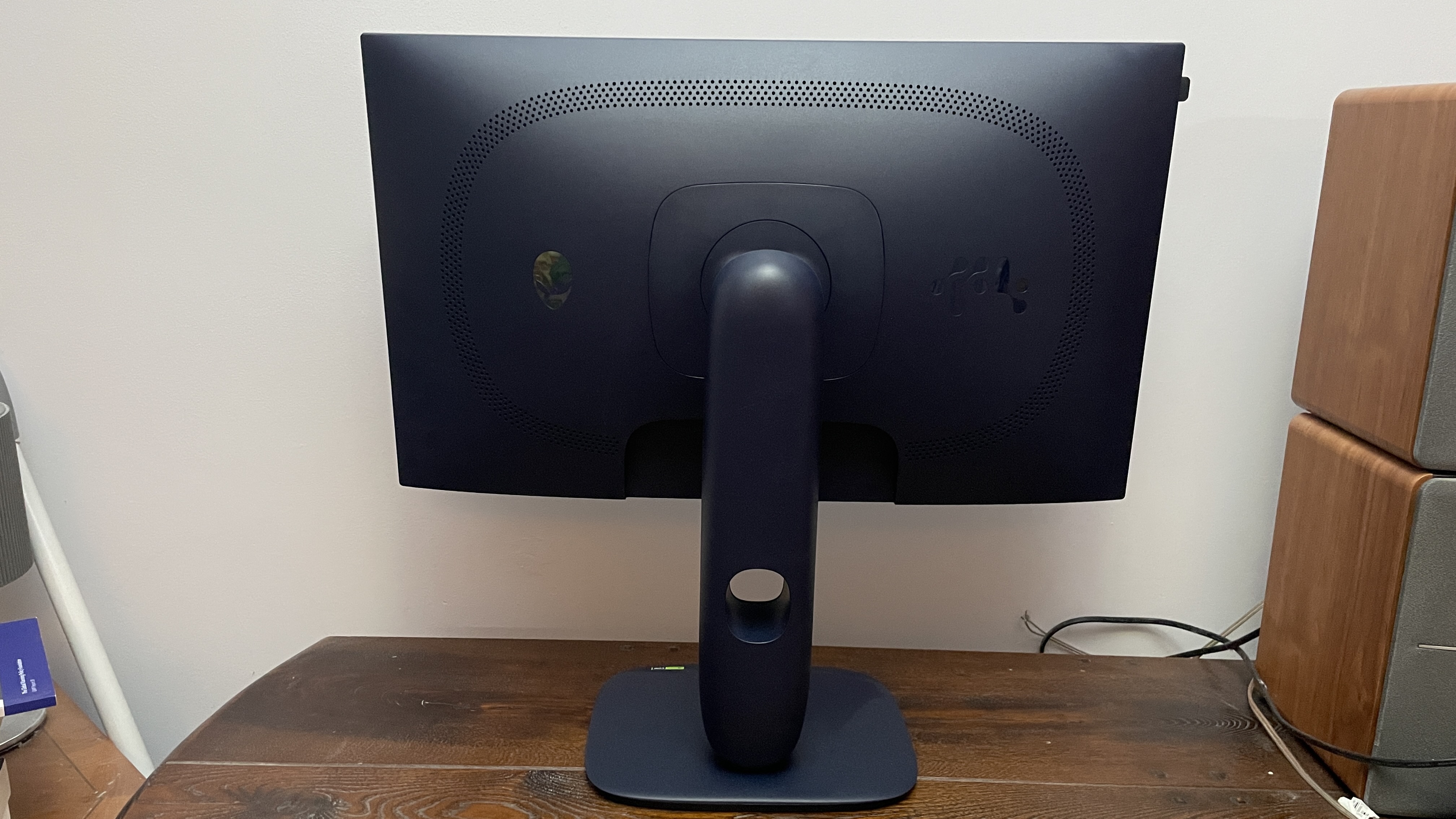
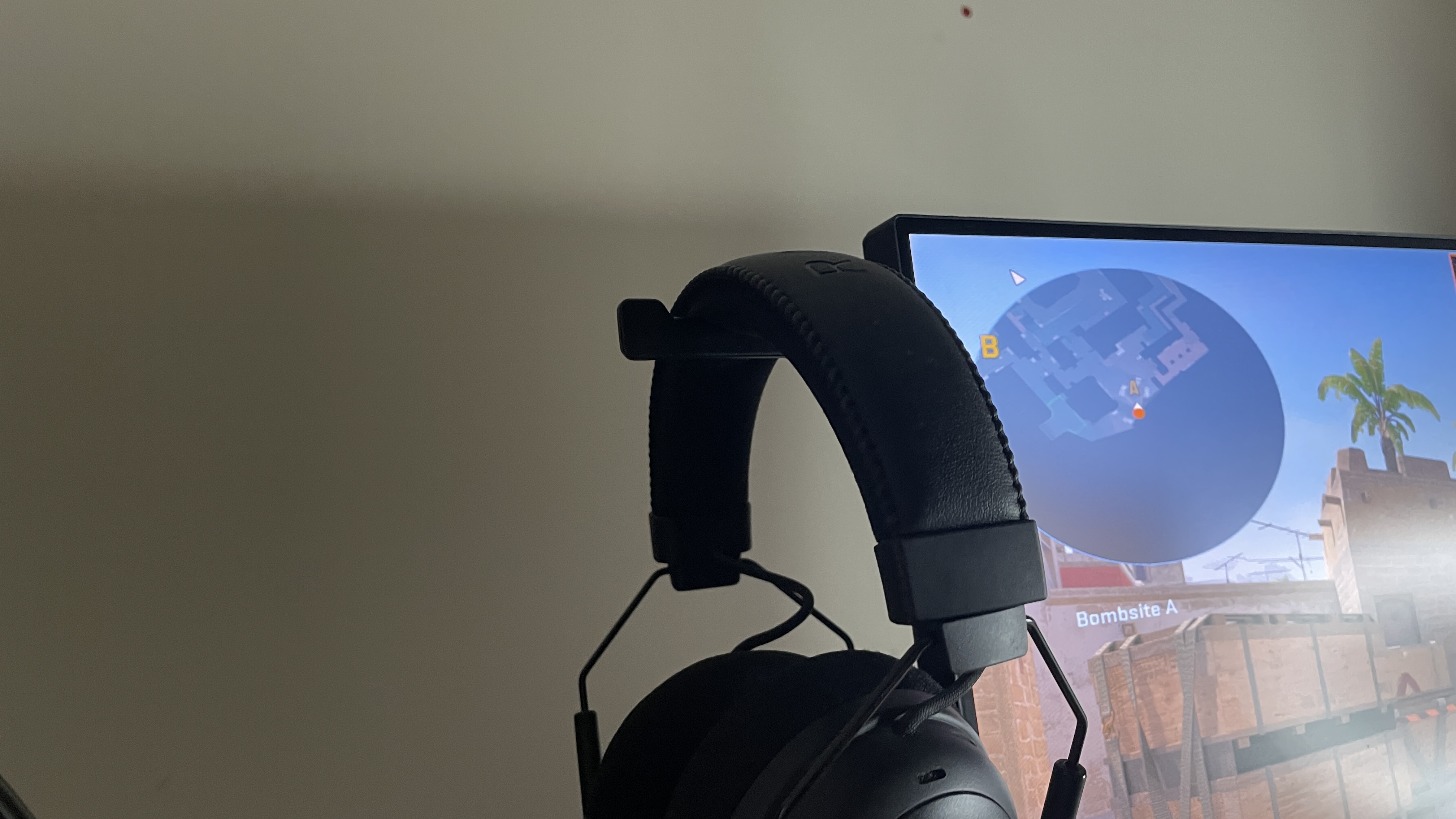
If this doesn’t describe you, it might still be worth it if you’re setting your sights on 1080p gaming. Setting aside the main 320 Hz appeal, the monitor itself looks lovely, with nice thin bezels and an understated but nevertheless distinctly Alien-like adjustable stand. It also has two USB ports with pass-through and a handy shoot-out headphone hook on the left side.
From a casual gaming perspective, one thing I’m pleasantly surprised by is the HDR experience. I didn’t expect much, but actually, after calibrating everything, playing Doom Eternal with HDR on is wonderful. Everything just feels that much more immersive and realistic with it enabled, thanks to the improved colour space and contrast. It’s not advertised as being full-blown HDR, and it doesn’t even seem to have a VESA certification for it, but the colour gamut seems to be wide enough to make for a very eye-pleasing experience.
In fact, the panel is pretty nice in general, too, even without HDR enabled. Brightness seems very uniform to my eyes, and colours seem accurate enough once greens are toned down ever so slightly. But I suppose the question is whether all this is enough in the face of 1440p monitors, which definitely do look sharper thanks to increased pixel density. Given the monitor isn’t bad in respect to colour and brightness, if you think you can crank out the frames to make the most of the refresh rate at 1080p, I’d certainly not rule it out even for casual gaming.
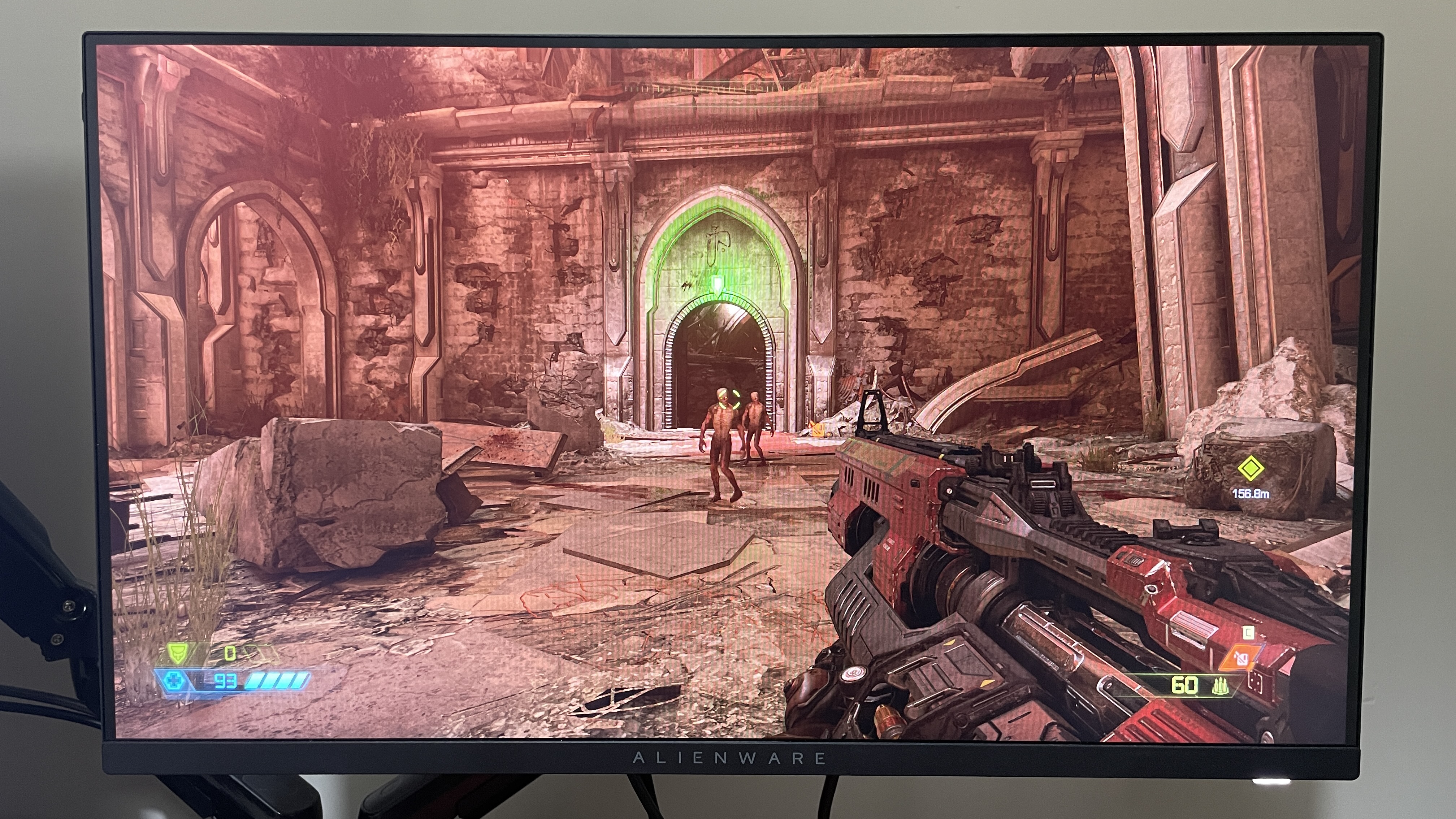
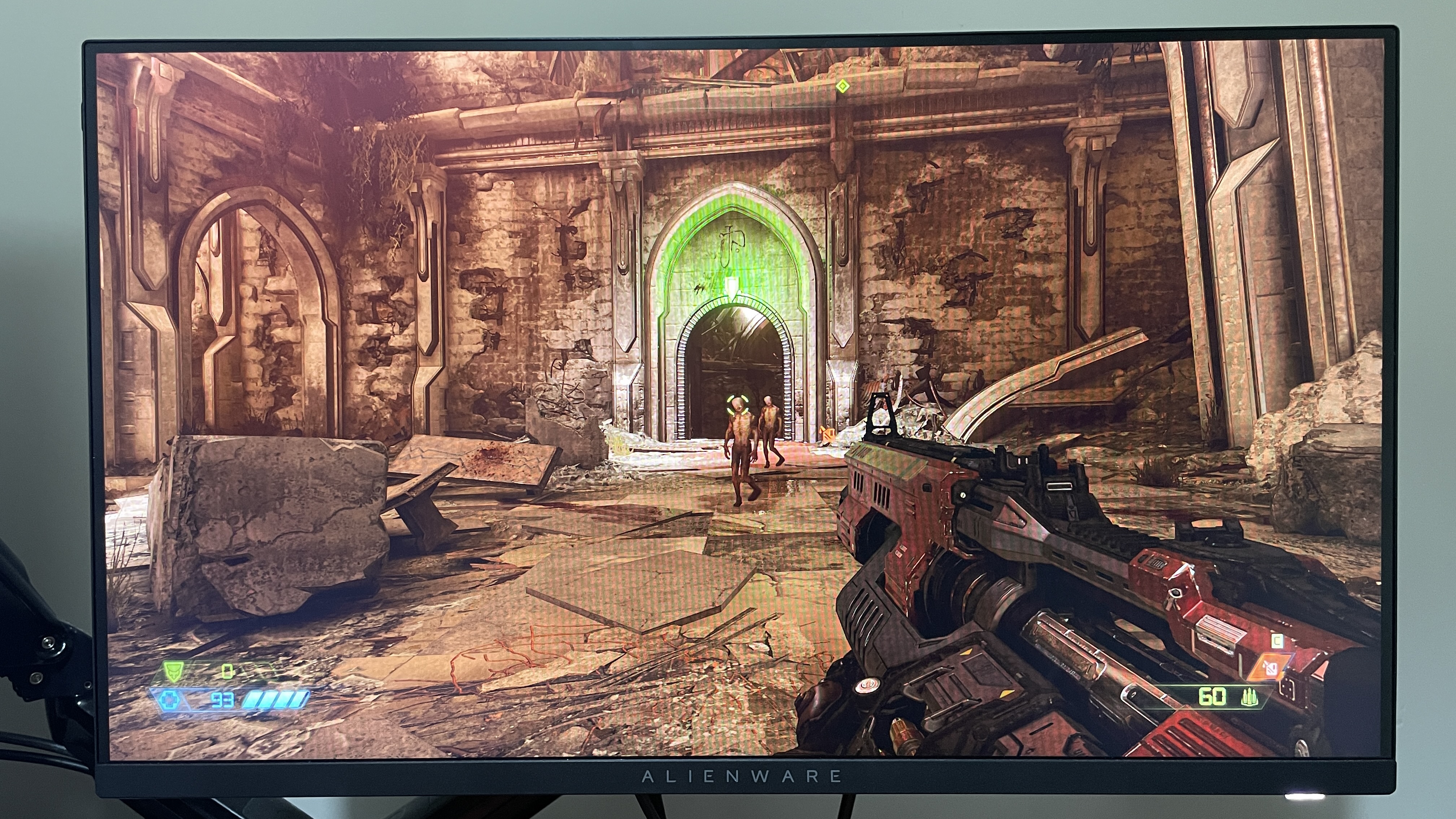
That being said, for casual gaming, I’d still lean towards a 1440p panel. My 1440p BenQ monitor, which is now pretty old, looks better in terms of clarity and vibrancy than this Alienware, and I’d prefer using it for non-HDR games that I can’t hit 200+ fps on—which will presumably be a lot of games for a lot of people.
So, that brings me back to the primary use case: competitive FPS gaming. If that’s your jam and you’re on a budget, the Alienware AW2525HM is ideal. It even works fine for some casual gaming and movie watching on the side. But if the latter are your primary use cases, I’d say steer clear.
About Author