I’ve waited for over a decade for a true successor to the Corsair Carbide Air 540. With plenty of room for storage, fans, and a disk drive in its dual-chamber design, the Air 540 was a great pick for my own PC back in 2014. Though I’ve since moved on, and that case has been stuck in storage for years. Now, finally—finally—we have a true successor in the Corsair Air 5400.
The Air 5400 isn’t just a rerun of old ideas. It’s still a stocky cuboid, but where the Air 540 championed a dual-chamber design that has become the norm for PC cases, the Air 5400 offers a triple-chamber design. Think of it like three distinct zones: there’s the main one, for showing off your build; the rear one, with plenty of room for cable management; and a third one, for mounting an all-in-one liquid cooler’s radiator inside.
The idea behind the third chamber is pretty simple. By mounting the radiator away from other components, and with ample airflow, hot air generated by the CPU can be efficiently expelled from the case and not warm anything around it. It also removes the need for the radiator to block precious fan mounting locations.
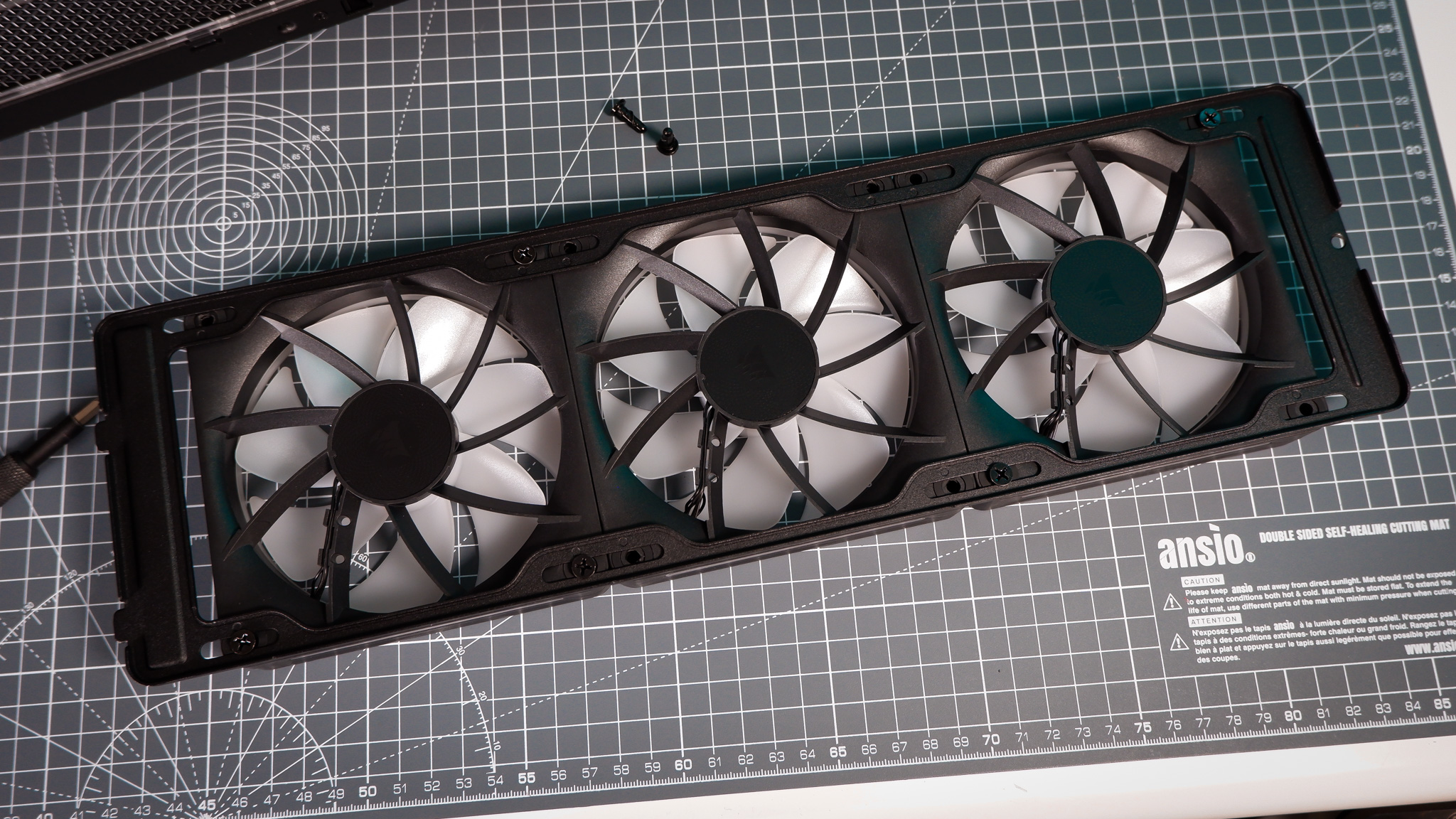
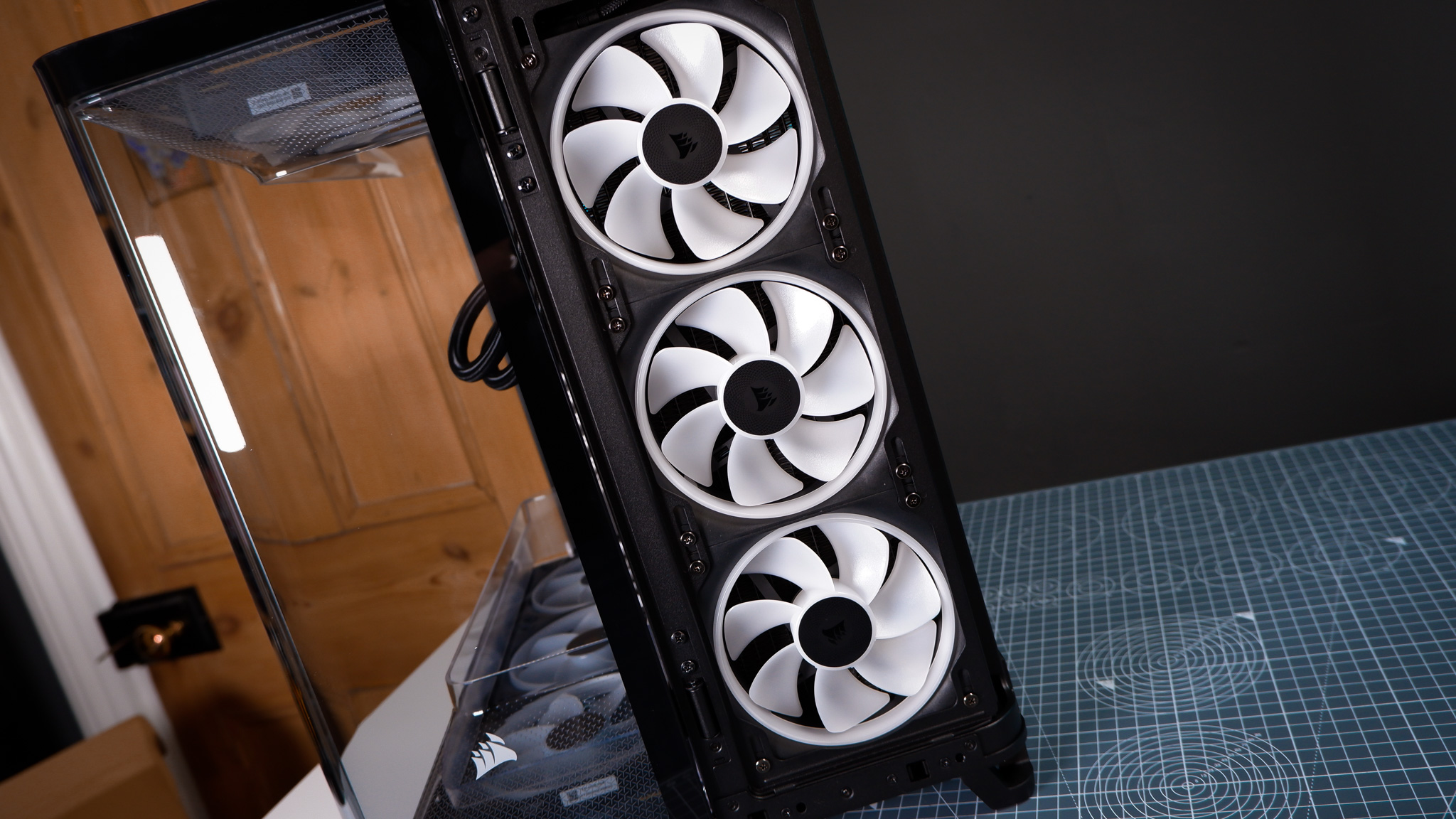
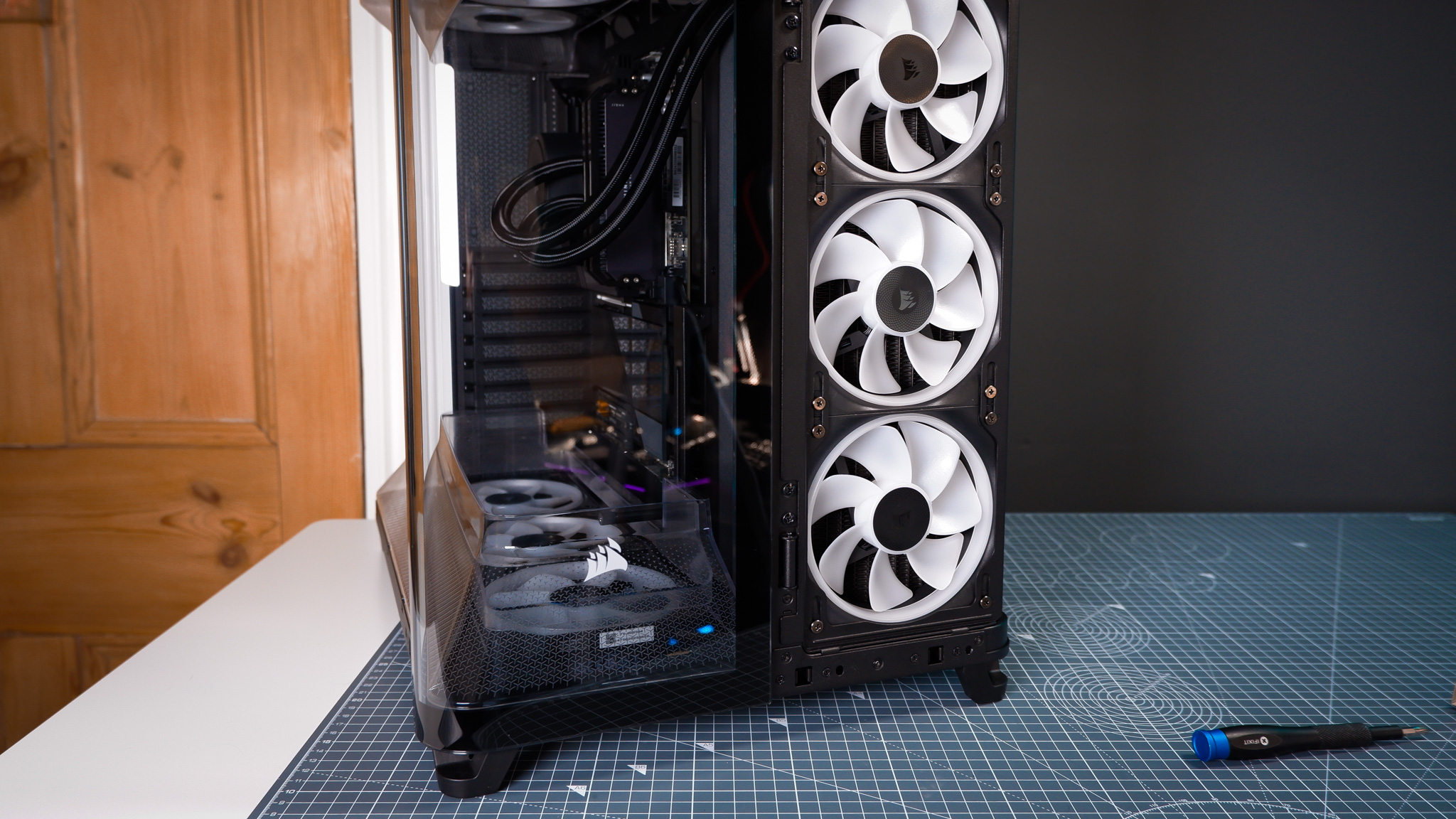
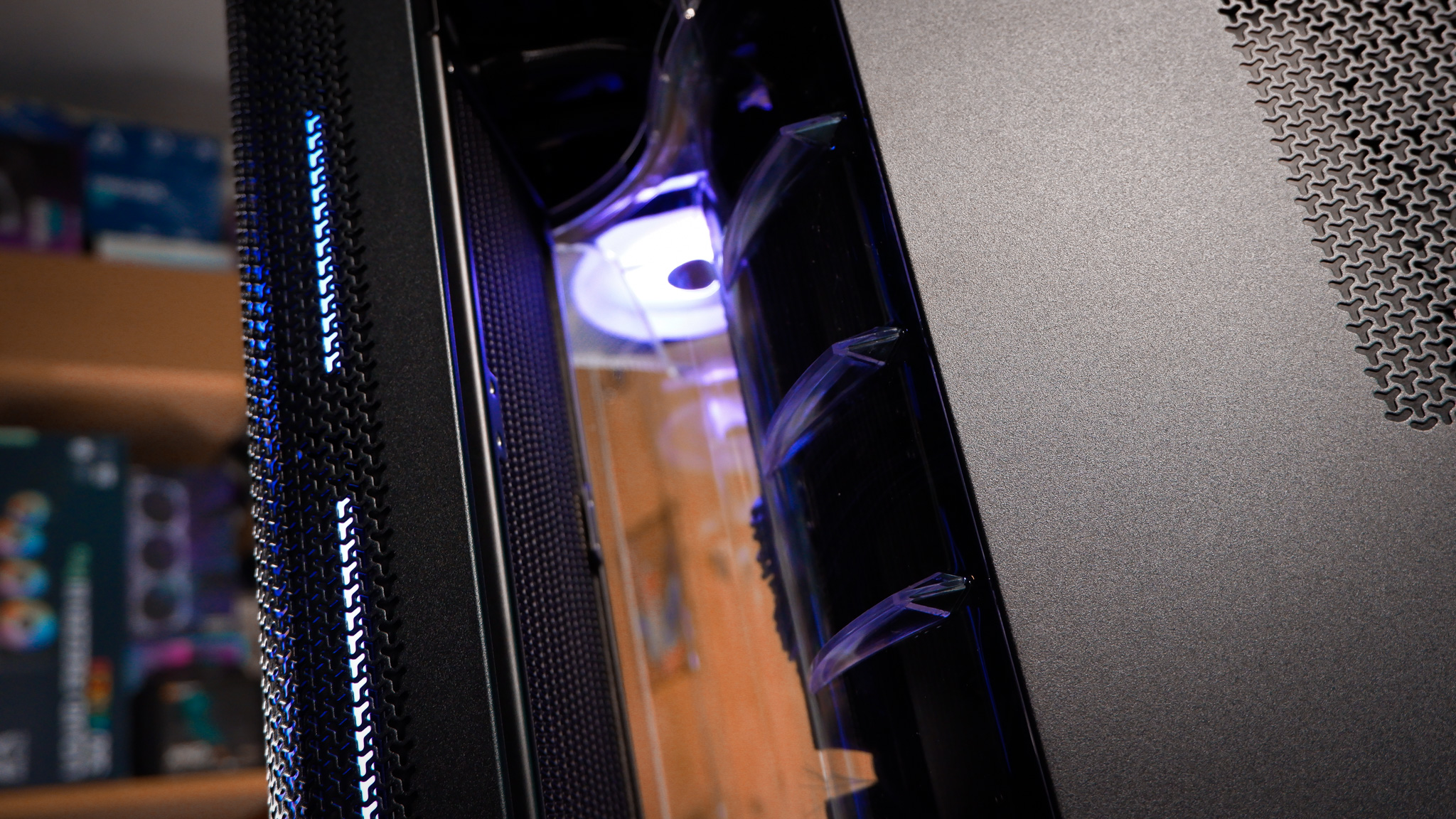
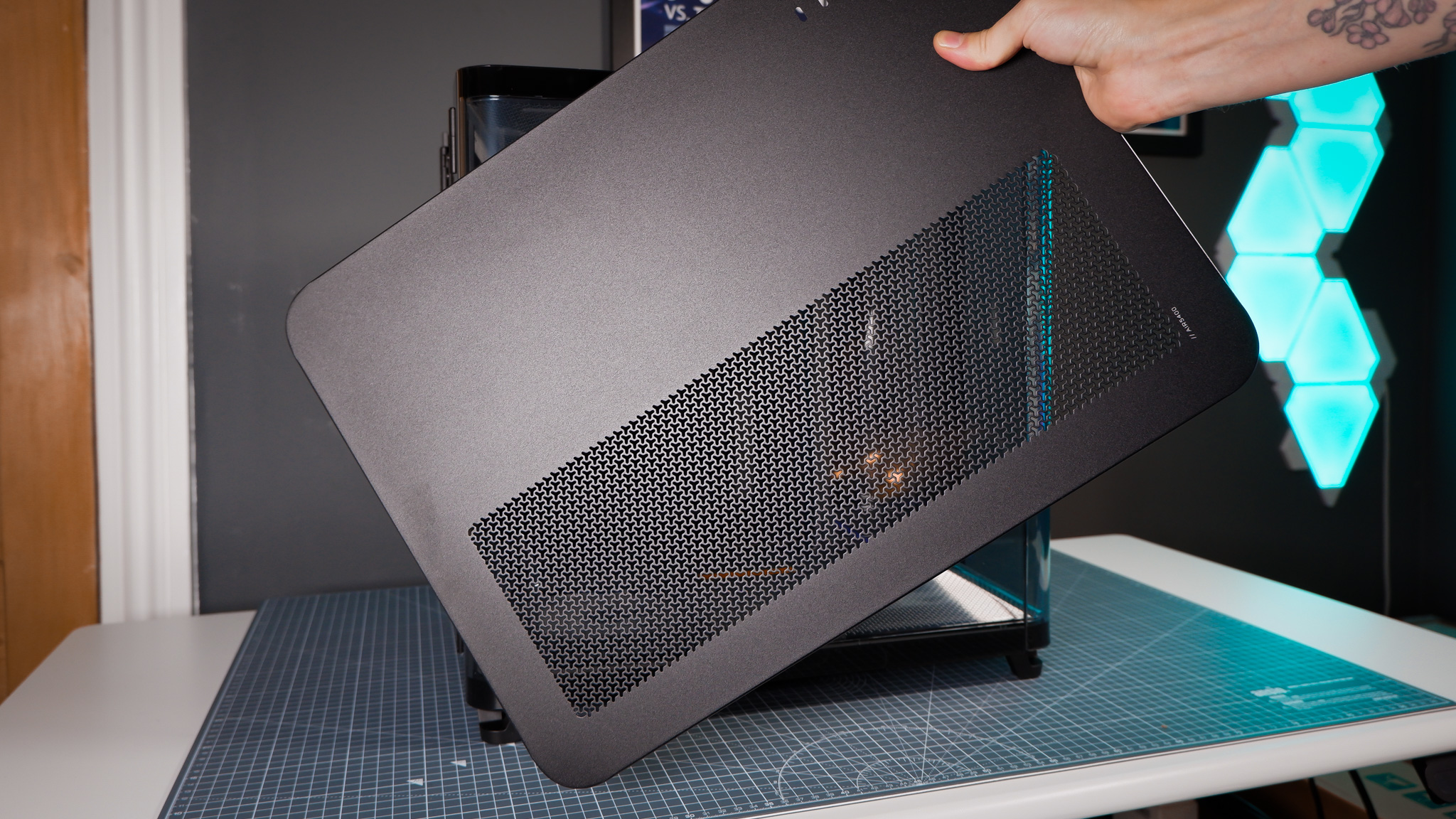
It’s a slick solution. The radiator is mounted toward the front of the case, behind a removable grill. There’s a transparent plastic duct sitting just behind the radiator, which vents out of the case via a large opening from the top to the bottom of the case—the novelty of this has not yet worn on for me and I still frequently stick my hand in it.
Type: Cube
Dimensions: 467 x 470 x 340
Motherboard support: Mini-ITX, Micro-ATX, ATX, E-ATX (+ reverse connector)
Radiator support: Dedicated chamber (up to 360 mm)
Fan support: 3x 120 mm (top), 3x 120 mm (bottom)
Front I/O: 1x USB-3.2 Gen2x2, 1x USB 3.2 Gen1, 1x HD Audio
Max. GPU length: 360 mm
Weight: 16.7 kg
Color: Black/white
Price: w/ LX-R RGB: $310/£285 | w/ RS-R ARGB: $230/£240
Cooler installation is a bit more involved than normal, requiring feeding the liquid cooler pump and cooling through to the main chamber while securing the radiator into place. A removable mounting plate helps a bunch here, as I’m able to mount the fans and radiator to it, then fit the rest to the case with only two screws.
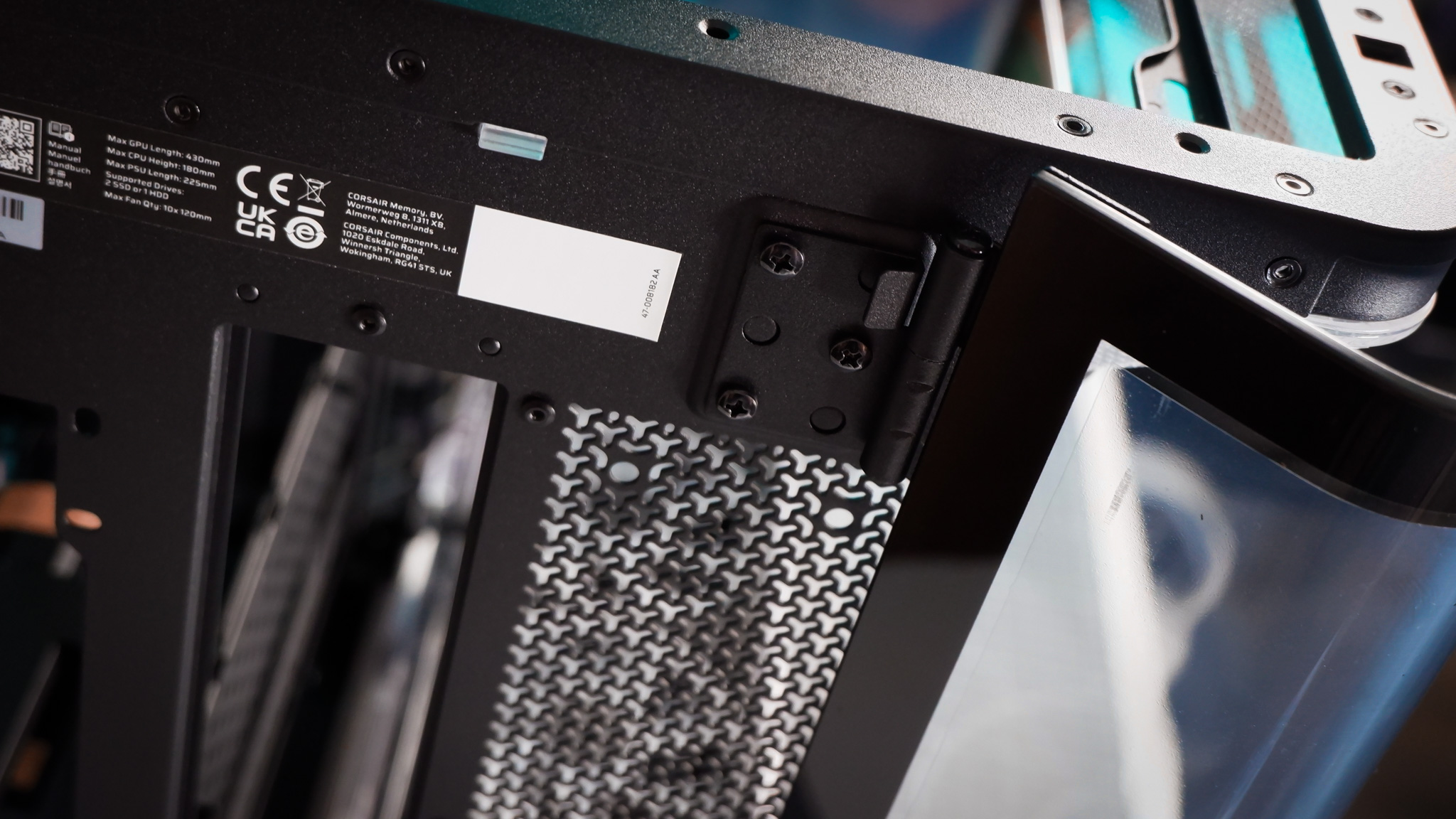
The Air 5400 is a relatively tool-free design. Besides the odd screw used in the initial installation, access to the inside of this PC is relatively unfettered. The panels can be pulled away with your bare hands, and the windowed side panel swings open on a hinge. And I’m yet to mention one of my favourite details: the smaller glass panel making up the front-left of the case is also on a hinge and swings open, exposing the entire main chamber for easy tinkering. The rear panel, too, is hinged—so long as you leave reasonable space around the Air 5400 for the so-called French doors, it’s extremely easy to work on in a pinch.
Corsair calls these French doors and I’m surprisingly okay with this level of pomposity here.
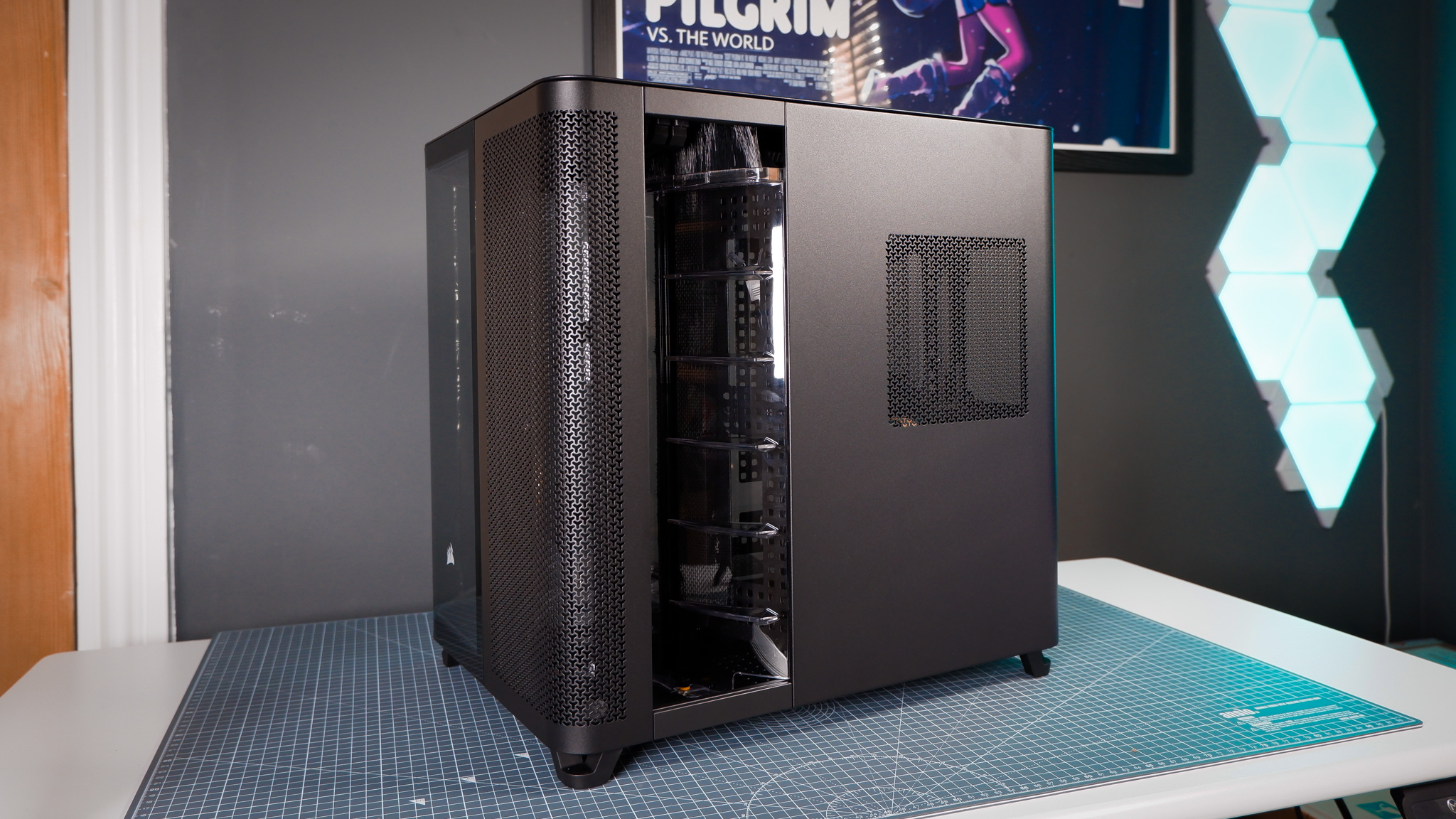
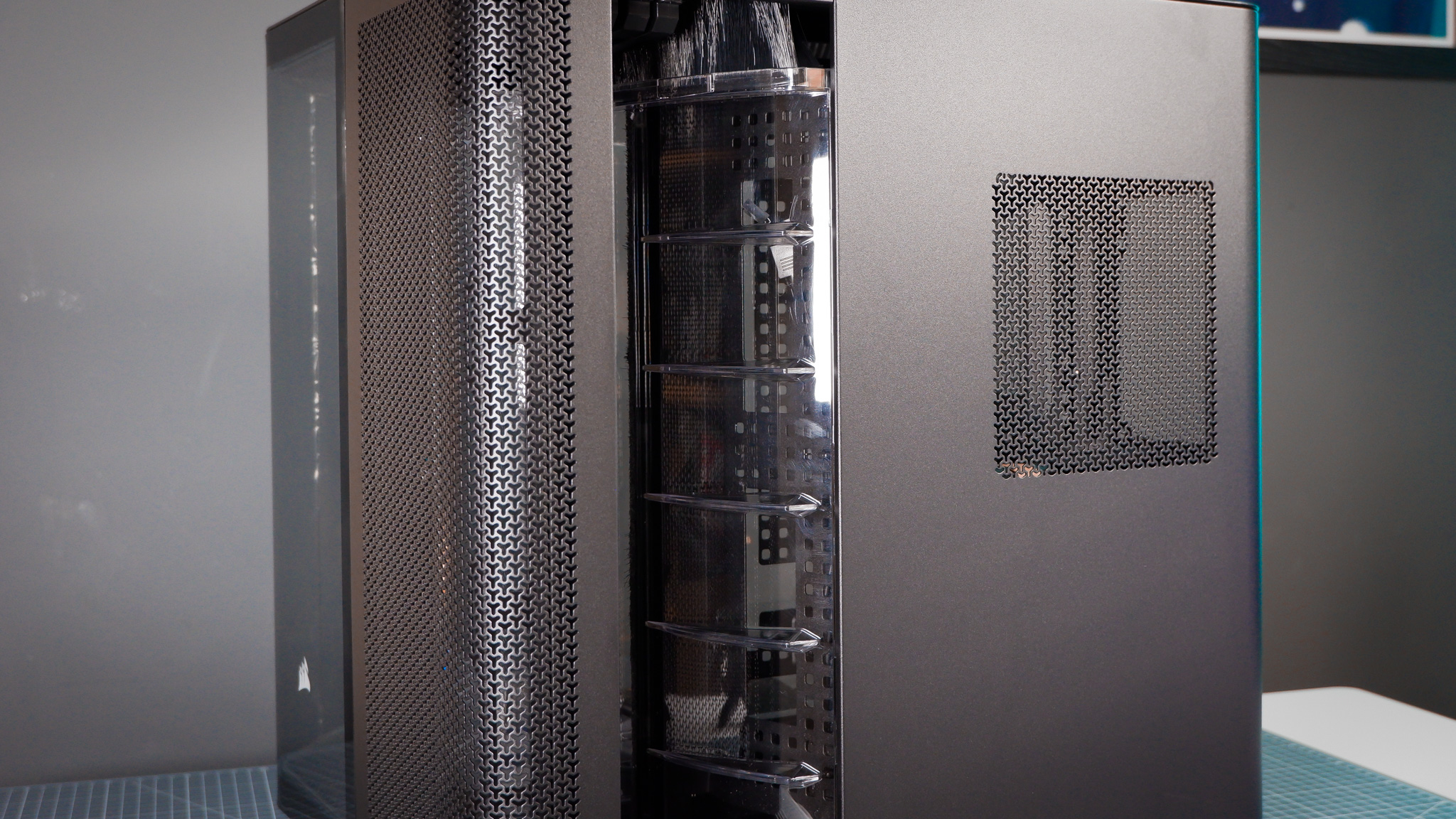
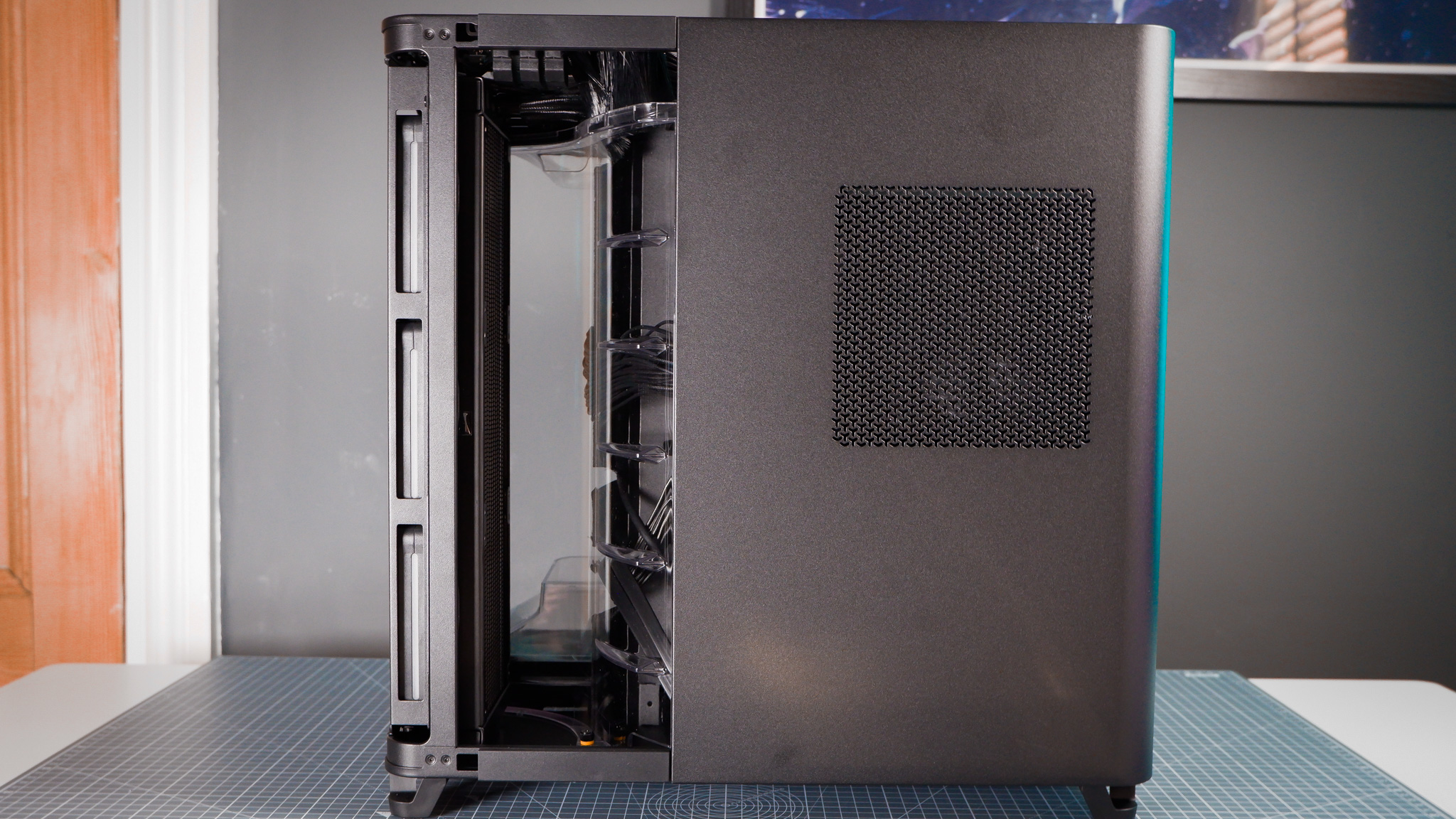
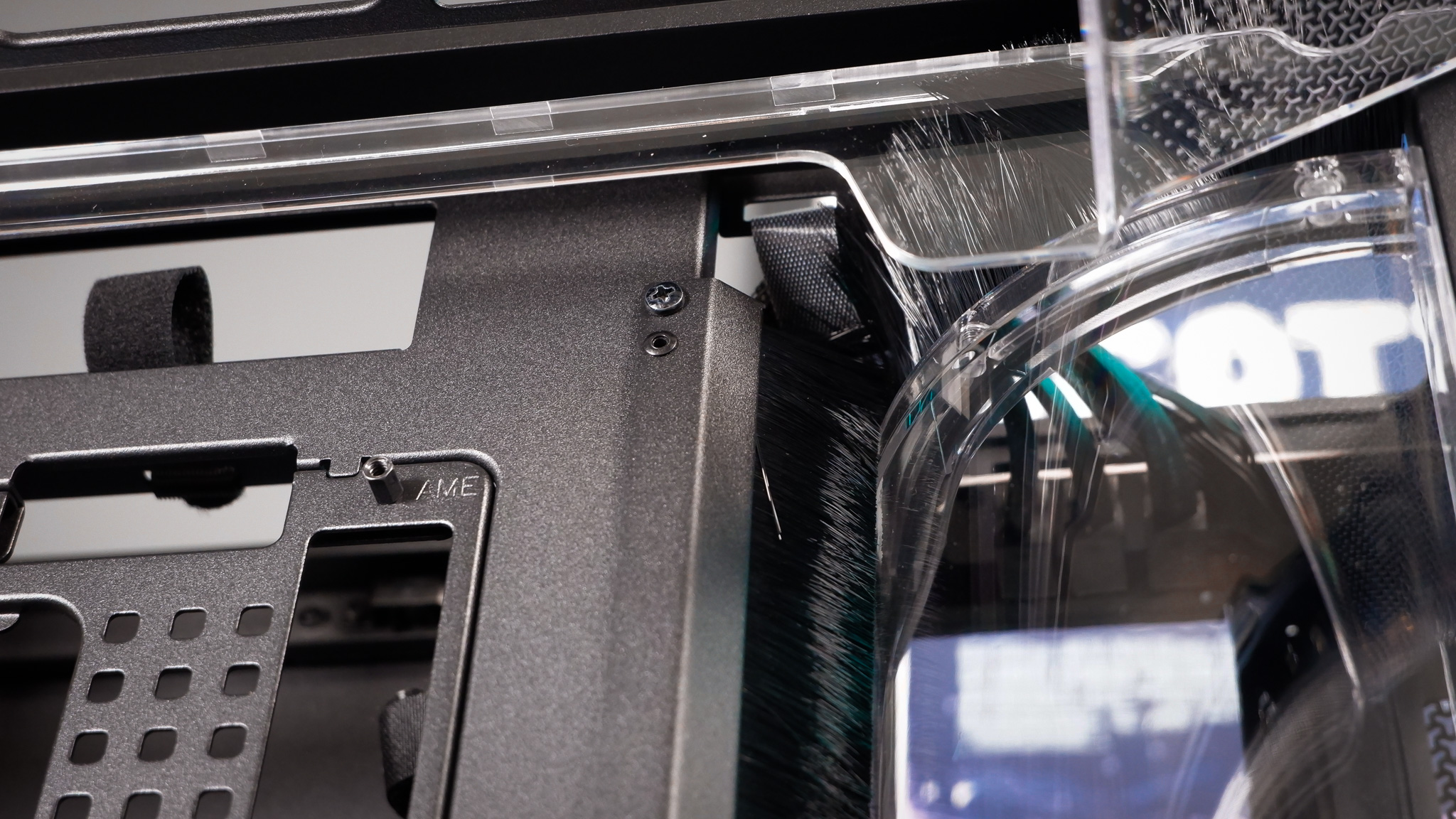
The three chambers are separated from each other by a novel brush design—at least I’ve not used a case with anything remotely similar. The nylon bristles in this case work something like a letterbox here in the UK, blocking out drafts and keeping dust and light from reaching inside. If this isn’t a thing in your country, I invoke you to search ‘UK letterbox bristles’ for a real thrill. It’s a clever solution for a PC case, covering the gaps left by cables better than most grommets. I’m surprised it’s not used more often.
Between panoramic windowed panels and easy cable management, it’s easy to build a great-looking gaming PC in the Air 5400. A big part of that appeal is the straightforward layout. It’s a chimney design, intended for cool air to enter via the bottom of the case and hot air to be exhausted out from the top, via the 3x 120 mm fans mounted at both locations.
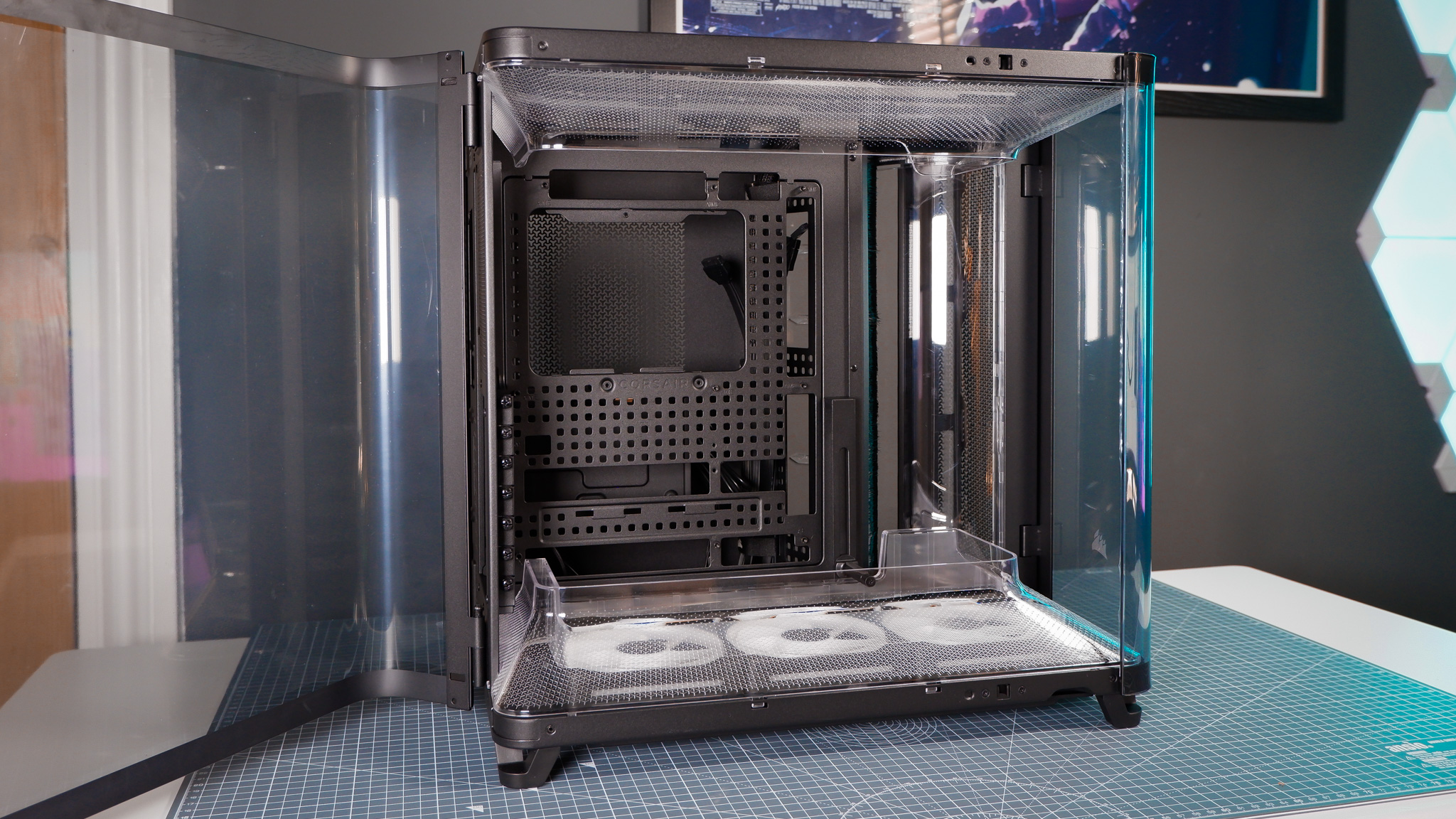
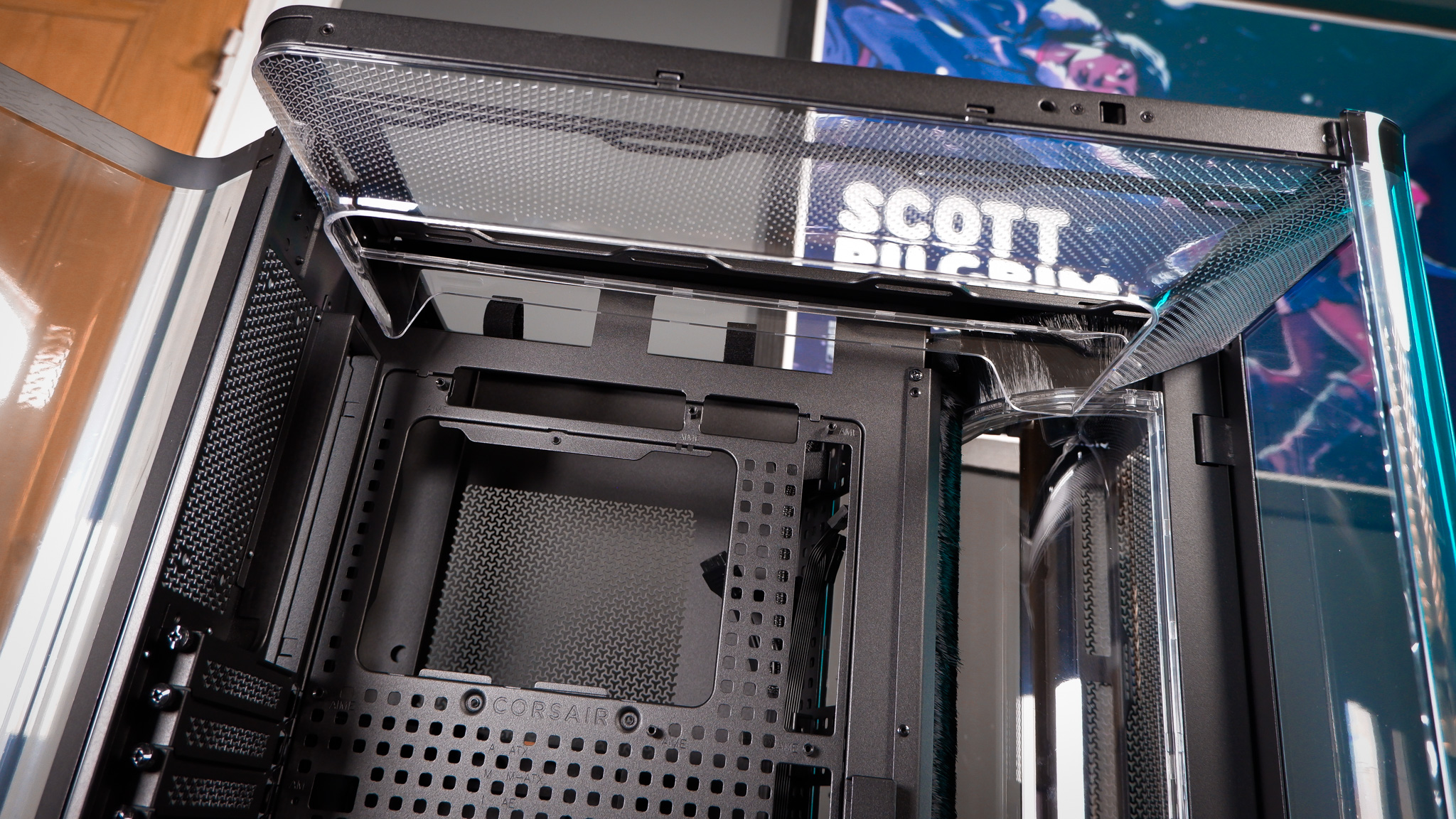
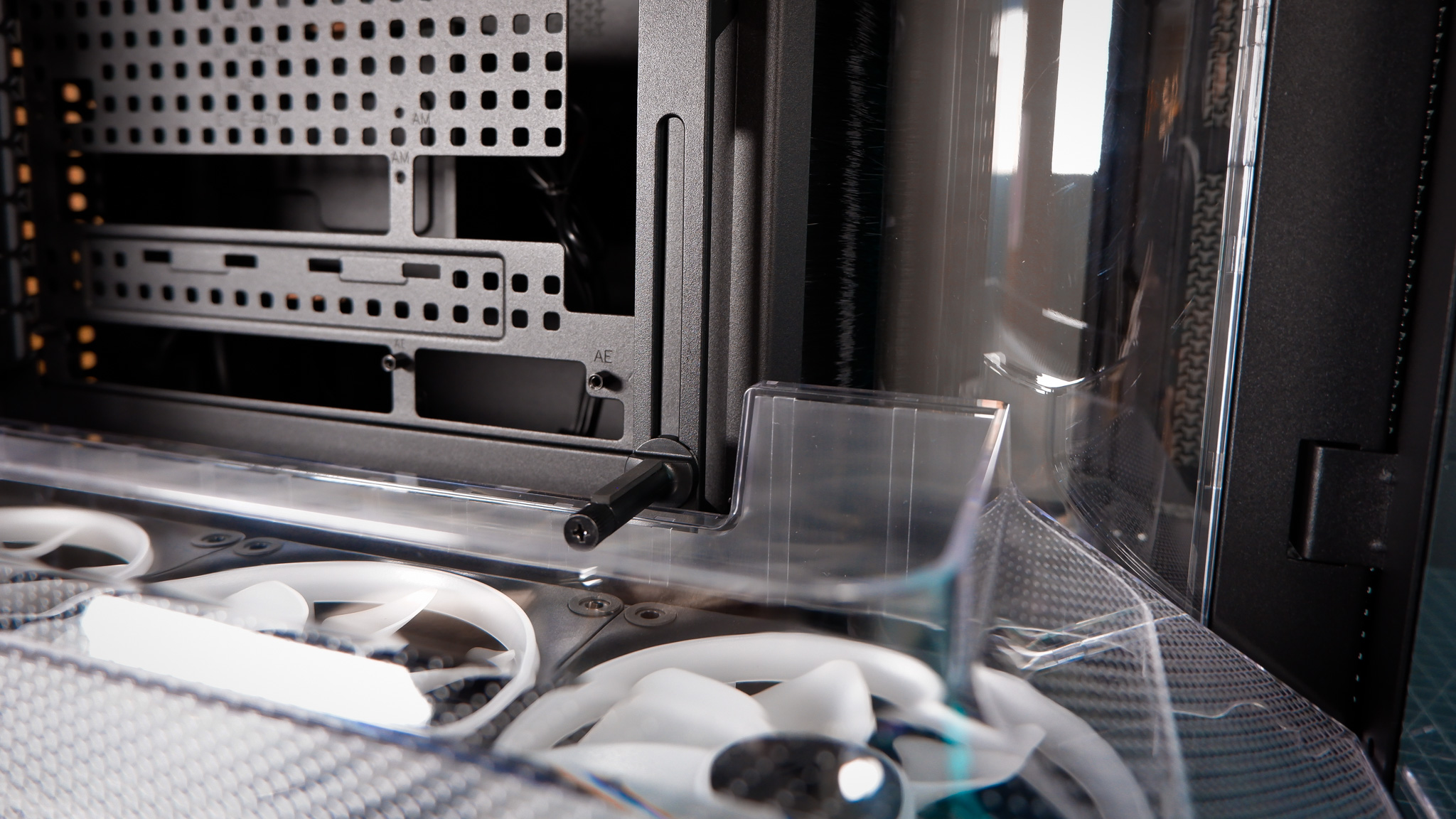
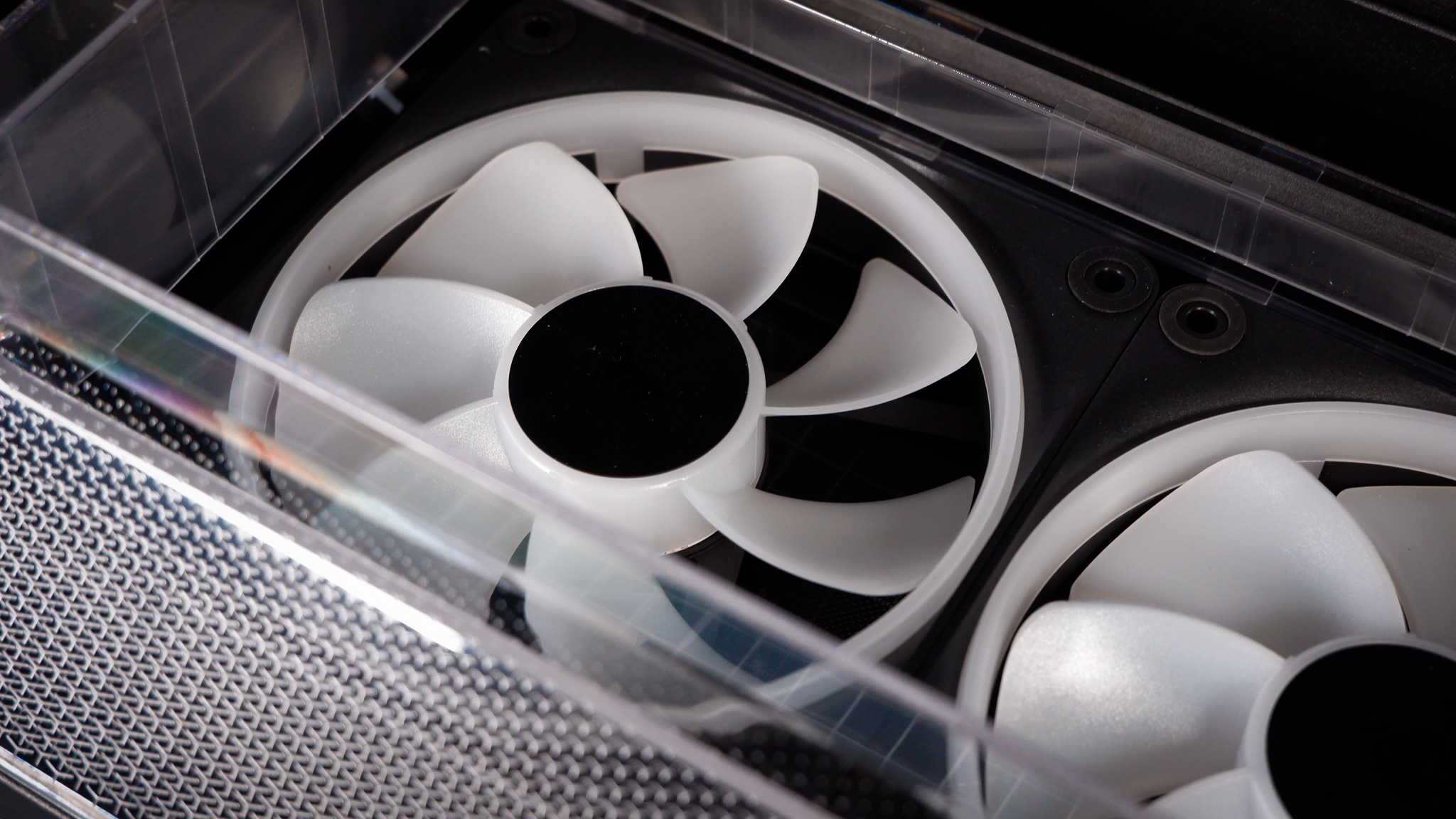
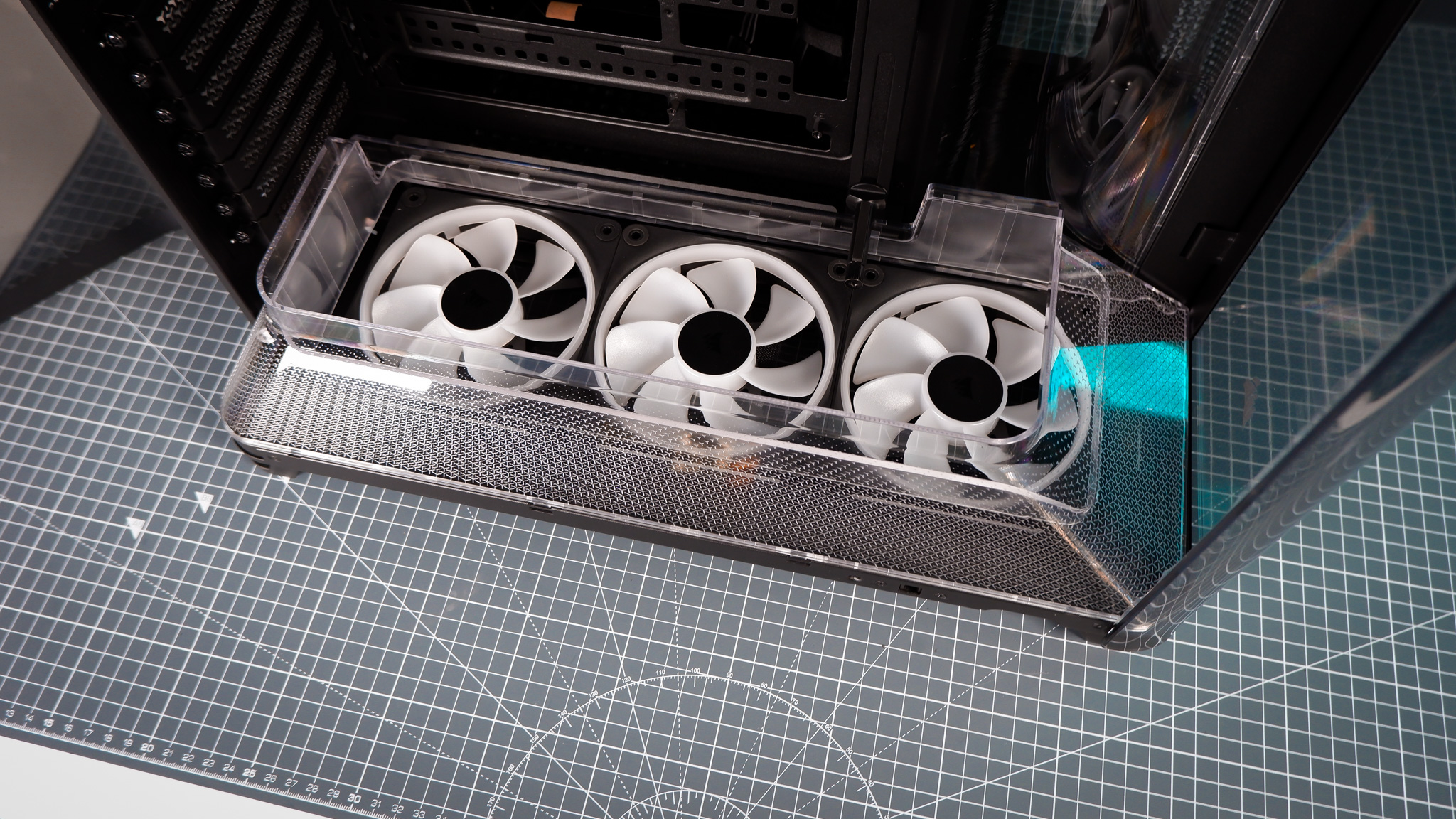
Furthermore, in a slightly unusual attempt to aid airflow, the Air 5400 includes two ducts, as Corsair calls them, surrounding each set of fans. The idea behind these ducts is that, by containing the airflow generated by the fans, it’s better directed at the graphics card and motherboard, rather than wasted out the sides. The ducts look surprisingly classy; each features a repeating Corsair ‘Y’ motif that disappears as they taper.
It’s a clean look. Moreover, I’ve no complaints regarding thermals.
I use various combinations of chips and coolers for testing cases—what I have to hand at the time, mostly. In this case, I’ve installed the Corsair Nautilus 360 RS. Despite using one of the more power-hungry Ryzen processors in this machine, the Ryzen 9 9950X3D, it ran at one of the lowest temperatures I’ve recorded of any build in the past year. A maximum CPU temperature of just 72 °C during our benchmarking suite, which includes multiple taxing runs of Cinebench 2024. The RTX 5090 FE I’ve used here hit just 73 °C—around 5 °C cooler than our open test bench in similar tests.
I’ve added extra fans to complete this build that are not included with the case as standard, and anyone purchasing this case will need at least three more fans. There are nine 120 mm fans inside this machine: six in the main chamber and three on the radiator. Only three of those are included with the case. The other six are LX120 RGB fans that I’ve added separately.
For those three included fans, there are two options available: LX-R RGB iCUE Link fans or RS-R ARGB fans. My preference being the non-iCUE models, as these are the cheaper of the two options, don’t require iCUE, and can be picked up separately for less. Though I’m glad to see reversed fans as standard in a case that absolutely requires them to look its best. For an idea of what I mean, the Hyte X50 looks worse than it should for a lack of reverse fans.
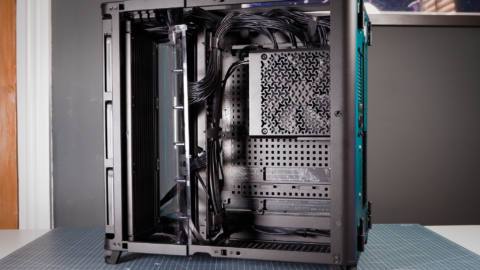
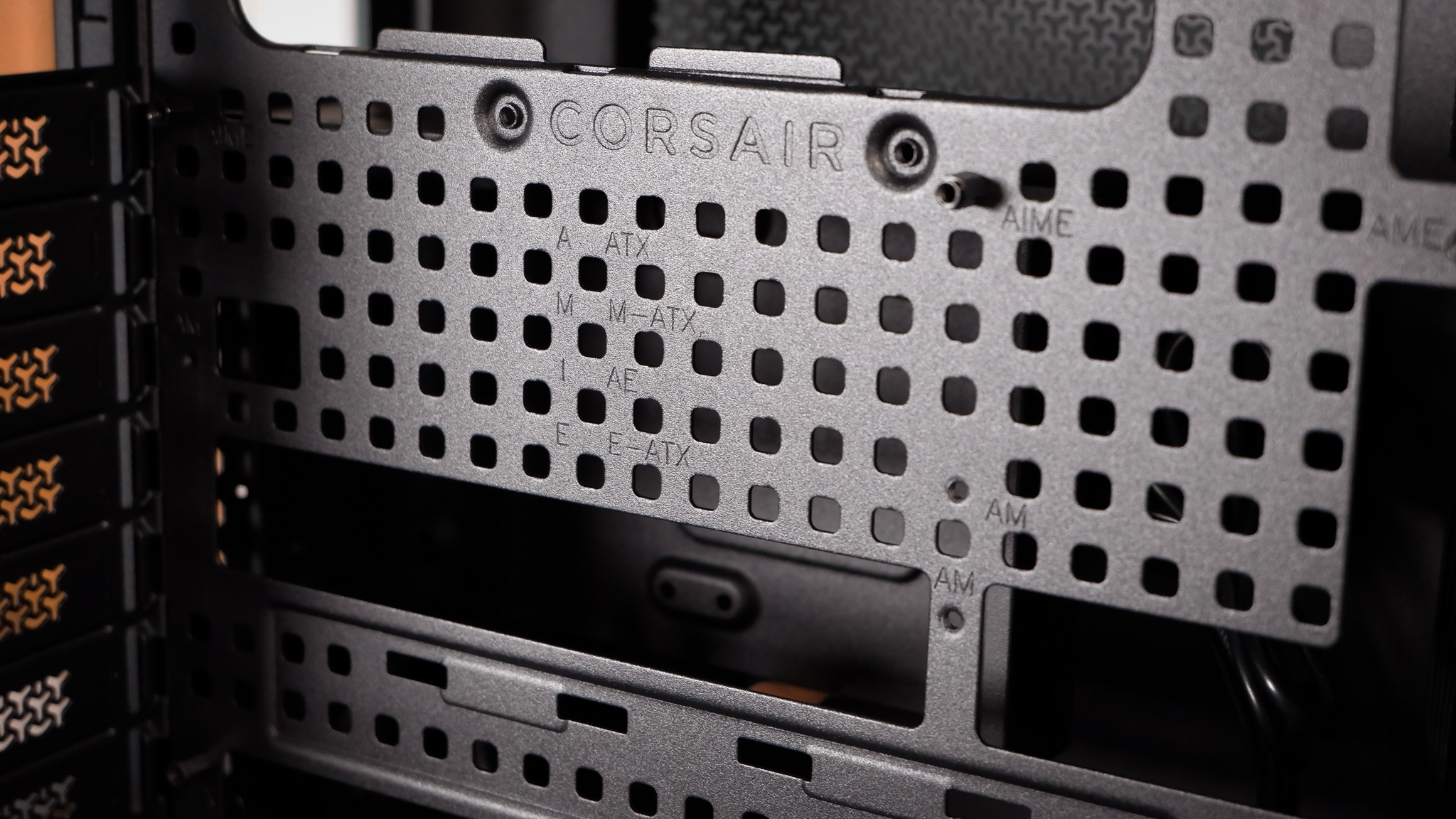
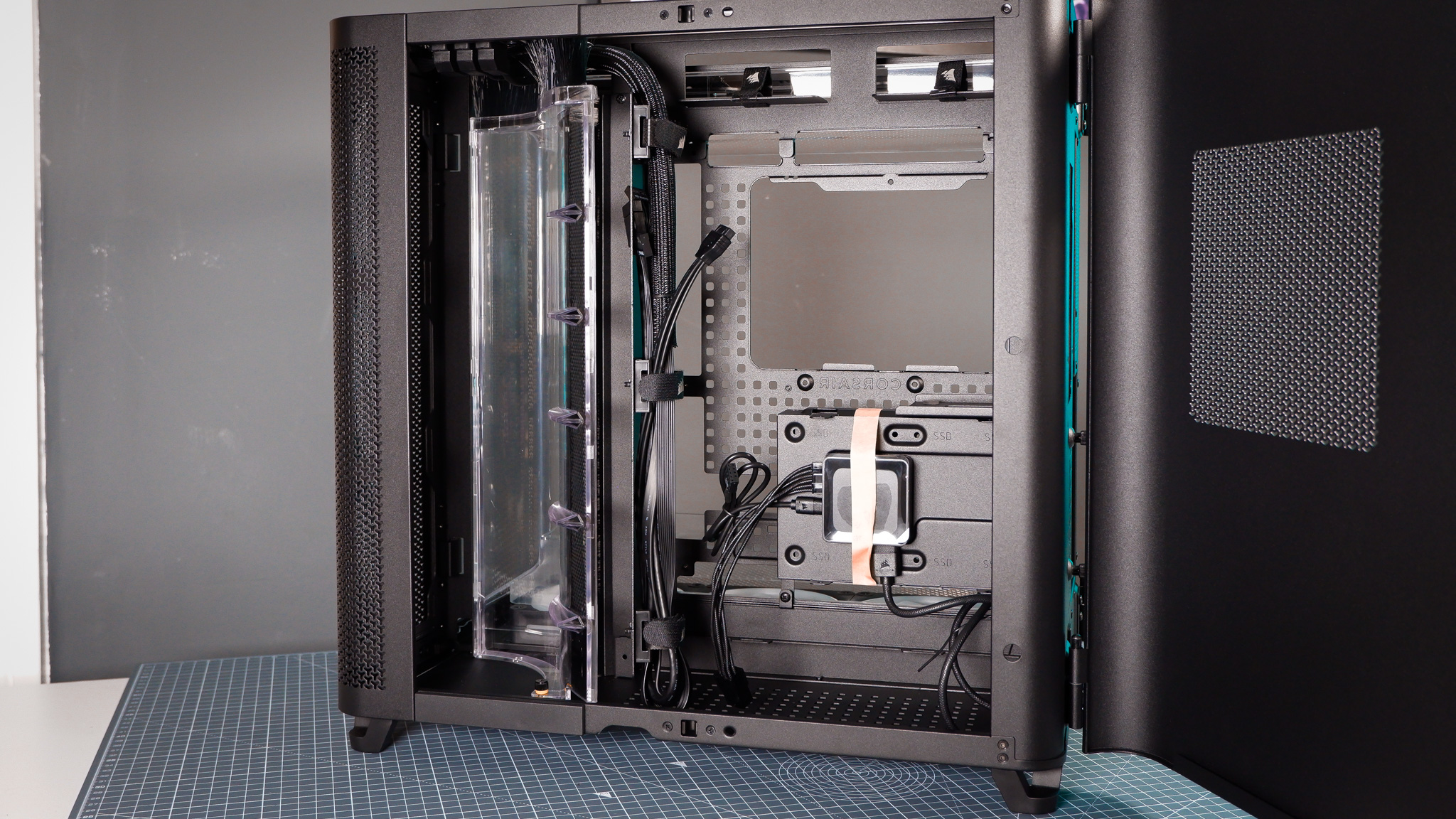
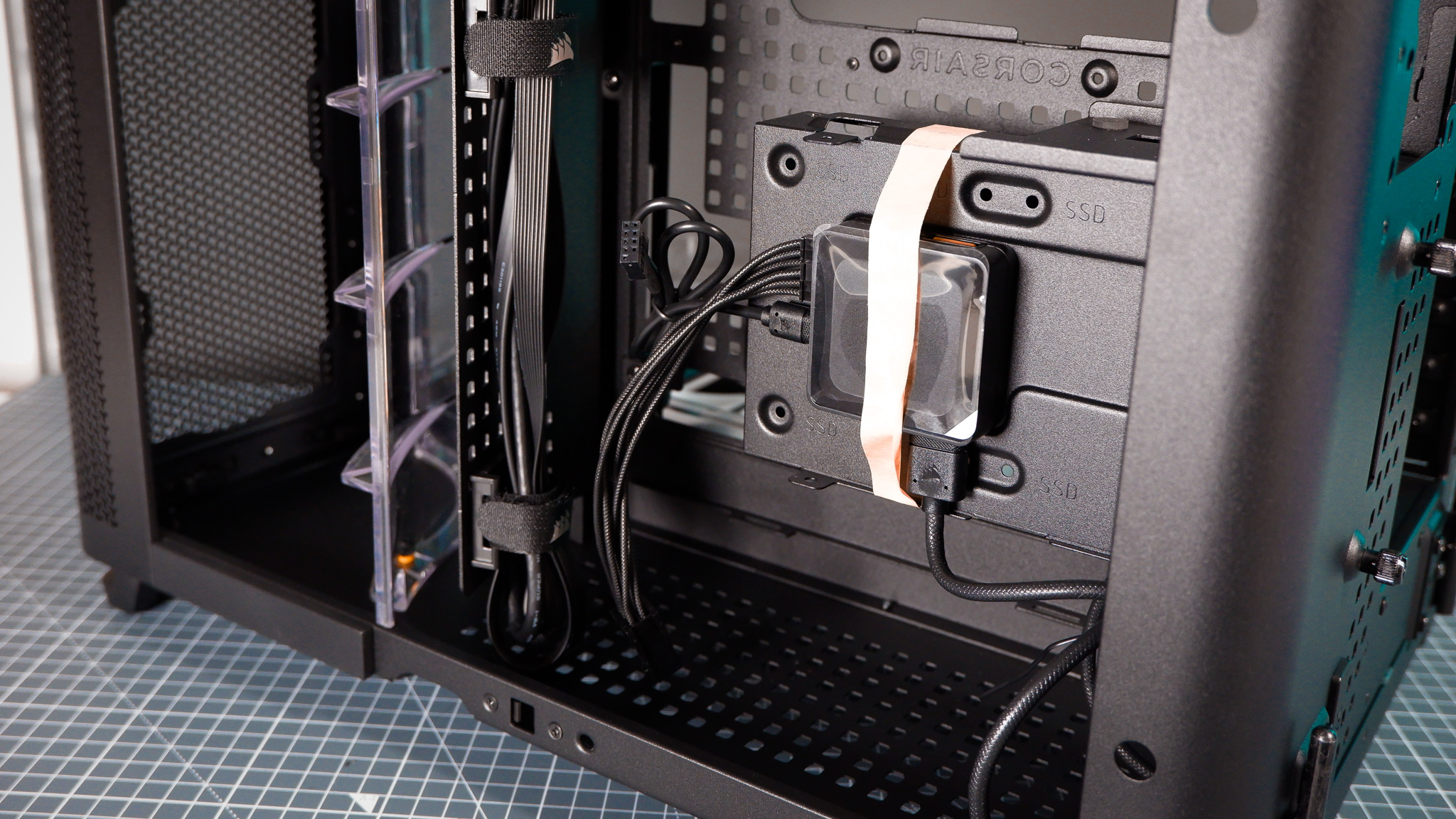
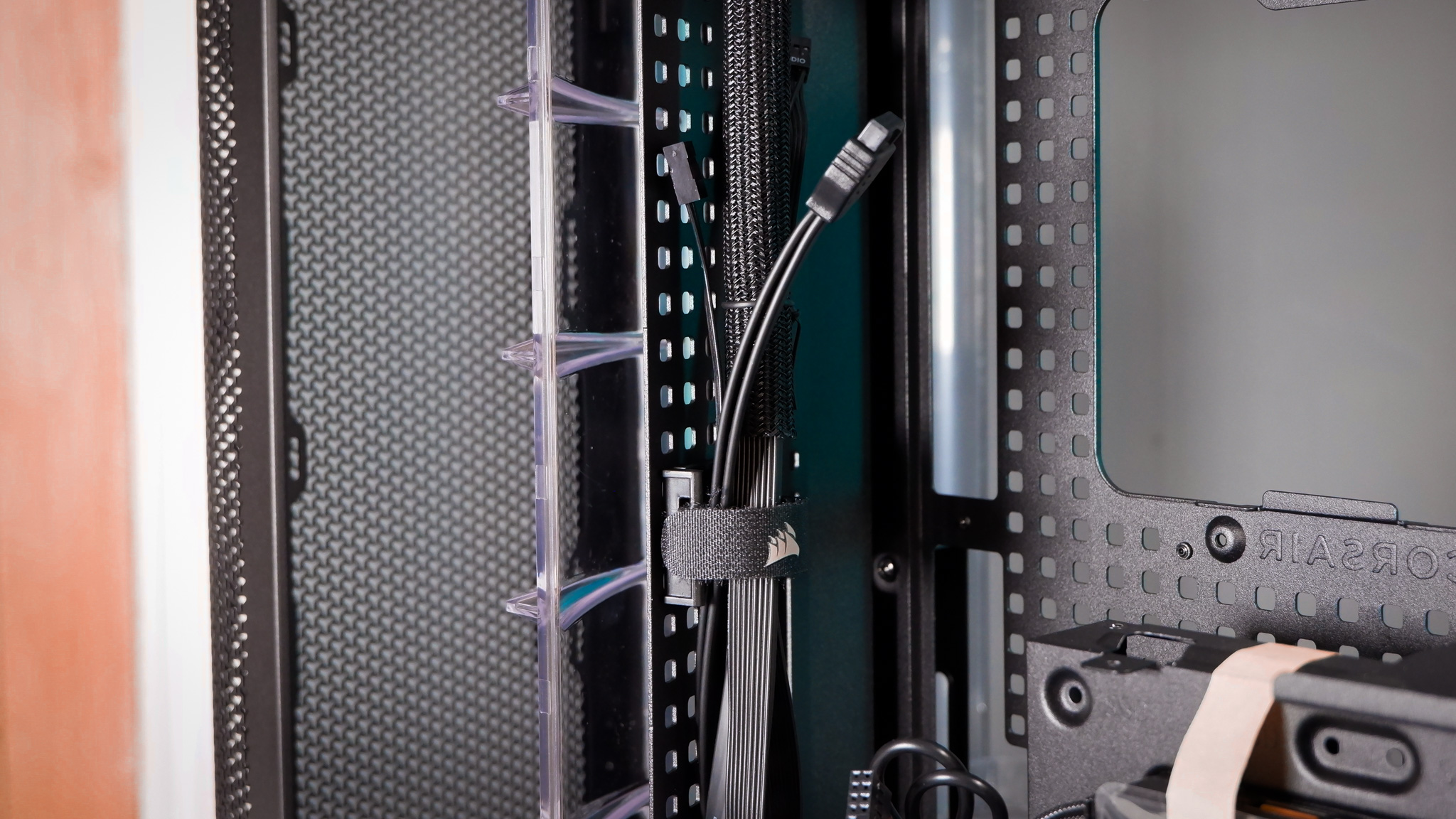
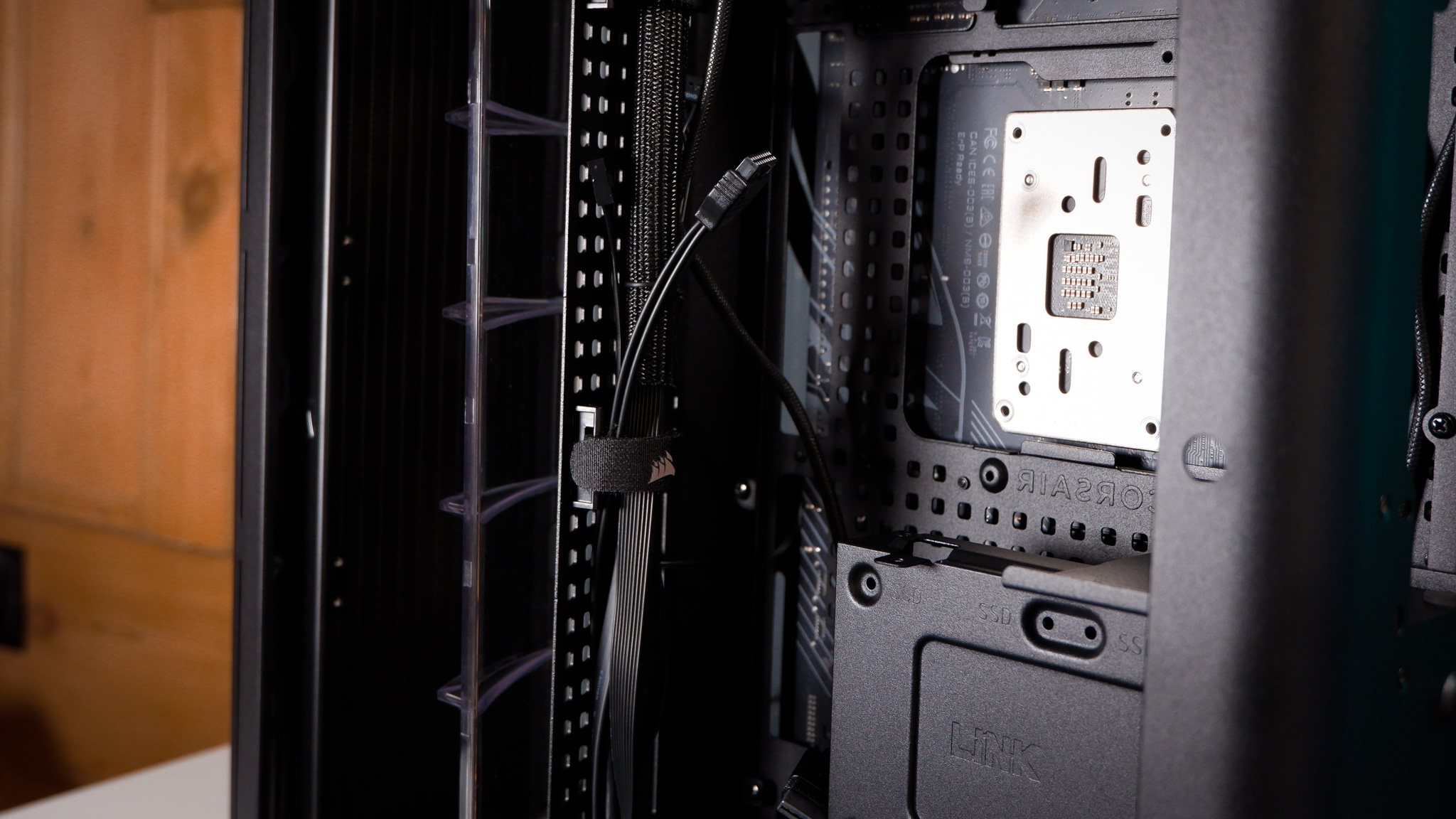
Corsair has included some upgrades behind-the-scenes, too. The rear chamber is hidden from sight via a hinged panel, for a start. Corsair is using what it calls RapidRoute 2.0 in the Air 5400. What it means by this is the motherboard tray has a sort-of pegboard design; it’s a checkboard of holes for installing zip-ties or moving around the ratcheted straps included with the case. These come preinstalled on a cable tidy tray that juts out at an angle from the case and follows the angle of the duct for the radiator.
You’re never far from a spot to tie a cable down in the Air 5400. That said, there’s little need for much cable management at all. Everything can be secured through the provided straps on the cable tray, with ample room beneath the PSU that’s practically surplus to requirement in a normal PC build.
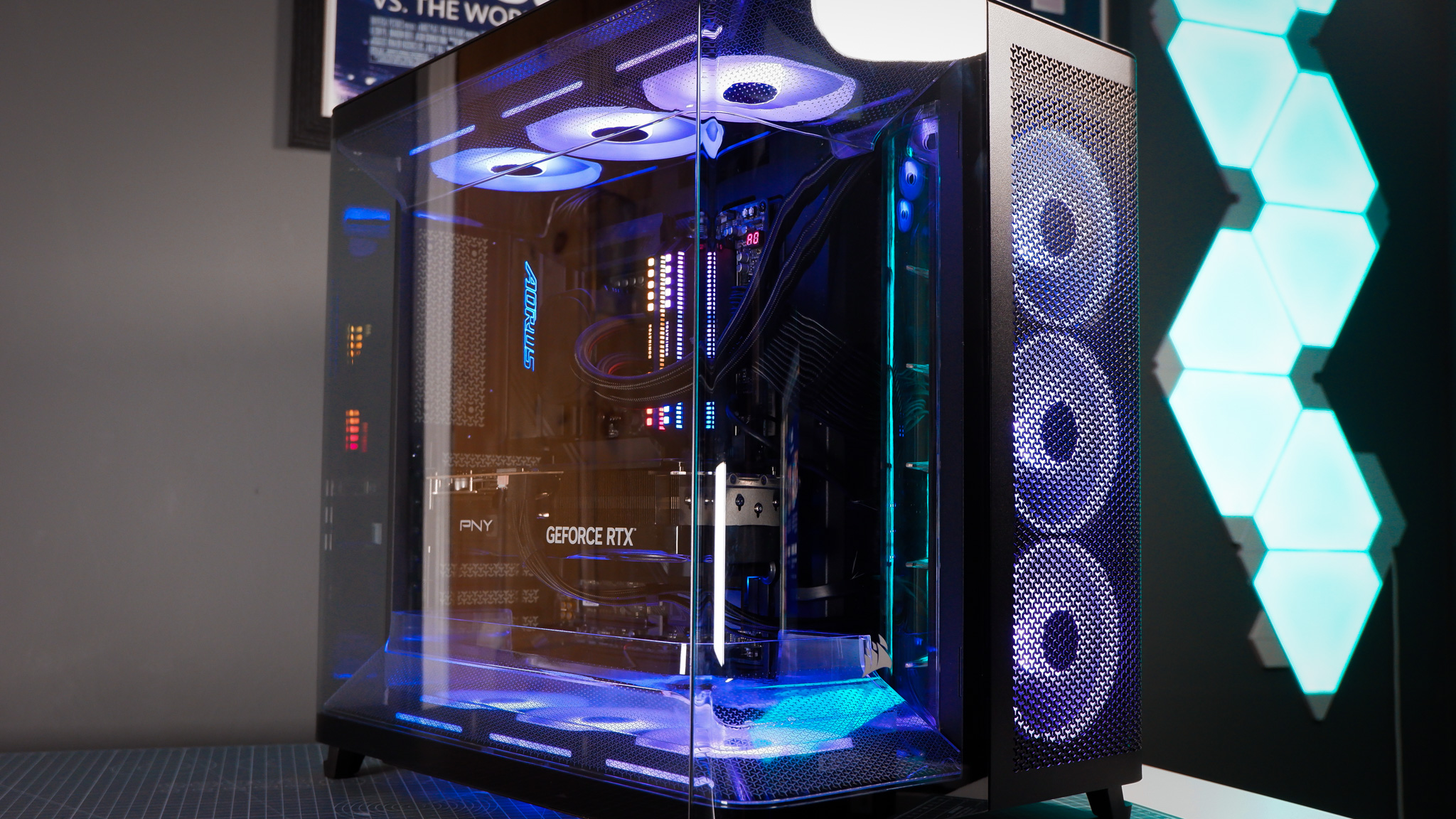
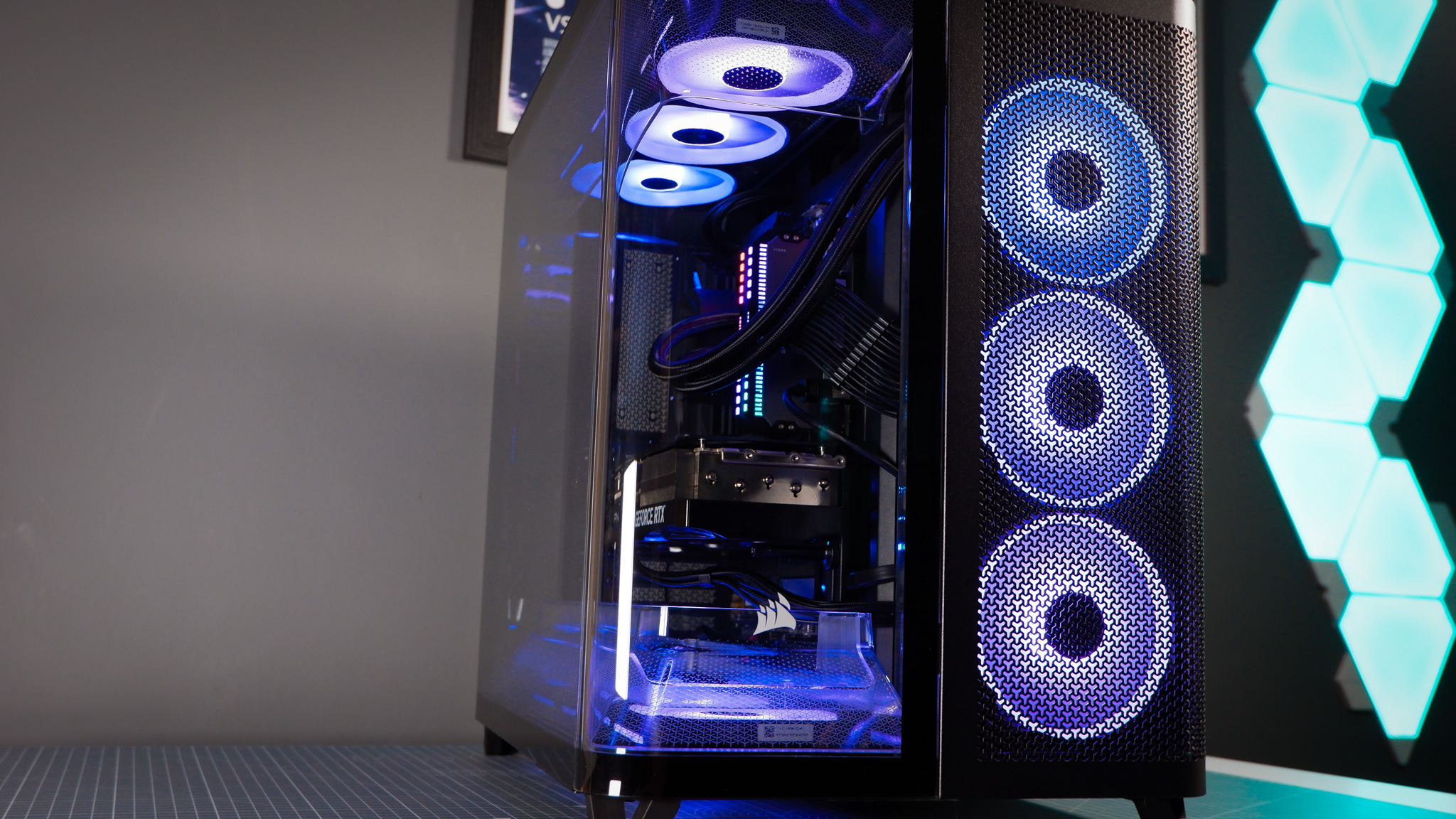
The power supply is mounted high up in the case, which shortens the cable run to the CPU connectors but requires a bit of a stretch for the 12V-2×6 cable. Nothing to worry about, nor do I feel I’m putting too much pressure on the graphics card’s power connection, but I did have to tinker around with the cable placement and straps to get it sitting in the right position with plenty of slack.
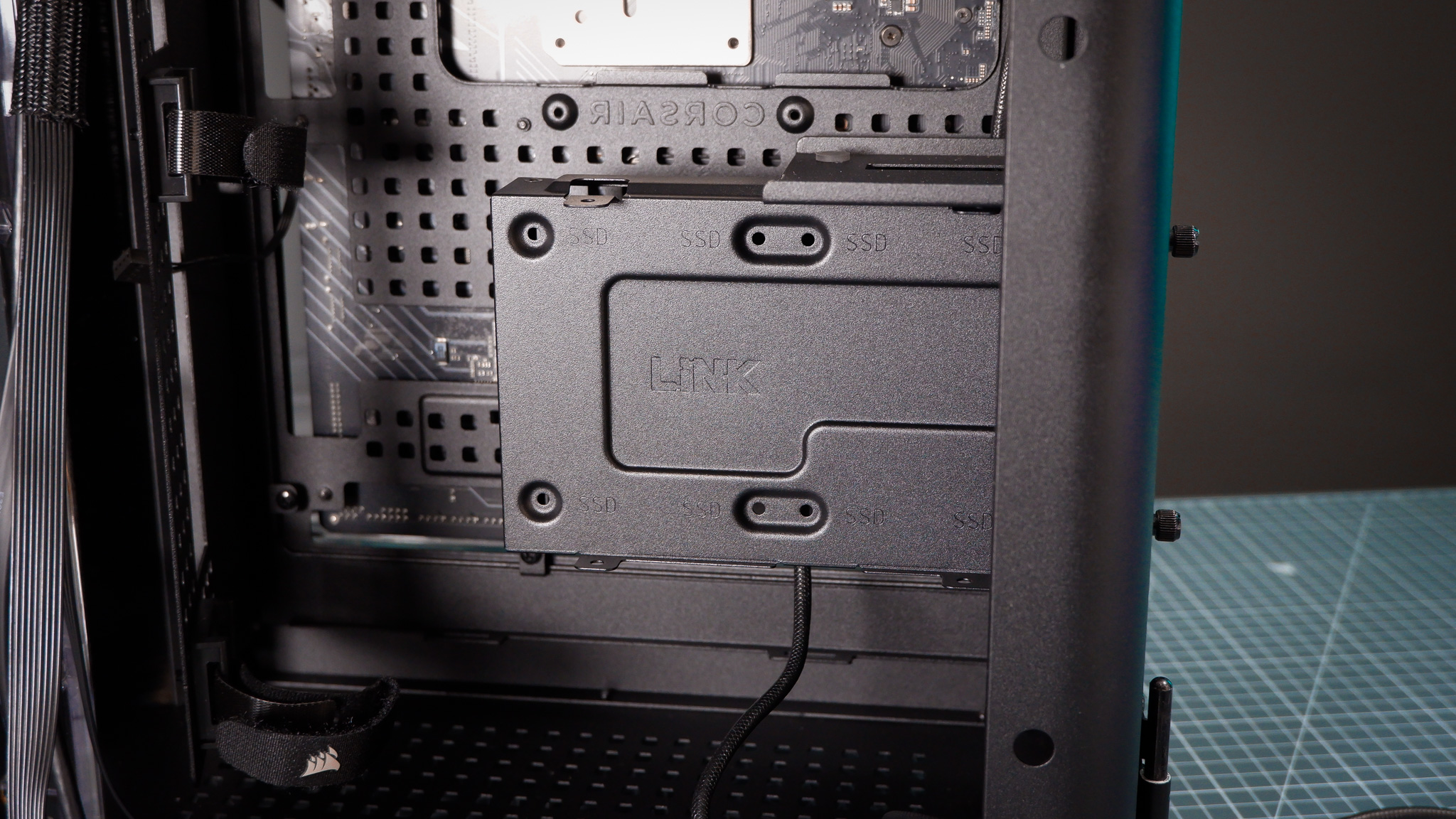
As I mentioned, there’s loads of room below the PSU. As standard, it’s partially filled up with a storage tray, but it can be removed with two thumbscrews if surplus to requirement. This tray supports two 2.5-inch SSDs, a single 3.5-inch HDD, and/or an iCUE System Hub. I didn’t require the latter as I was using Corsair’s new PSU, the HX1200i Shift, which includes an iCUE System Hub itself.
✅ You loved the Air 540: Much like its forebear, the Air 5400 is a sturdy cube with heaps of cooling potential.
❌ You want bigger fans: Due to its unusual ducts, the Air 5400 is limited to 120 mm fans throughout.
Side note: if you are interested in using iCUE for your system control, the HX1200i Shift saves on some of the cable mess but is mighty expensive.
There are a couple of things I don’t like about the Air 5400. It weighs a lot, at 16.7 kg, and the front panel only offers Type-C ports: 1x USB 3.2 Gen 2 and 2x USB 3.2 Gen 1. While I do appreciate Corsair driving universal adoption of the Type-C connector, I do not own strictly Type-C devices. I still have a lot of Type-A devices that I used to plug into the front panel, such as thumb drives. Alas, someday soon I’ll ditch Type-A for good. That will be a good day.
I appreciate the inclusion of a built-in GPU bracket, too, though the limited adjustments it offers mean it doesn’t always play nicely with some models of graphics card. It sorta just stabs directly into the fan on an RTX 50-series Founders Edition.
But for mostly minor complaints, I can find much more to compliment on the Air 5400. It’s spacious, stocky and has included within it some genuine innovations. The separate chamber for a radiator is excellent for managing thermals and maintaining a clean aesthetic. Moreover, small-scale innovations like RapidRoute 2.0, which saves time during the build process, or the nylon brushes to separate the chambers, are all very welcome additions I would like to see filter into more cases.
This is Corsair’s case design at its best, bringing together a lot of ideas into something quite extraordinary.
About Author