
While you can switch to first-person temporarily in Grand Theft Auto 6 when you want to get a real good close-up of a texture, you’re locked in place and can’t run around doing crimes and having fun like you could when GTA 5 got its first-person mode. Except actually you can, as discovered by players on Reddit and tested by our own Morgan Park.
It’s easy enough to activate in-game. Go to the controller settings, then under the Controller Features section change your touch pad button to Camera 2 / 2. Get into a car, bring up your phone with the D-pad, press Circle or B then quickly hit Select. There you go, first-person GTA 6.
As Morgan’s footage shows, it’s completely playable. It doesn’t look 100% done, however, with your shoulders clipping through the camera when you’ve got a longarm gun up. Seeing someone break into a car in first-person also looks a bit rough around the edges. While conspiracy theorists have convinced themselves that Rockstar is holding back this feature to sell it as DLC, I figure they’re probably still polishing it to add in a future update.
If you want to leave first-person, you’ll have to reload a save. It doesn’t have to be an old save, though. If you save in first-person then immediately load the same save you’ll be back in third-person and have to return to God’s own preferred viewpoint.
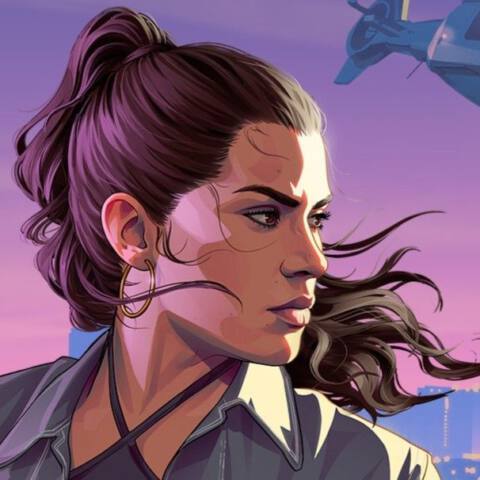
GTA 6 guide: One-stop info shop
GTA 6 map: The full Vice City tour
GTA 6 cheats: A complete list
GTA 6 radio: All the songs and stations
GTA 6 romance: How to keep a strong bond
About Author


