
Corsair is continuing the 2026 trend of brands pushing out new and innovative mouse technologies. In this case, it’s all in the ‘PureVector’ part of the name. In partnership with AimLabs, Corsair has made a mouse that can adjust sensitivity in different directions to tailor it to your movements and help you aim better.
That’s the claim, anyway. In practice, I’ve found that PureVector hasn’t improved my aim, both subjectively while gaming and objectively based on multiple AimLabs tests. Some pro players that Corsair highlights claim it’s helped them, so your mileage may vary.
Apart from PureVector, though, the mouse itself deserves some attention, as it’s still a very performant, lightweight mouse for competitive gaming. It has some upgrades compared to its predecessor, the Sabre V2 Pro, too.
Buy if…
✅ You want to try the latest tech: You might get better results than I did with PureVector. It tailors sensor sensitivity in different directions based on how you aim.
Don't buy if…
❌ You want good value for the basics: If you just want a comfy mouse with solid build quality that performs well, you can find something of better value elsewhere.
Features
Buttons | 5 |
Connectivity | USB-C or 2.4 GHz wireless |
Sensor | Marksman X |
Switches | Optical |
Feet | UPE |
Max DPI | 42,000 |
Max acceleration | 70 G |
Max speed | 800 IPS |
Polling rate | Up to 8,000 Hz |
Battery life | 140 hrs (1 kHz) |
RGB | No |
Weight | 41 g |
Extras | Replacement skates, USB-A to USB-C cable, wireless dongle, AimLabs PureVector software integration |
Price |
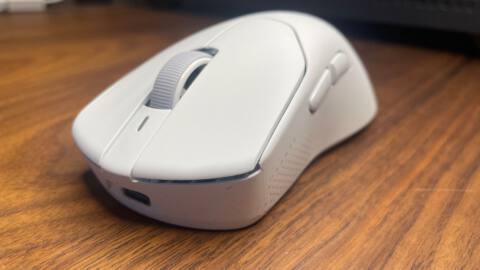
In most ways, the Sabre V3 Pro PureVector Ergo is your standard competitive gaming mouse: lightweight, few frills, simple design, good sensor. It is lighter than most competitive mice with a solid shell, though a little heavier than its predecessor, the Sabre V2 Pro.
Setting aside the PureVector aiming shenanigans for a moment, probably the biggest improvement compared to the Sabre V2 Pro is its battery life, which has been doubled. Apart from that, you’re getting a 42,000 DPI sensor, optical clicks, and some bigger replacement skates included in the box.
Performance
Now we come to the main attraction: PureVector. Corsair has designed the mouse’s internals and firmware to permit different sensitivities in different directions. So, for instance, it can move slightly slower horizontally than vertically.
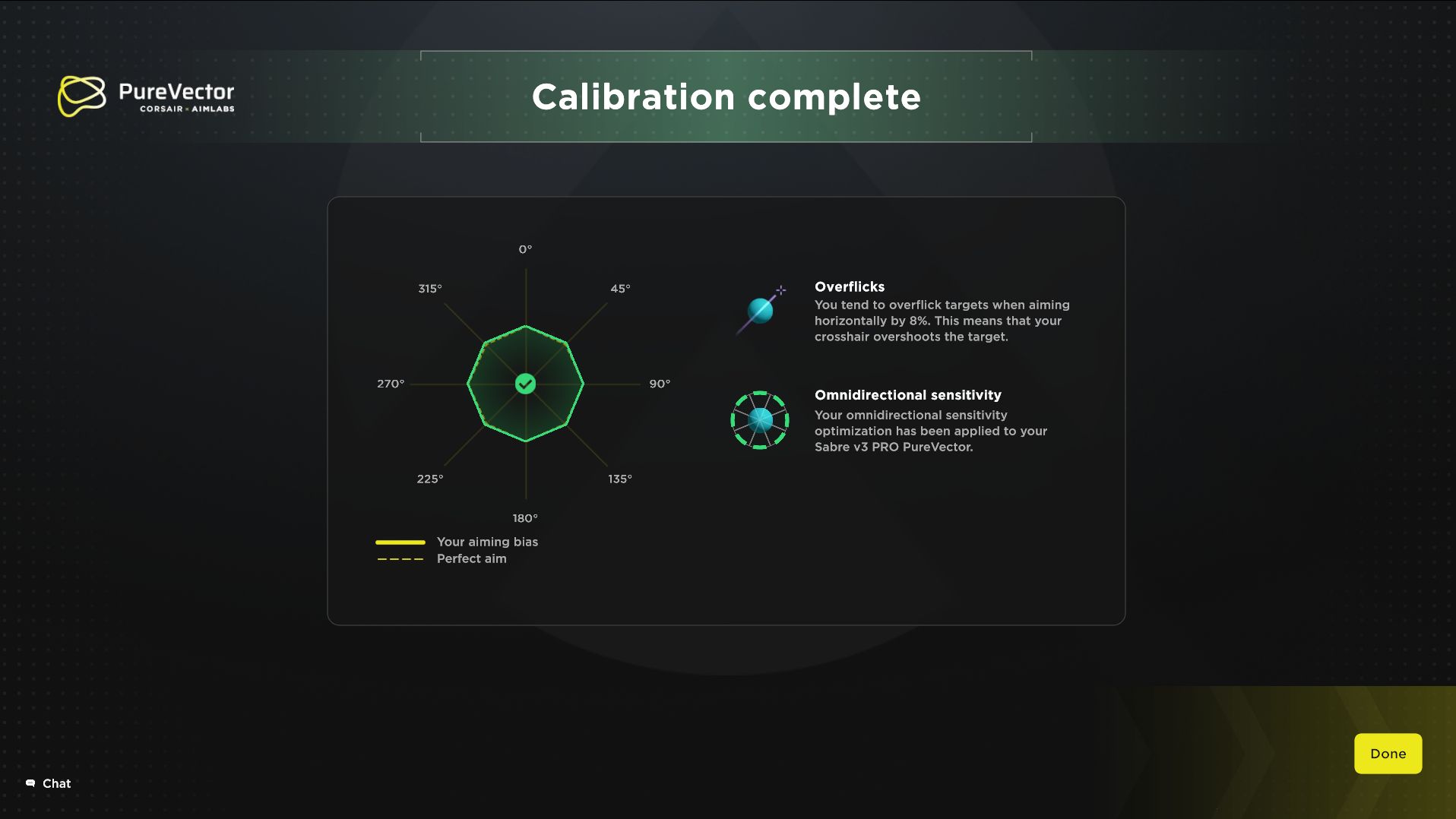
Corsair has worked with AimLabs to let you test your aiming in the latter software and then have the mouse adjust your directional sensitivity for you. The PureVector software within AimLabs has been made with the help of a bunch of aiming data (over 4 billion data points, apparently) and machine learning. The end result is, in theory, a mouse that can tailor its sensitivity in different directions to stop you over-shooting or under-shooting your target.
Again, in theory, this should also save you time when you aim, and Corsair claims it can save more time than reducing the latency of clicks—the latter is, for example, what we see the Logitech G Pro X2 Superstrike and X3 Superstrike focusing on.
It’s worth noting that Corsair highlights a number of pro players who say they’ve benefitted from this new tech. However, for my part, I haven’t noticed a difference.
For reference, I play Counter-Strike 2 at about FaceIt Level 7 or Premier 18–20,000 rating (approx. top 25%). I’m far from a pro, but I’m far from the worst. In-game, I didn’t notice any difference between my aim with PureVector set up and with it disabled.
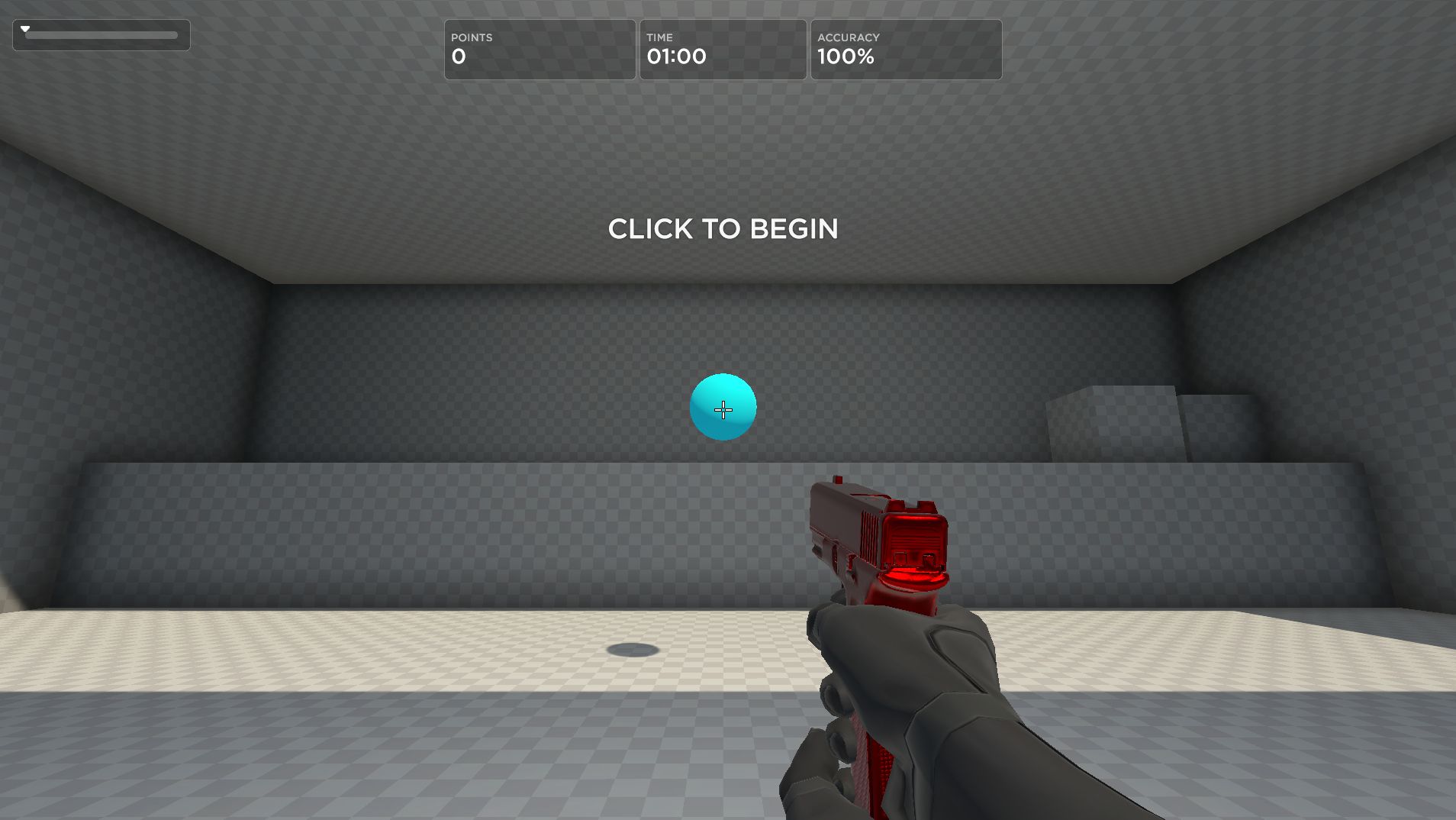
I also repeatedly tested my aim in the AimLabs SpiderShot Precision test, and I actually had slightly better results using another mouse without PureVector (the SteelSeries Sensei Pro), and the latter mouse my hand was less familiar with.
More than this, though, I can’t help but feel that it’s a bit of a band-aid solution to poor aim. If you’re overshooting your shots when you aim left, for instance, you could get PureVector to lower your sensitivity in that direction. But why not instead work on training your hand not to overshoot? That way, having good aim won’t be dependent on using this one mouse, and you can get used to aiming consistently in different directions.
PureVector aside, the Sabre V3 Pro performs well. The sensor is great and feels very responsive. Ditto the new optical mouse clicks. I have no complaints about its performance as a general mouse, I just don’t see the use in PureVector myself. Of course, your mileage may vary, as it seems to have for some pro players.
One area where the Sabre V3 Pro does particularly shine, just like the Sabre V2 Pro, is in its light weight. This latest iteration feels even sturdier than the previous one and still manages to be lighter than most competitive gaming mice.
Battery life
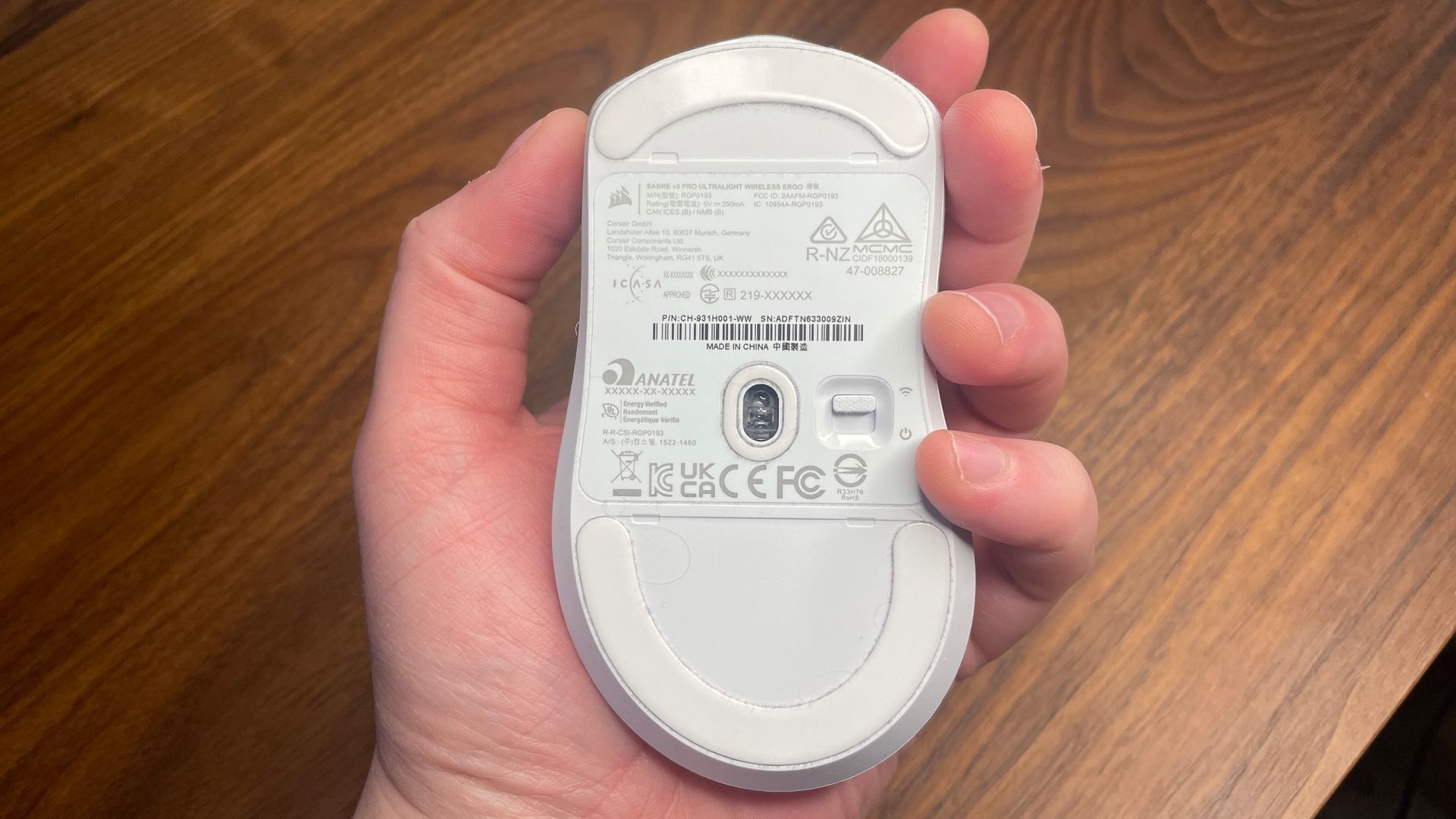
Battery life is a definite selling point of the Sabre V3 Pro PureVector. It’s a lot better than I was expecting. The Sabre V2 Pro can only manage about 70 hours at 1 kHz, and this new one doubles that to 140 hours.
I think Corsair has struck a great balance here, because it’s not as light as the V2—which was 36 g—but 41 g is still incredibly light, and I’d much rather have the bigger battery than shave off those few extra grams. You’re not getting any fancy wireless charging or hot-swappable batteries here, but 140 hours of battery life is great.
Ergonomics
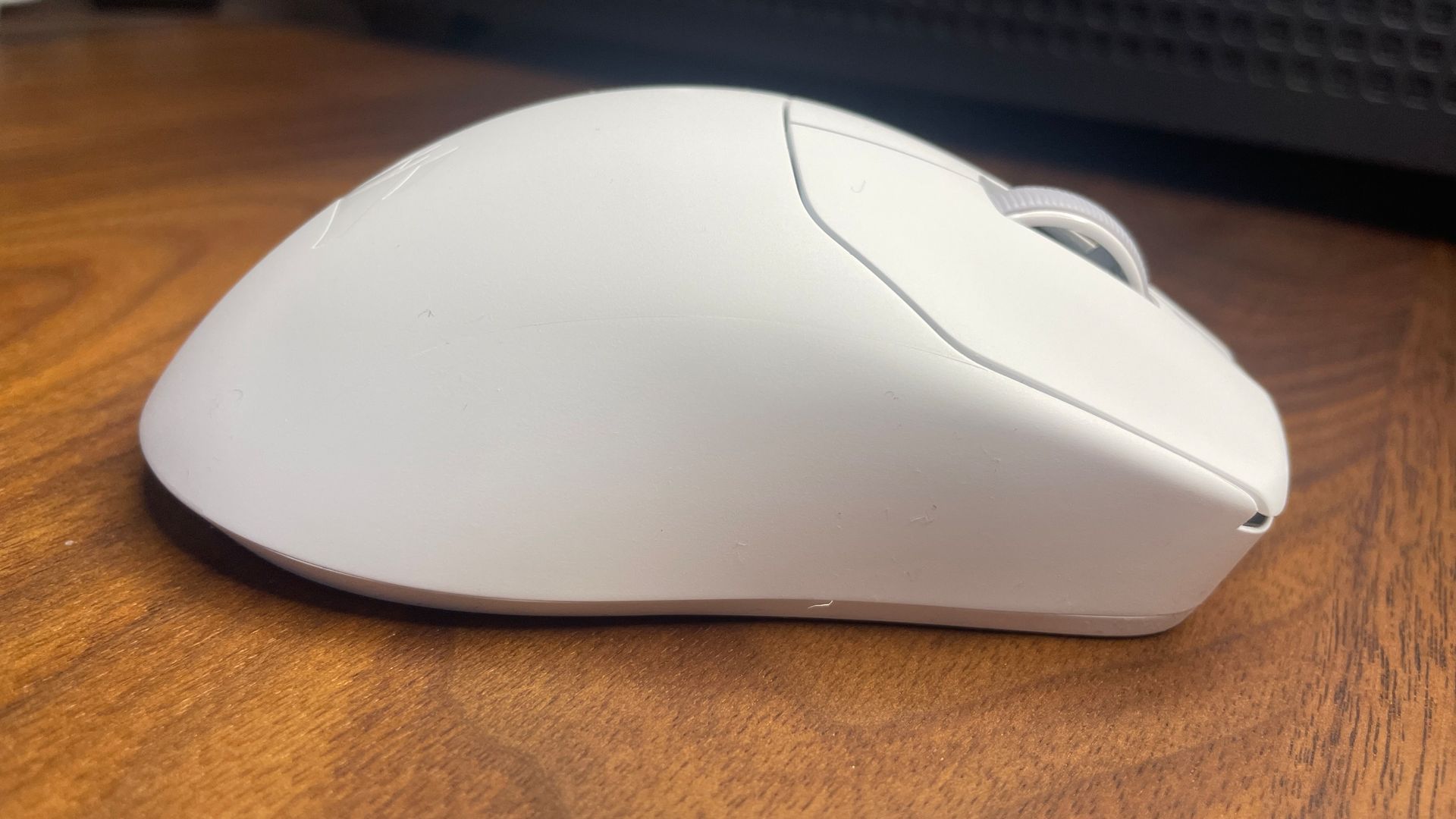
The Corsair Sabre V3 Pro PureVector Ergo is, as its excruciatingly long name suggests, pretty ergonomic. It’s not the biggest ergo mouse I’ve used—the Zowie EC2-DW and SteelSeries Rival Pro both feel a bit bigger in-hand—but it still feels comfy under my medium-sized palm.
There’s also a non-ergo, symmetrical version for the same price, and you can get carbon fiber or magnesium versions for each, if you’re willing to spend even more ($200 and $230, respectively).
I like the lightweight ergonomic version, though. Its slightly smaller size, combined with its light weight, also means holding it in a fingertip or claw grip doesn’t feel too bad, which isn’t something you can say about many ergonomic mice. Palm grip is still the main intention here, though. Playing Counter-Strike on low sensitivity feels great.
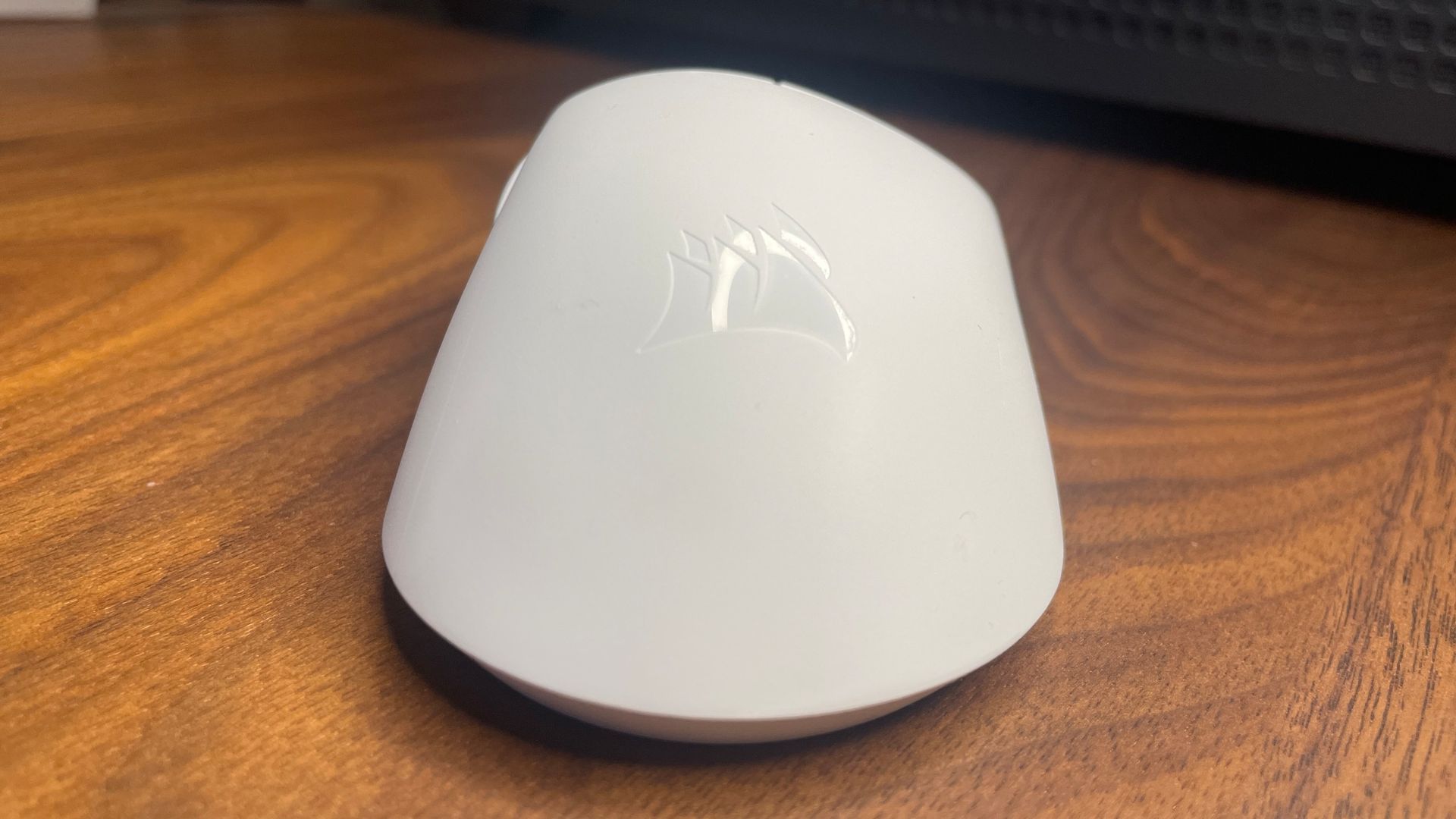
Build quality is decent, too, which is a bit of a relief because the previous version, the Sabre V2 Pro, sacrificed some on this front to achieve its ‘ultralight’ status. There’s no creak or flex along the sides, and only a slight bit of flex on the underside. The side buttons feel great, with no pre-travel, and the scroll wheel has well-defined steps.
There is some pre-travel to the left- and right-mouse buttons, however, and they don’t feel as satisfying to press as some other mice like the Razer Viper V4 Pro or SteelSeries Rival Pro. They’re far from bad, just not quite up to the standard of some other expensive gaming mice I’ve tried.
Aesthetics
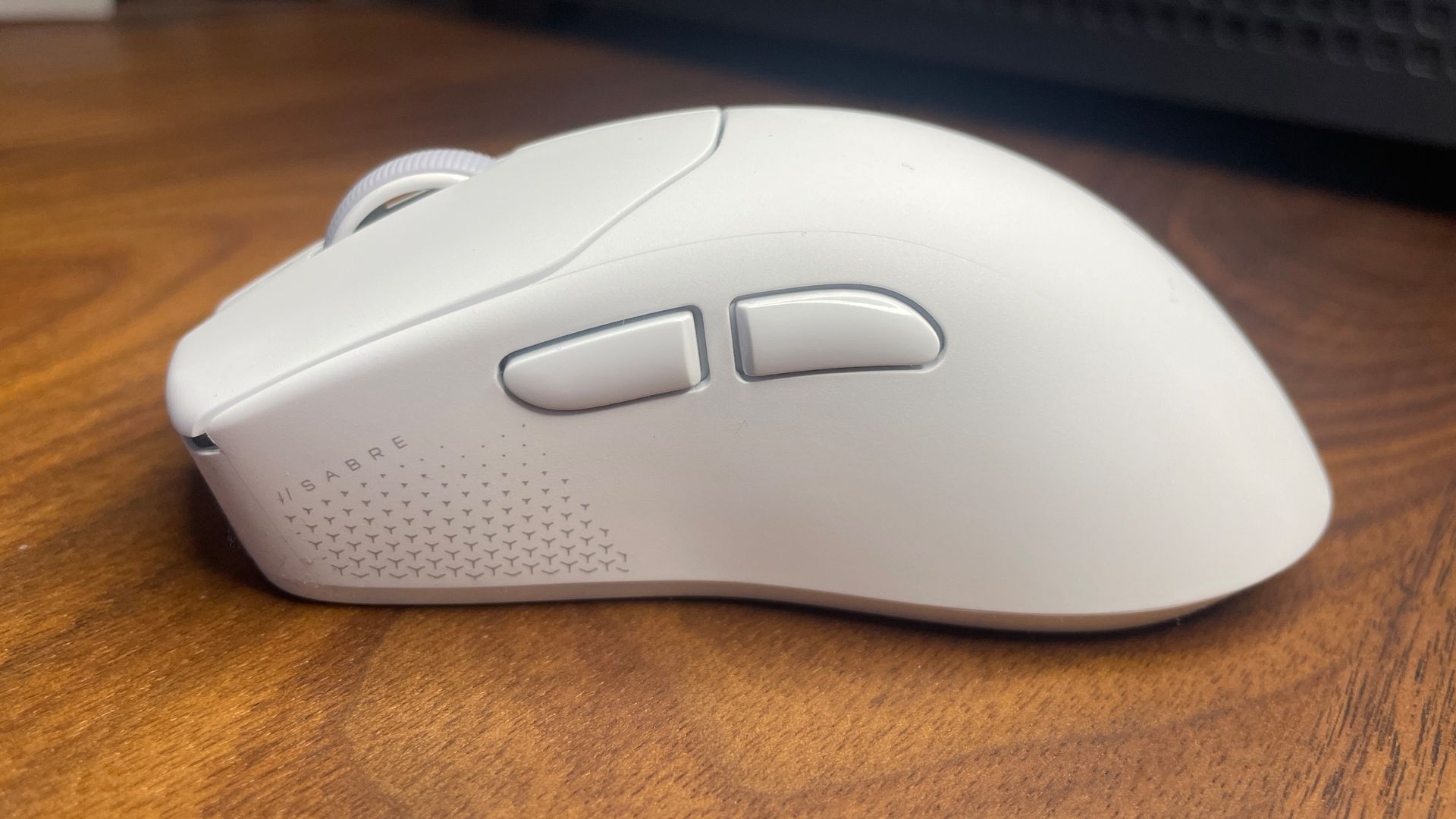
The version I’ve got here, the ‘Ergo’ one, is pretty plain and looks quite similar to its predecessor, the Sabre V2 Pro. It’s plain white, with only some very subtle grey accents. I’m fine with that, as the focus is on performance and comfort.
Any extra aesthetic fancies are likely to add to the weight, which isn’t worth the sacrifice for this kind of mouse. As with most ultralight mice, you know what you’re getting aesthetically, and it’s minimal.
Software
This mouse uses the same software as the previous V2 Pro. What’s noteworthy is the software is browser-based—there’s no locally-installable app to use. That’s mainly because you’re expected to just set it and go, without returning to adjust things.
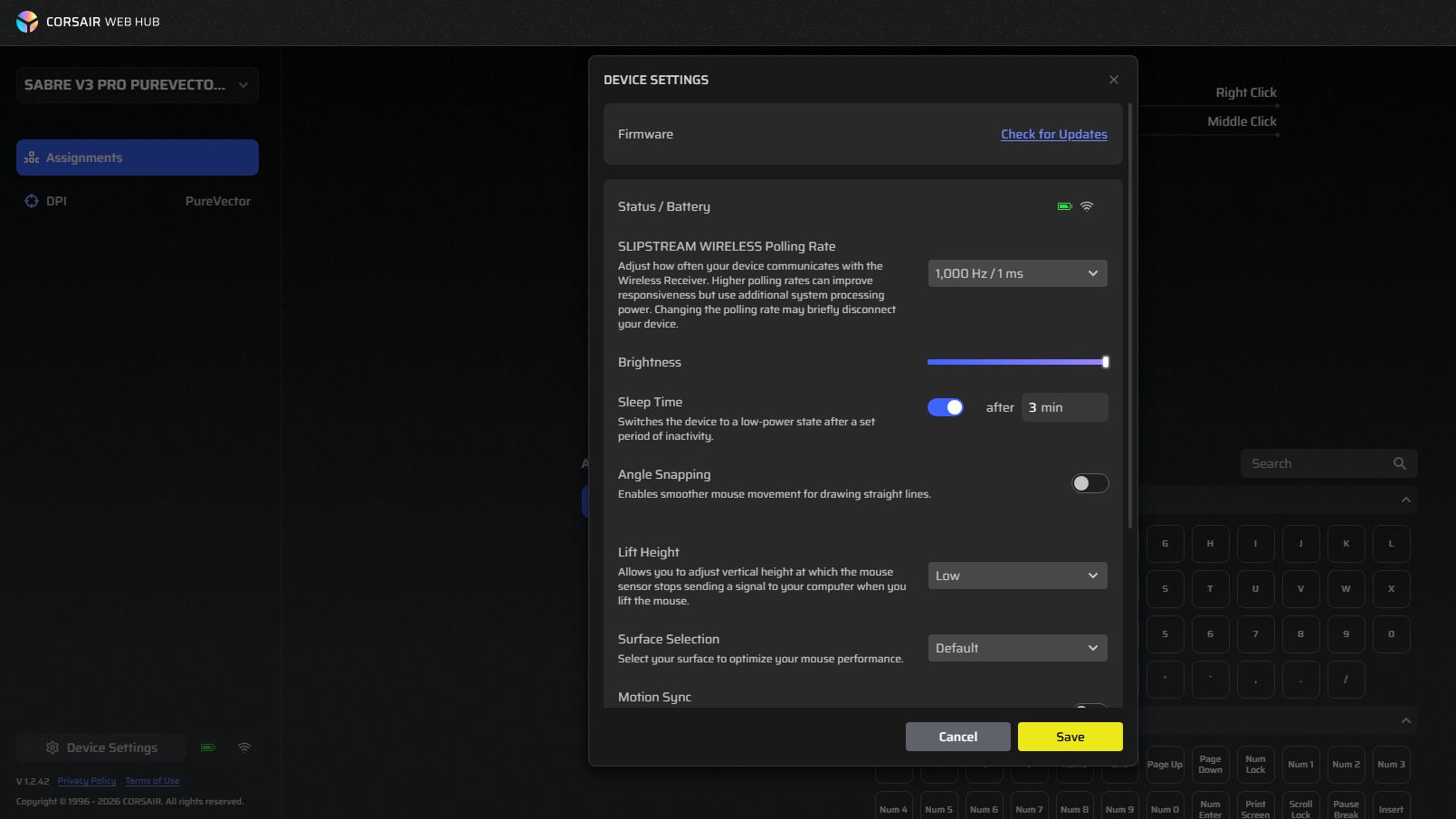
You can set up profiles to toggle between DPI using a mouse button combination, however. And the web software can be used offline if you install it as an app in your browser, so internet outages shouldn’t cause any problems.
The web hub is basic but gets the job done. The battery indicator isn’t very precise, only showing a tiny icon and no percentage numbers, but that’s my only complaint.
The AimLabs integration is perfectly fine, too. Assuming you’ve got it installed on Steam, you can allow the web hub to boot it up for you from there, or boot it up yourself. Once in, you can navigate to PureVector and let it run you through the aim training to adjust your sensitivity in different sweep directions. It’s intuitive, and the directional charts it shows are clear enough.
Value
At $180/£160, the Sabre V3 Pro PureVector Ergo is an expensive mouse. It joins the likes of the G Pro X2/X3 Superstrike, Viper V4 Pro, DeathAdder V4 Pro, SteelSeries Rival Pro, and other high-end, competitive gaming mice.
Can it compete with these? In my opinion, not quite. These other gaming mice each have extra features and new technologies that go some way towards justifying the very high price tags. The Superstrikes have analogue clicks, the Viper V4 Pro has FrameSync, the Rival Pro has hot-swappable batteries and UWB connectivity.
The DeathAdder V4 Pro doesn’t have anything too fancy like that, but is a very solid gaming mouse. I’d class the Sabre V3 Pro PureVector in this category, alongside the DeathAdder. That’s because while the PureVector technology is indeed very new, I haven’t found it to have much of an impact, and so I’m left considering its merits as a general competitive gaming mouse, setting aside this new aim assist tech.
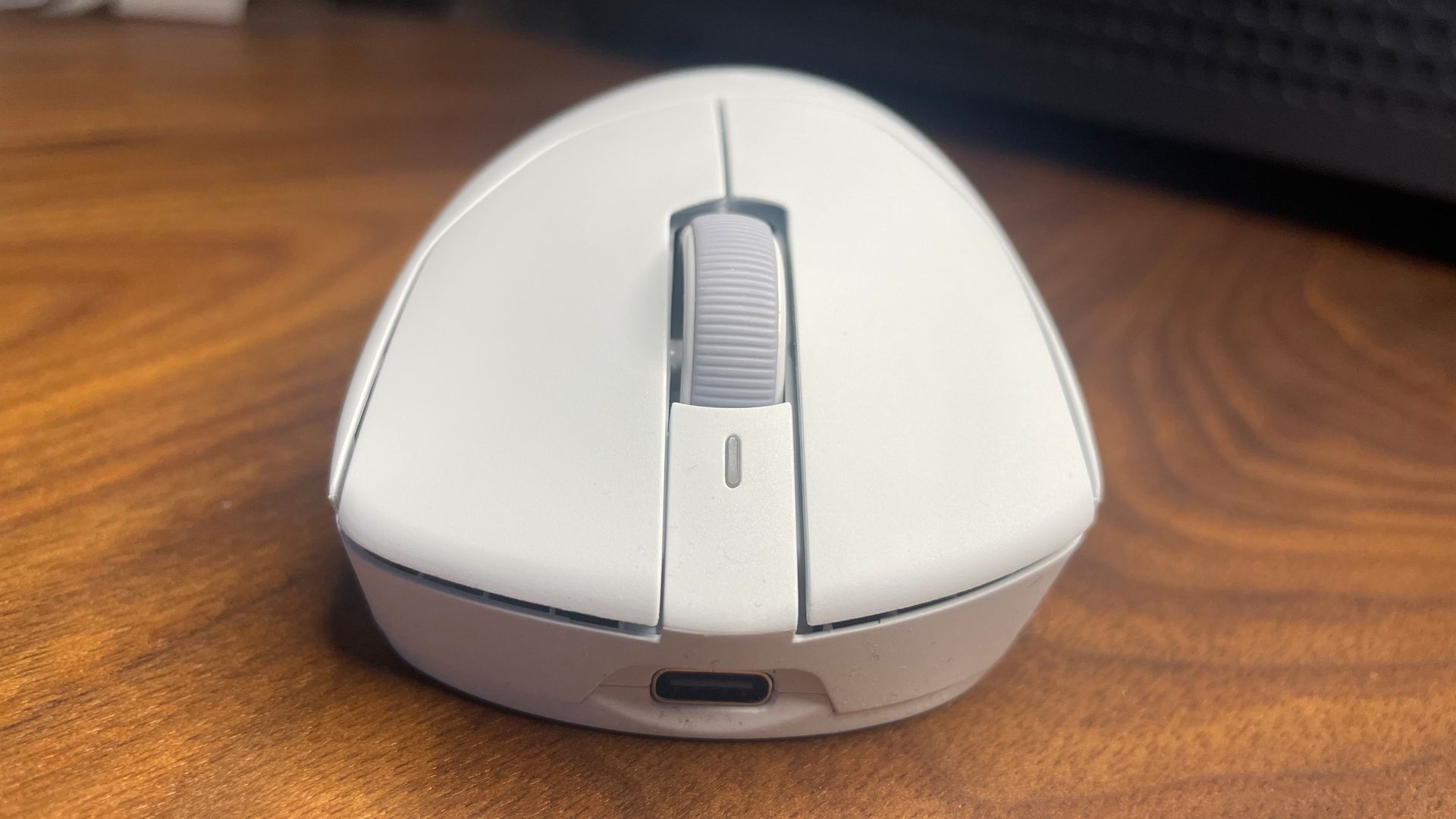
There are merits to it that justify a price tag above $100: light weight, comfy ergonomic shape, optical clicks, responsive scroll wheel, great battery life. But not enough to justify $180—not without something extra, which PureVector promises but, in my case, fails to deliver. Unless, that is, you’re set on getting a mouse as light as this one is that still has a sturdy shell.
You could instead, for instance, go for something like the Mchose K7 V2 Ultra+ for about $90. Or a Pulsar mouse like the Pulsar X2 CrazyLight for $130, which sometimes drops to about $100 on sale.
If you fancy spending the extra to try it out for yourself and see if you can get the kinds of benefits the pros that Corsair highlights espouse, go for it. But for my money, I’d be opting for a cheaper lightweight mouse, or one with better build quality like the Viper V4 Pro.
About Author