Keychron has carved out a wonderful niche in the now admittedly overcrowded mechanical keyboard space for offering fantastic all-round keyboards with all the features and robustness you could want for a surprisingly affordable price, given what’s on offer.
The new K8 Ultra 8K might feel like I’m parroting a lot of the same thoughts as I have with the numerous other Keychron products I’ve tested simply because most products I’ve tested from them have been consistently excellent. This new model doesn’t deviate from a lot of the established formula: hefty aluminium top case, PBT keycaps, versatile connectivity, web-based software. And let me tell you, that’s no bad thing.
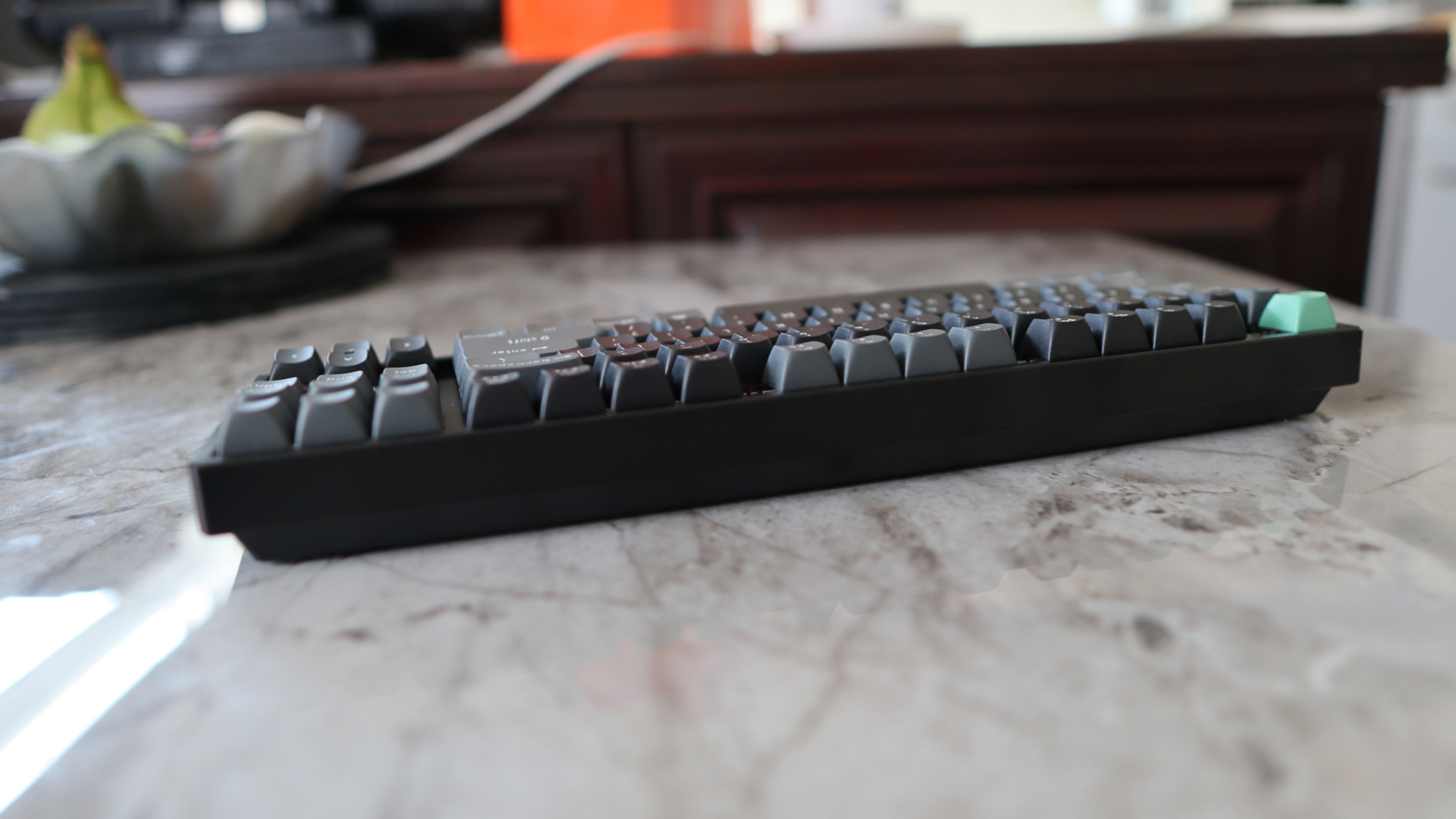
Okay, against the likes of the Lemokey L4 and Keychron Q3 Max, I can nitpick and say the entire case isn’t the usual machined aluminium as there’s a doubleshot ABS portion on the underside mated to an aluminium top piece. However, that is nitpicking of the highest order. The K8 Ultra 8K remains the type of keyboard you could use as a weapon. It’s 1.2 kg in heft, which is a lot for a smaller form factor keyboard, and has a fantastically sturdy frame to boot.
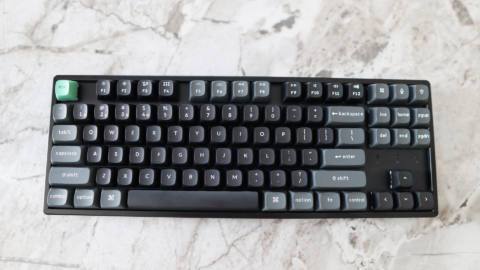
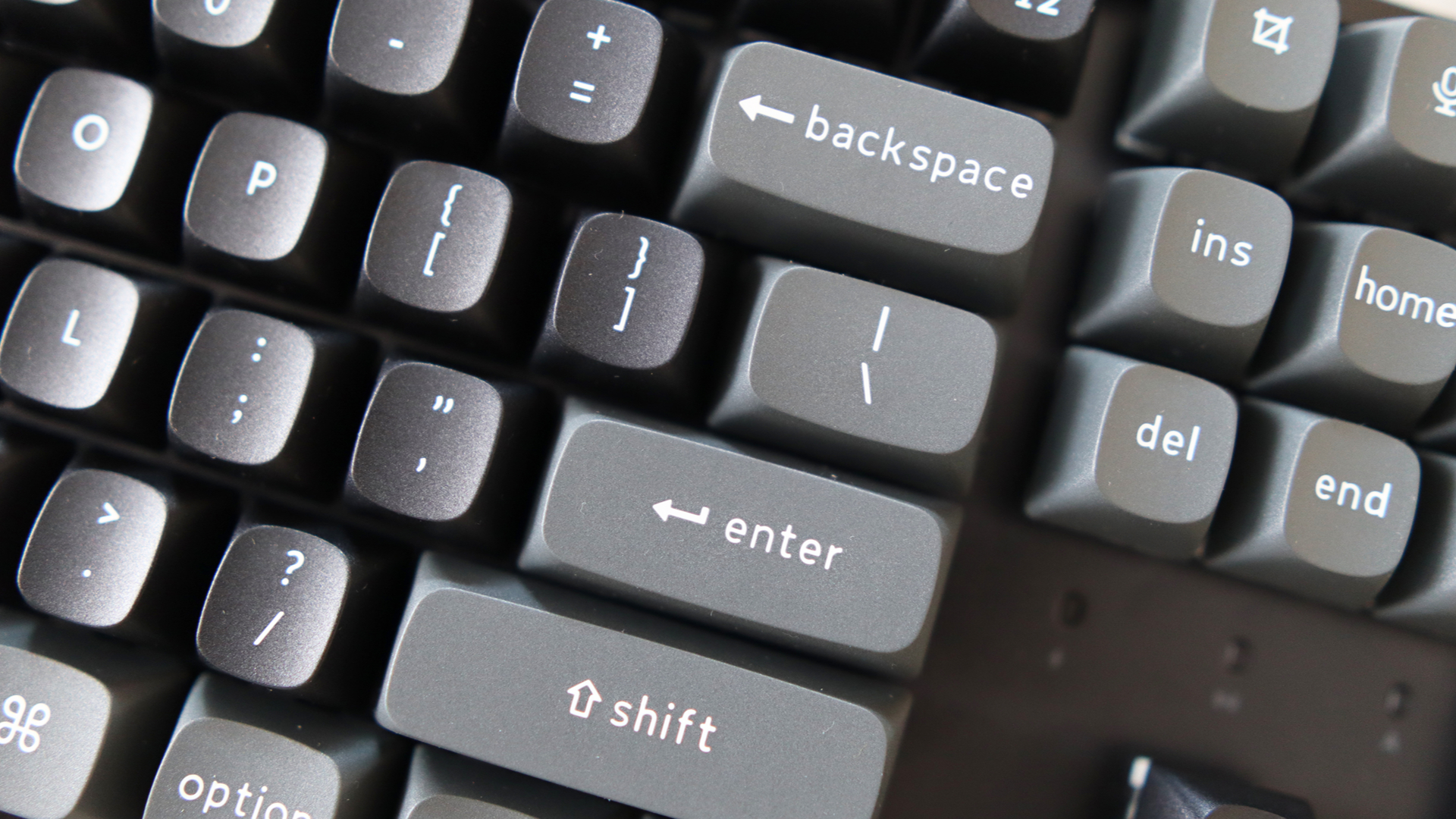
To go with it, we’ve also got the usual doubleshot PBT keycaps for durability and an added touch of quality in an OSA profile, which gives them more of a spherical top edge to help with finger placement when typing.
Switch type: Keychron Apex Red, Brown or Banana
Keycaps: PBT, doubleshot
Lighting: RGB, controllable in software
Onboard storage: 4 profiles
Extra ports: None
Connection type: Wired USB-C/2.4 GHz/Bluetooth 5.2
Cable: USB Type-C/USB Type-A, detachable
Weight: 1.299 kg/2.86 lbs
Price: $120
The TKL layout here is familiar, and a good starting point if you’re after a space-saving layout that won’t immediately make you question your life choices if you’ve not used it before—that’s reserved for the HHKB. It simply chops off the number pad and leaves the rest as-is, giving you more desk space without sacrificing too much functionality. With narrow bezels around the edge of the layout, this is also a little bit smaller than other TKL keyboards I’ve used, giving you even more desk space black.
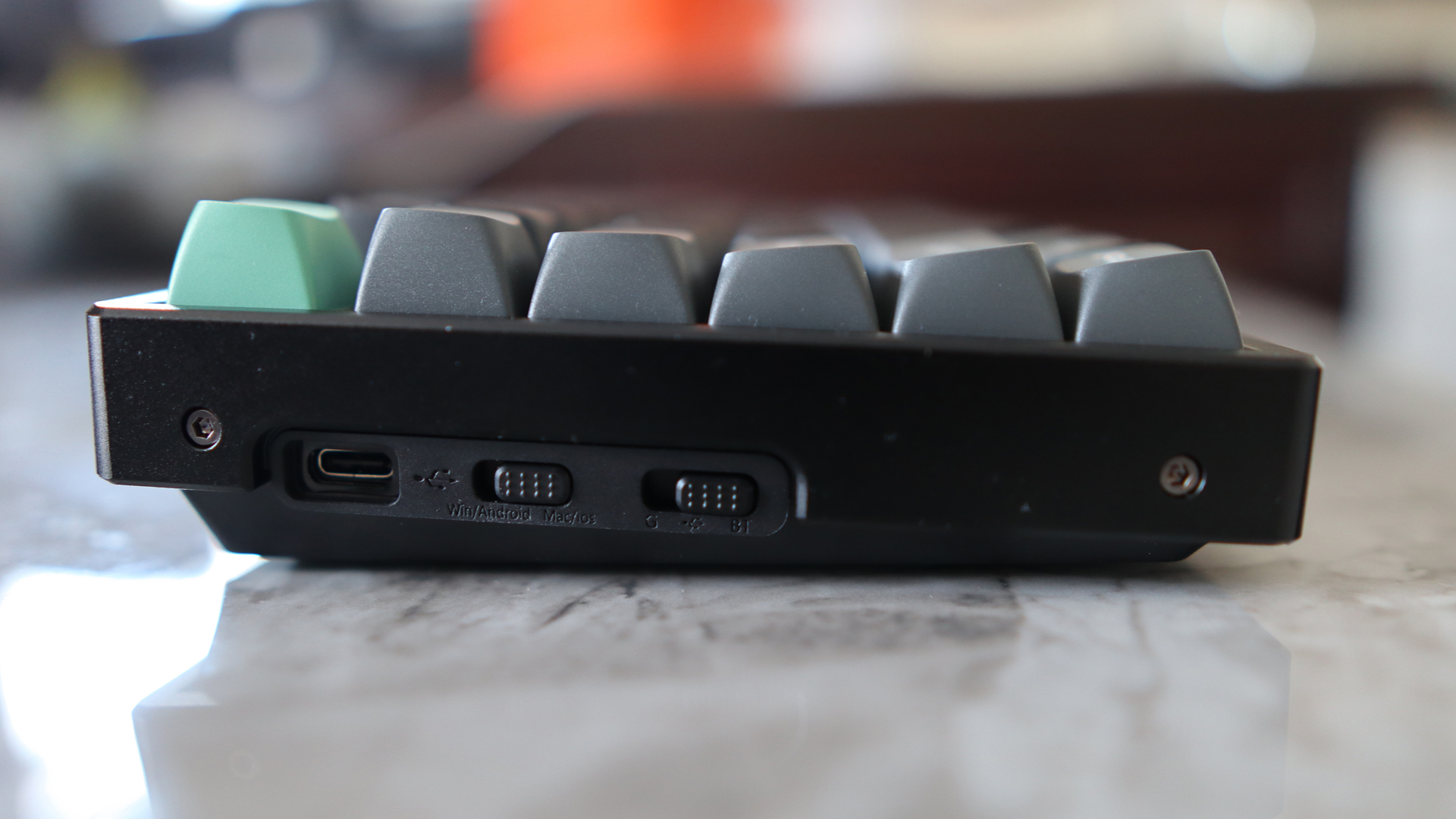
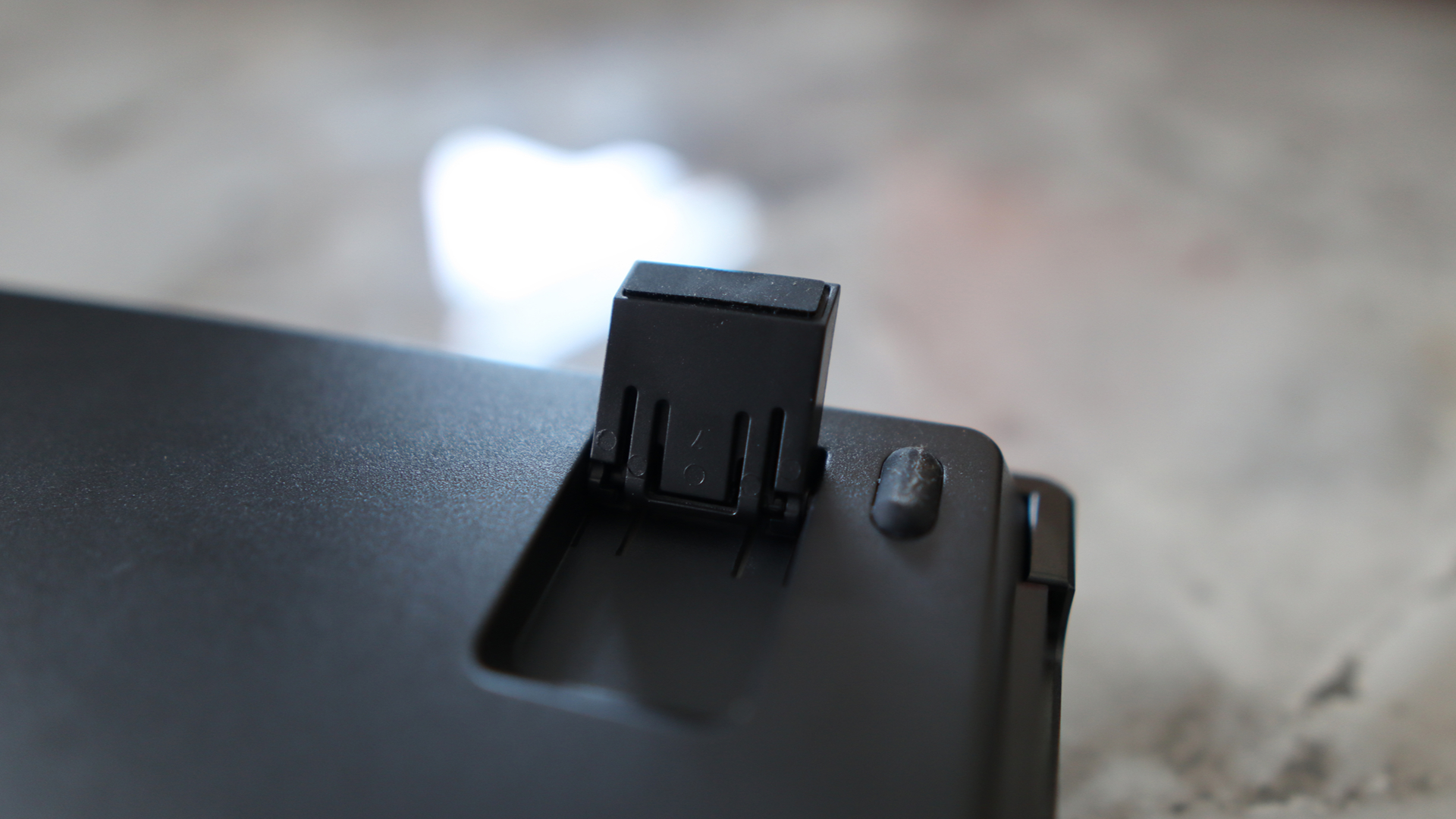
Where the K8 Ultra 8K differs from some of its other keyboards is the fact it lacks much in the way of additional extras, such as the customary rotary volume knob I’ve come to expect from their products. The lack of something to fiddle and twiddle with is a bit of a shame, but you can turn the volume up and down with a combination of the Fn key and either F11 or F12 on the function row. There is the customary USB-C port on the left side for charging and wired connectivity, as well as a selector switch for either Bluetooth or 2.4 GHz connectivity and Windows or macOS.
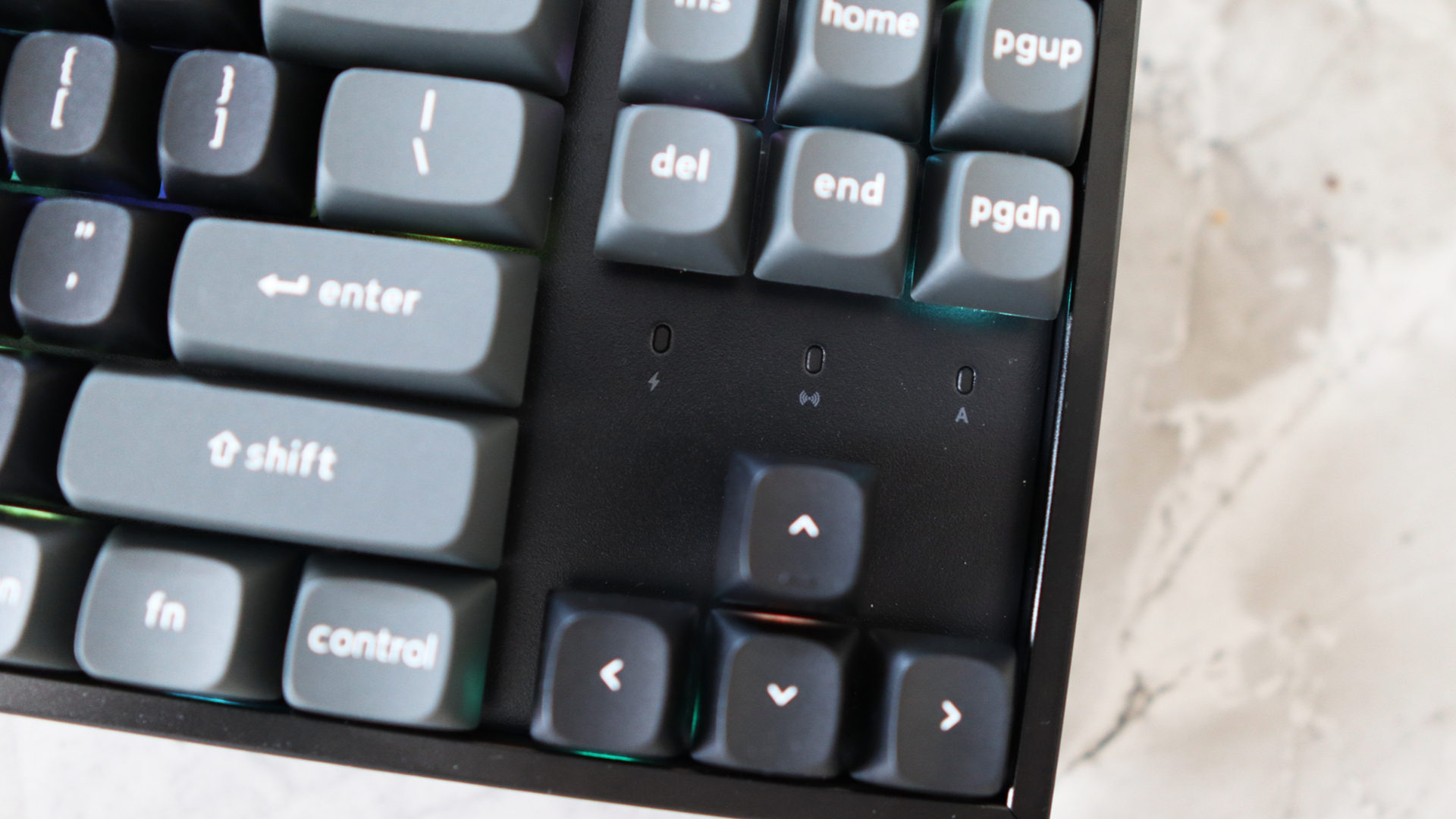
Speaking of connectivity, this Keychron keyboard worked a charm over either wireless method, connecting with ease to either my MacBook over Bluetooth or my main Windows gaming PC over its 2.4 GHz receiver. With both, it was virtually effortless. Pairing over Bluetooth is as easy as holding the function key down with either 1, 2 or 3 on the number row depending on which Bluetooth channel you wish to use until the small blue light underneath the key flashes quickly. The keyboard should then show up in the pairing settings on the device you want to connect to. Press ‘connect’ and you should be off to the races in a matter of moments.
In addition, its battery life is solid too, with up to 760 hours of runtime with no RGB turned on. If you turn the lighting on at its lowest level, this figure drops to 225 hours. That’s a huge increase over the older Keychron models I’ve tested, and the brand says it’s down to the fact this keyboard is using new ZMK firmware.
ZMK is specifically designed for wireless connectivity, rather than the older QMK standard, which had wireless connectivity support more or less bolted on, which meant its battery life dropoff was quite noticeable. In my week or so with the K8 Ultra 8K, the percentage hasn’t dropped much, and I’ve been through a workday where it hasn’t moved from 100% charge in the Windows settings.
This also bodes well for the traditionally horrendous battery drop-off we see keyboards suffering from with 8000 Hz polling rate enabled, as it’s reporting much more frequently than with a standard 1000 Hz rate keyboard, it tends to cane overall endurance. As its name suggests, this keyboard supports 8000 Hz polling, both over 2.4GHz wireless and USB-C wired, but that’s as far as its ‘gaming’ chops go—no TMR, rapid trigger or all the rest of it.
On the point of firmware (and by extension software), the K8 Ultra 8K supports Keychron’s new web-based Launcher software, which is a lightweight and convenient method of configuring everything from macros, key remapping and tweaking the keyboard’s RGB lighting. To be specific, it’s got 22 different lighting presets you can pick from.
I admit, it’s taken me long enough, but it’s finally time to talk about switches. Seemingly in keeping with the theme of the K8 Ultra 8K being wholly new, it utilises Keychron’s own Apex switches. These are a new switch that utilises a box stem design and a clear top, rather than a more traditional MX-style stem. The box stem is designed to reduce key wobble to some extent, although they are still quite wobbly in my experience with these switches.
You can get this keyboard in three different flavours, with a light and linear Red, a soft tactile Brown and a heavier soft tactile Banana switch available. Mine shipped with the Brown switch, which has a 50 g force and a standard 4mm travel. For reference, the Reds have a 45 g force and 4 mm travel, while the Bananas have a 55g force with a shorter 3.6 mm travel to allow for a sharper tactile bump halfway down the travel.
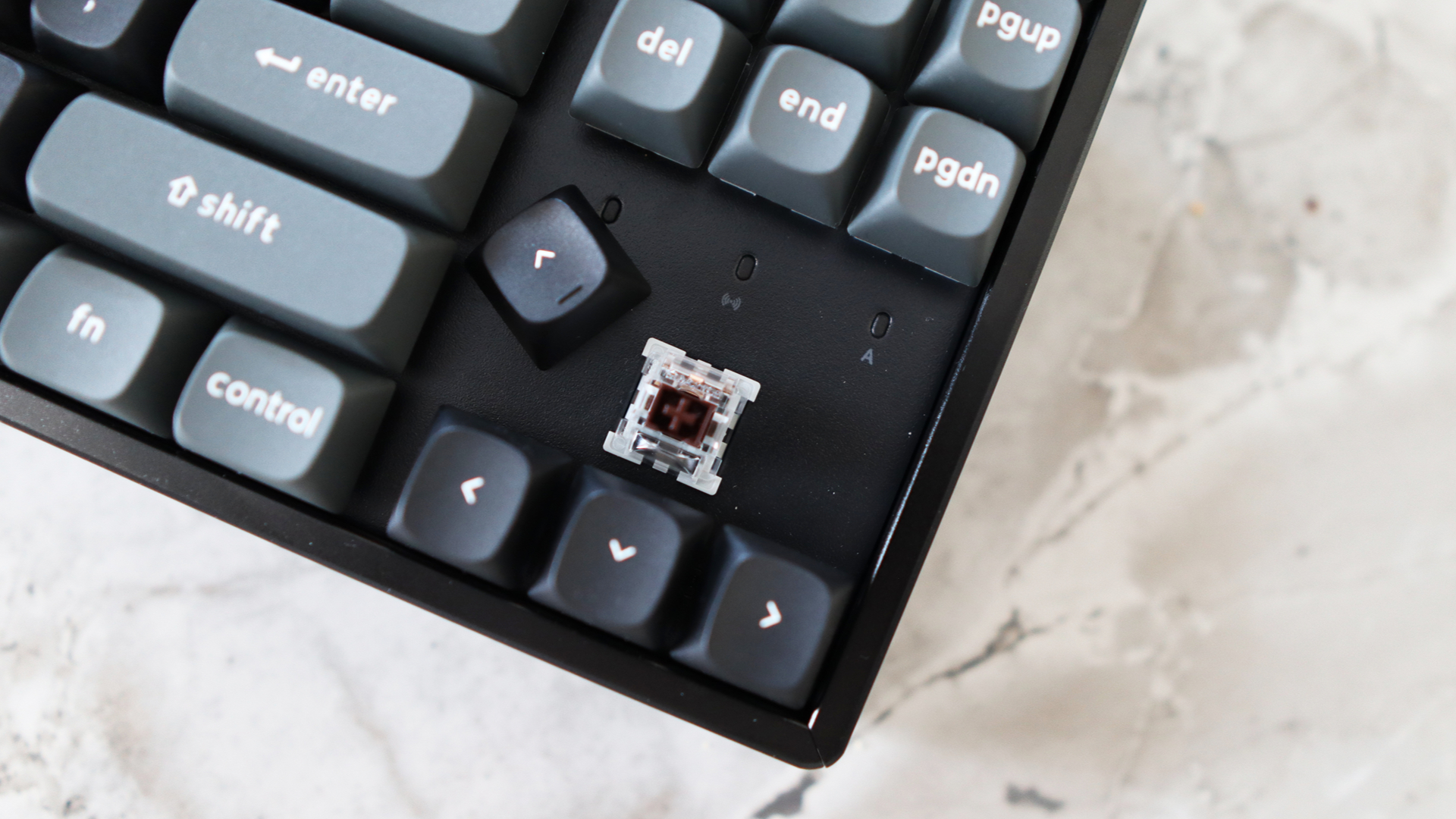
In my experience, Brown switches of the clone variety are some of the hardest to get right against actual MX Browns, which I’ve used a lot in the intervening decade since getting into this hobby. Sometimes clones can be inconsistent in feel, or it can feel as if there isn’t a bump at all, negating their soft tactile status. In my experience, the ones inside this keyboard feel the wrong side of subtle: there is a bump, but it’s a little too soft and therefore not as noticeable as I’d like it to be. The 50 g weighting means they’re also quite light, and I would prefer something heavier out of the box, but that’s where the Banana switches come in.
Combined with the heaps of sound dampening and foam inside the keyboard’s metal chassis, the fact that the default switches are also lubricated means the K8 Ultra 8K sounds divine once you get up to speed with a pleasant acoustic profile. It is quite loud and high-pitched though, owing to the resonance from the metal case, although there isn’t any horrible rattle or ping.
✅ You want a solid all-rounder: The K8 Ultra 8K is a great all-round mechanical option with solid build quality, thoughtful extras and excellent battery life.
❌ You want more consistent switches: The Brown switches on my particular sample aren’t as consistent or strong as other tactiles I’ve tried on other keyboards.
If the switches inside aren’t your jam though, then you can easily swap them out with a range of 3- or 5-pin choices, as this keyboard is hot-swappable. As with other Keychron keyboards, it bundles in a switch and keycap puller to make swapping them out a breeze. I had some spare Cherry MX Falcon tactile switches left over from a different project, which I slotted into the K8 Ultra 8K, and swapping them in was a doddle, as it usually is with these keyboards.
Now’s usually the point where I’d potentially bemoan that this Keychron product is a little too dear, but I’m not going to. In fact, I’m a little shocked at the price. This keyboard is going to run you the princely sum of $120, which is very competitive considering what you get for the price. For reference, the full-size Ducky Zero 6108 with genuine Cherry MX2As inside is cheaper, and remains built like a tank, but its battery life isn’t as strong, and there’s barely any software support.
The Asus ROG Strix Scope II 96 Wireless has traditionally been our favourite mechanical gaming pick and ticks all of the fundamental boxes with smooth switches, a solid build and convenient wireless connectivity. However, it’s more expensive, and ROG Armory Crate doesn’t provide the most optimal software experience.
Think of the K8 Ultra 8K as a pleasant halfway house between the two that gets mostly everything right. It’s solid, dependable and versatile. For the price, you can’t ask for much more than that. But, if I could have some more consistent soft tactile switches, that would be nice.
About Author