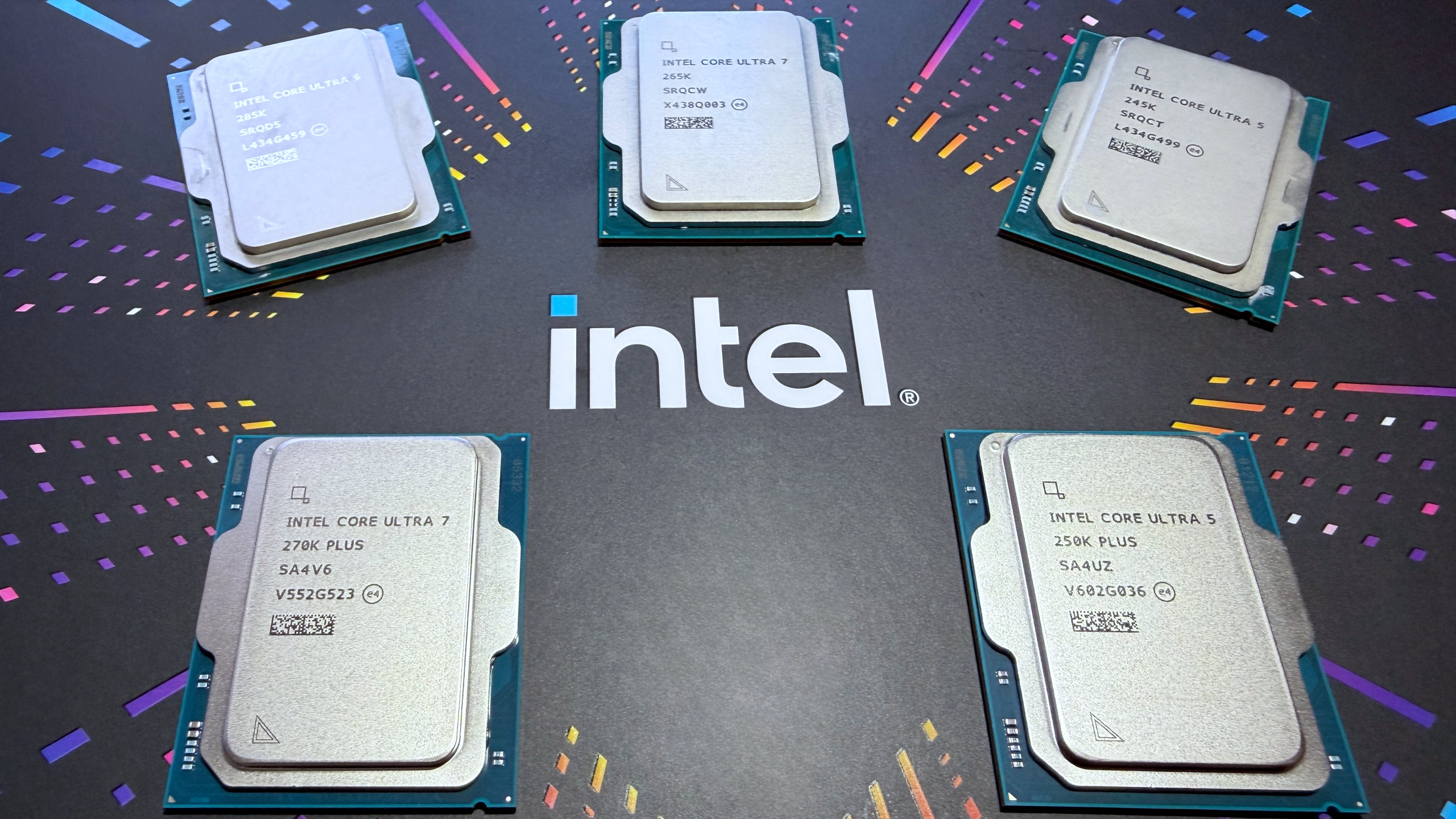
There’s nothing new about a processor architecture being ‘refreshed’, as AMD and Intel have been doing this for years, but where you’d normally expect a particular SKU line to get nothing more than some minor clock speed bumps and a sparkly new badge, Intel has done things a little differently for its Core Ultra 200S Plus chips, i.e. Arrow Lake Refresh.
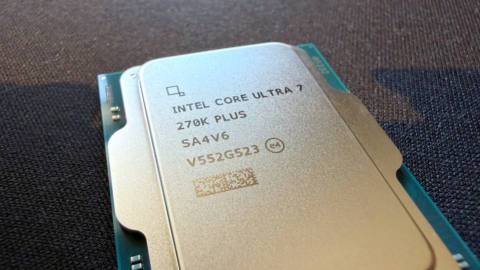
For a start, you’re only getting two new processors, the Core Ultra 7 270K Plus under review here, and the Core Ultra 5 250K Plus. In the case of the former, the family name (Ultra 7) would suggest that it’s merely a Core Ultra 7 265K with a bump to its clock speeds, but that’s not the case.
The 270K Plus sports eight P-cores and 16 E-cores (i.e. a full Arrow Lake compute tile), exactly the same as the Ultra 9 285K, and has higher maximum clock speeds for the P and E cores: 5.5 and 4.7 GHz, respectively. The 265K’s figures are 5.2 and 4.6 GHz, so you’re getting no more than 6% faster P-cores and just 2% speedier E-cores.
However, Intel has also given Arrow Lake’s other clocks a healthy bump, too. The maximum D2D (die-to-die) clock speed has been increased by an enormous 900 MHz (2.1 to 3.0 GHz), with the NGU (Next Generation Uncore) clock raised by a smaller, but still decently sized, 400 MHz (2.6 to 3.0 GHz).
Cores (P+E): 8+16
Threads: 24
Base clock: 3.7 GHz (P-core)
Boost clock: 5.7 GHz (P-core)
L3 Cache: 36 MB
L2 Cache: 40 MB (Total)
Unlocked: Yes
Max usable PCIe lanes: 24
Graphics: Intel Graphics (4 Xe cores)
Memory support (up to): DDR5-7200
Processor Base Power (W): 125
Maximum Package Power (W): 250
Recommended customer price: $299/£299.99
The latter controls the speed of the fabric inside the SoC tile, whereas the former is for the bridges between each tile in Arrow Lake. Oh, and the clock for the cache ring bus inside the compute tile is also a touch higher: where the 285K and 265K peak at 3.9 and 3.8 GHz, respectively, the 270K Plus and 250K Plus are 4.0 and 3.9 GHz.
Additionally, Intel has given the integrated memory controller (IMC) a 400 MHz boost to its maximum clocks, hence why the 270K Plus supports DDR5-7200 without overclocking. It’s worth noting that the 200S Plus chips also support Intel’s 200S Boost mode, enabled via the motherboard’s BIOS, which raises the D2D and NGU clocks to 3.2 GHz and the IMC to support DDR5-8000.
To achieve all of this, Intel says it tweaked a variety of things inside the architecture and was keen to stress that the new Ultra 200S Plus chips aren’t simply ones that have been picked out of a particular manufacturing bin. The compute tile is a fresh wafer design, albeit one that isn’t substantially different from before.
Alongside the launch of the 200S Plus pair, Intel released a new piece of software, called Binary Optimization Tool (BOT), which basically plays a game of Tetris with thread instructions, helping the processor run them more efficiently. Some of the architectural tweaks involve hardware hooks to give Intel’s software engineers a better insight as to what code reshuffling will work best for a given game.
For the sake of consistency, and to get a sense of the ‘raw’ hardware performance, I’ve not employed BOT or Intel’s APO tool for the benchmarks below, but I will be examining the system in detail in a separate article.
PC Gamer test PC specs
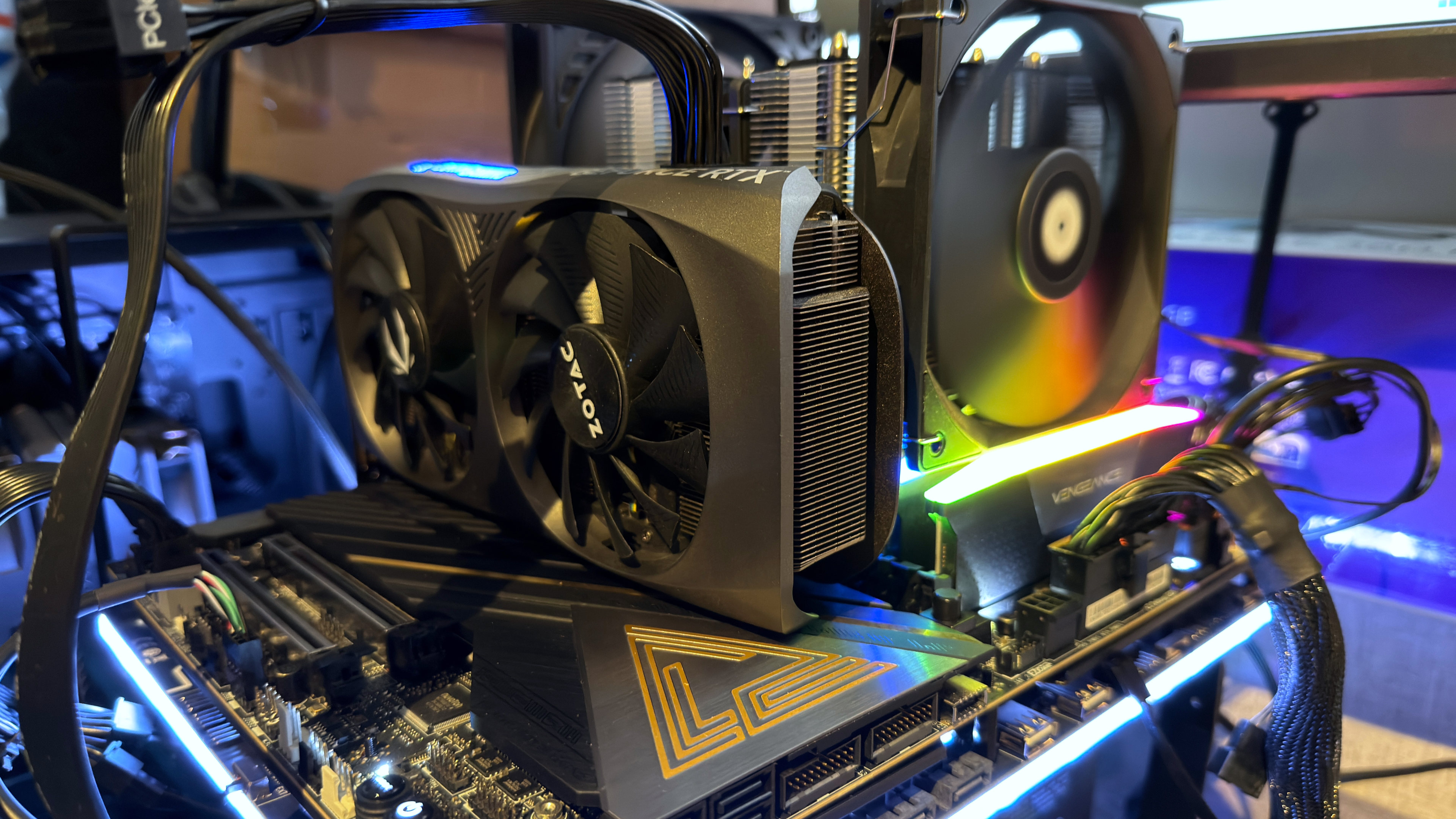
MSI MEG Z890 Ace | 32 GB Corsair Vengeance DDR5-6000 CL32 | Thermalright Peerless Assassin 120 SE | Zotac GeForce RTX 4070 | Corsair MP700 2 TB | Be Quiet! Pure Power 12 M 850 W | Thermal Grizzly Der8enchtable
Gaming performance
Gaming performance
Cyberpunk 2077 (1080p RT Ultra + DLSS Balanced)
Avg FPS
1% Low FPS
| Product | Value |
|---|---|
| Intel Core Ultra 7 270K Plus | 119 Avg FPS, 98 1% Low FPS |
| Intel Core Ultra 9 285K | 118 Avg FPS, 95 1% Low FPS |
| Intel Core Ultra 7 265K | 117 Avg FPS, 90 1% Low FPS |
| AMD Ryzen 9 9950X3D | 111 Avg FPS, 67 1% Low FPS |
| AMD Ryzen 7 9800X3D | 112 Avg FPS, 76 1% Low FPS |
| AMD Ryzen 7 9700X | 99 Avg FPS, 59 1% Low FPS |

When Intel first launched Arrow Lake in October 2024, the new chips were disappointing from a gaming perspective. Slower than the previous generation Raptor Lake processors, as well as AMD’s Zen 5 range, the only thing they had going for them was the low power consumption in games. But that was because they weren’t working properly.
Fast forward 16 months and it’s a very different picture, thanks to a raft of microcode, BIOS, and operating system updates. Ryzen chips with 3D V-Cache are still the best for outright gaming, but compared to the rest of AMD’s offerings, Arrow Lake chips are a good match: better in some games, slower in others, but overall, pretty much on par.
The new 270K Plus chip, though, is something else entirely. While it’s still not good enough to knock the Ryzen 7 9800X3D off the top slot as being the best CPU for gaming, the Core Ultra 7 270K Plus really doesn’t disgrace itself. In fact, from a gaming perspective, it’s the best chip that Intel offers right now, and at $299, it’s substantially cheaper than the 9800X3D.
The best Arrow Lake processor for gaming used to be the Ultra 7 265K, for its balance of price tag and performance, but the 270K Plus easily demotes it to second or even third place now.
Content creation performance
Content creation performance
Cinebench 2024
Single-core index score
Multi-core index score
| Product | Value |
|---|---|
| Intel Core Ultra 7 270K Plus | 143 Single-core index score, 2435 Multi-core index score |
| Intel Core Ultra 9 285K | 145 Single-core index score, 2383 Multi-core index score |
| Intel Core Ultra 7 265K | 135 Single-core index score, 1989 Multi-core index score |
| AMD Ryzen 9 9950X3D | 139 Single-core index score, 2347 Multi-core index score |
| AMD Ryzen 7 9800X3D | 133 Single-core index score, 1307 Multi-core index score |
| AMD Ryzen 7 9700X | 131 Single-core index score, 1148 Multi-core index score |
| Product | Value |
|---|---|
| Intel Core Ultra 7 270K Plus | 123 |
| Intel Core Ultra 9 285K | 121 |
| Intel Core Ultra 7 265K | 115 |
| AMD Ryzen 9 9950X3D | 134 |
| AMD Ryzen 7 9800X3D | 92 |
| AMD Ryzen 7 9700X | 83 |