You know, it’s been quite refreshing reviewing a laptop for once that doesn’t have any major flaws. Acer’s Nitro V 16 AI, is genuinely pretty good. I have few complaints, which is rare given the current state of affairs. Is it the best gaming laptop ever? No, not quite, but what it aims to do right, it does so remarkably well.
This modern-day PC gaming world we inhabit is a bloody mess. I don’t need to tell you that. Long gone are the days of just being able to read a laptop review or two and know exactly what you’re getting if you do decide to add the thing to cart.
Instead, nowadays, we’re graced with a myriad of region specific skus. Reviewer models that make no sense. Gaming performance that varies wildly, dependent on TGP rather than what the graphics card’s actually called. SSD capacities that you’d wince at back in 2014, and old RAM configurations brushed off as the modern-day must-haves. As if the “DDR5’s really important for gaming bro, trust me bro, also buy these rainbow lights” comments that manufacturers were forcing on us lot since 2022, were in fact a mad fever dream we all shared instead.
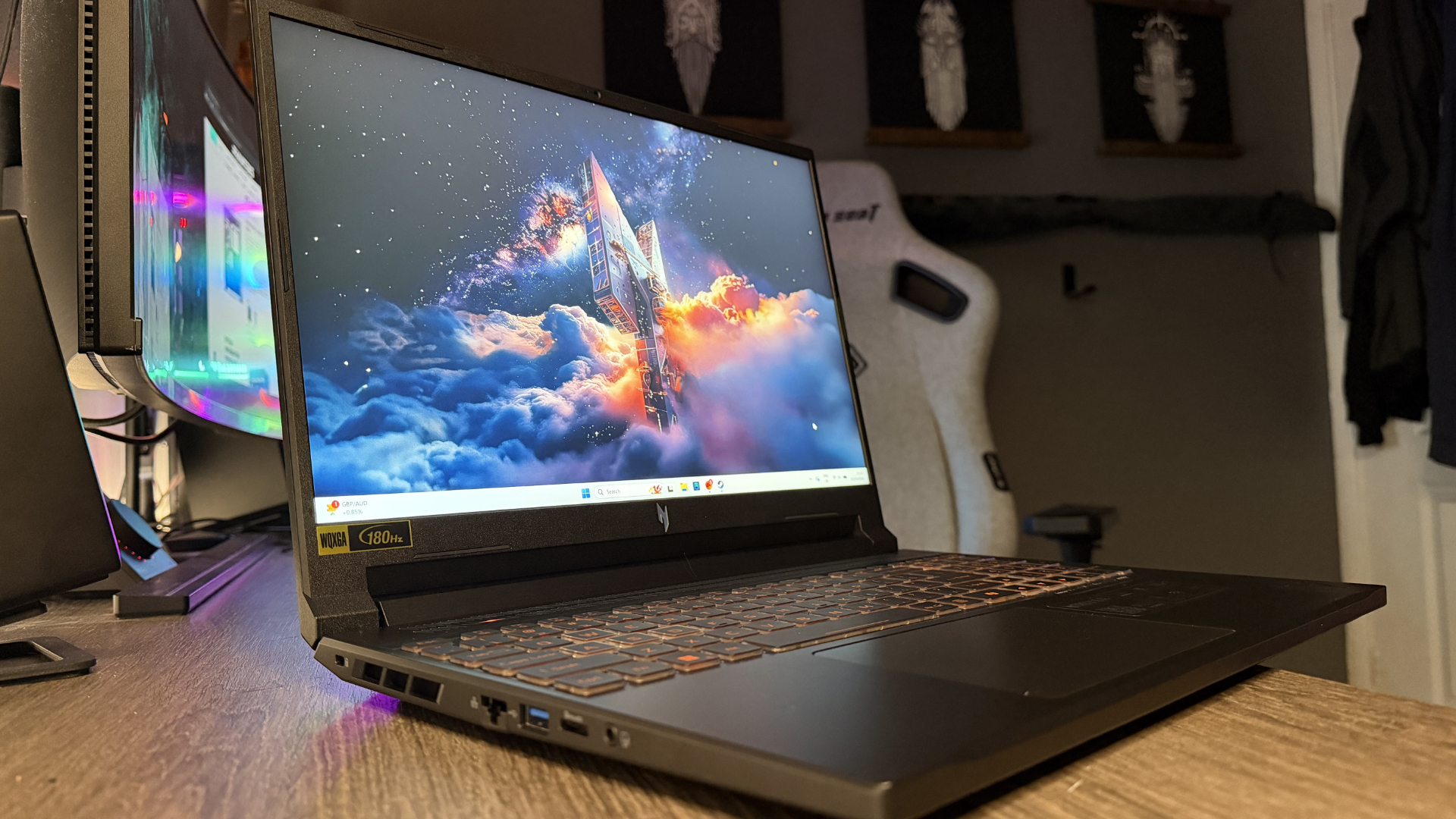
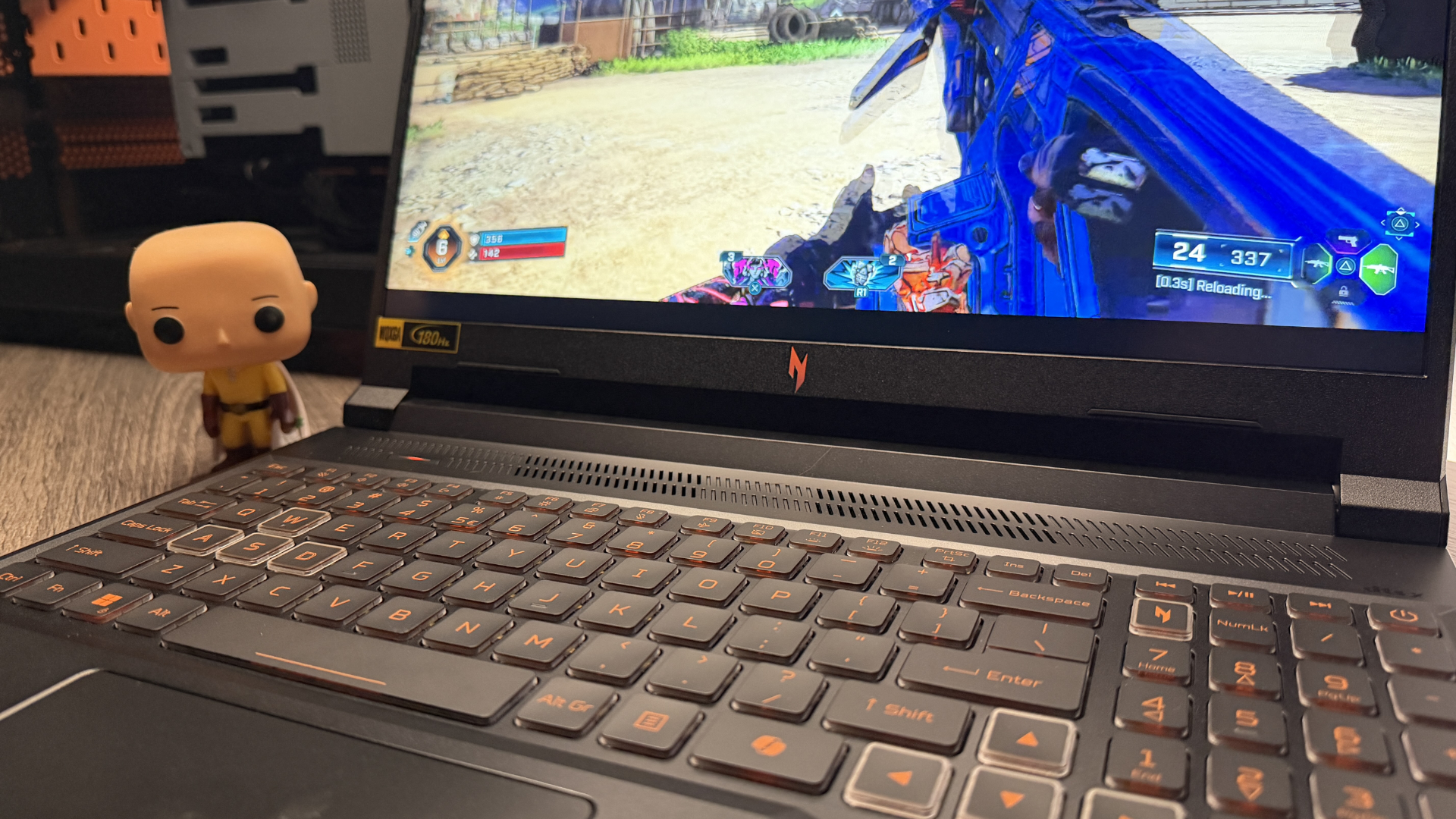
Although the Nitro V 16 does fall foul of a few of them, in terms of what it is and what you’re getting, it’s actually fairly well thought out. This thing has a solidly clean design overall, with thin bezels, a beautiful high-refresh IPS panel (albeit you can get it in two different resolutions 2560×1600 @ 100 Hz, and 1920×1200 @ 180 Hz), packed with a decent complement of hardware, and a surprisingly broad I/O configuration too. It is a gaming laptop. That’s very much apparent.
FutureFutureFutureFuture
Nitro V 16 AI specs
Model No
ANV16-42
CPU
AMD Ryzen 7 260 w/780M GPU
GPU
Nvidia RTX 5070 95 W
RAM
32 GB DDR5-5600
Storage
2x 1 TB WD PC SN5000S PCIe 4.0 SSDs
Screen Size
16-inch IPS
Refresh Rate
100 Hz
Resolution
2560×1600
Battery
76 Whr
Dimensions
26.0 mm x 362.0 mm x 278.0 mm | 1.02 x 14.25 x 10.94 inches
Weight
2.44 kg | 5.38 lbs
Price
$1,400 | £1,400
Buy if…
✅ You need a nice entry-level laptop perfect for gaming and office work: The best of both worlds, just about, with plenty of expandability and connectivity. The RTX 5070, with its 95 W TGP here, makes light work of most tasks at its native resolutions
Don’t buy if…
❌ You’re looking for something more professional: The chassis is ok if all you do is game, but if you’re trying to blend into that office meeting with this thing, you might want to think again.
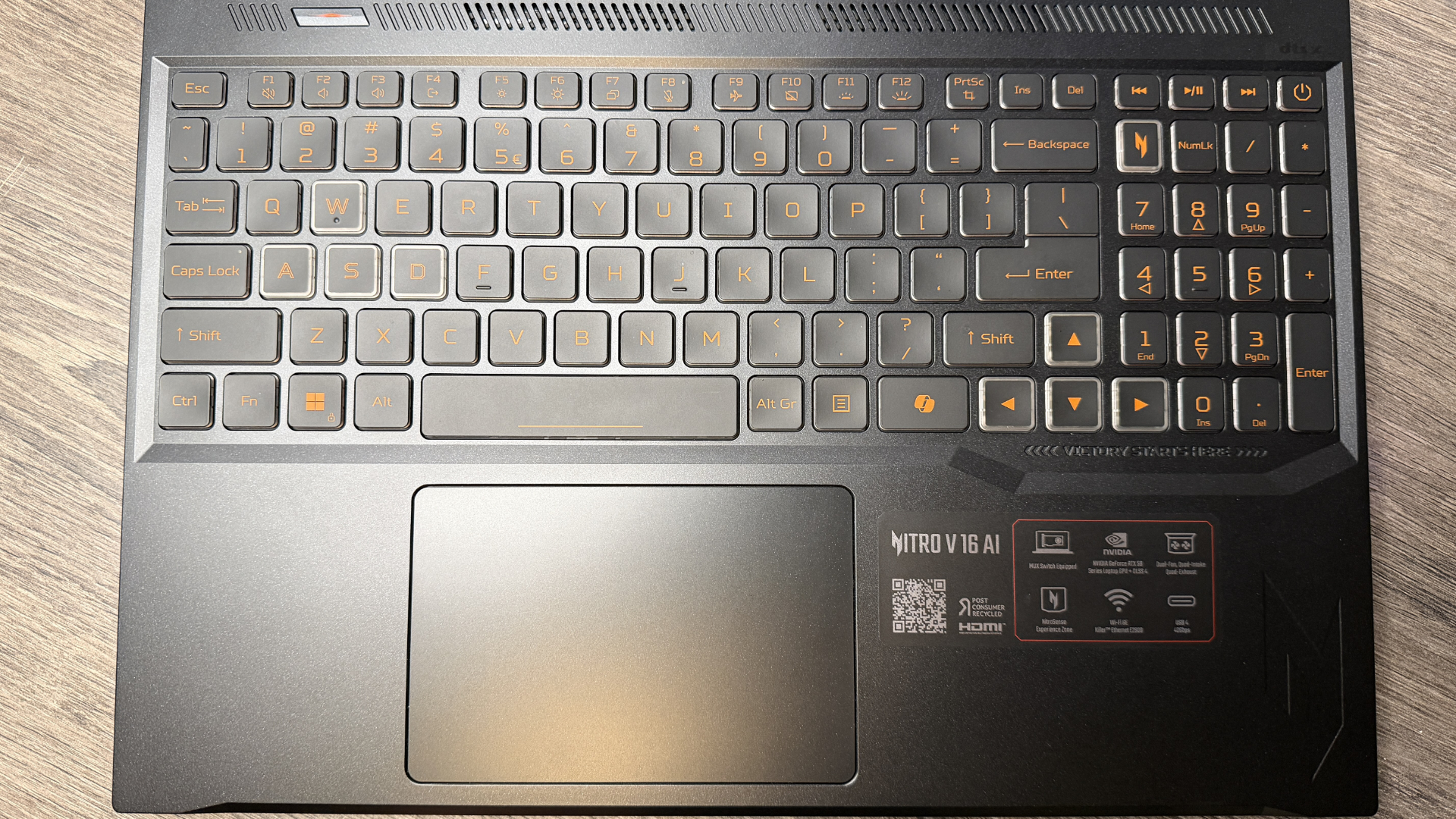
You’ve got that sharp Nitro embossing, the cut edges, and jagged overall feel, along with that sorta mid-range satin black finish that’s been in the industry for as long as I have. And of course, the old “gamer” typeface engraved onto those remarkably comfortable keys… though don’t expect this to rival a mechanical keyboard by any means.
The trackpad is large enough too, the speakers surprisingly boisterous, and yes, there’s the usual cornucopia of added extras thrown into the OS for your chagrin and/or leisure, including three months of free Game Pass etc, etc, but for the love of god please uninstall McAfee. Windows Defender is fine.
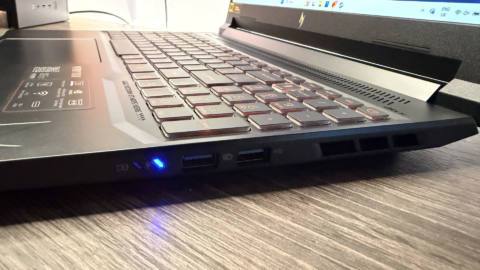
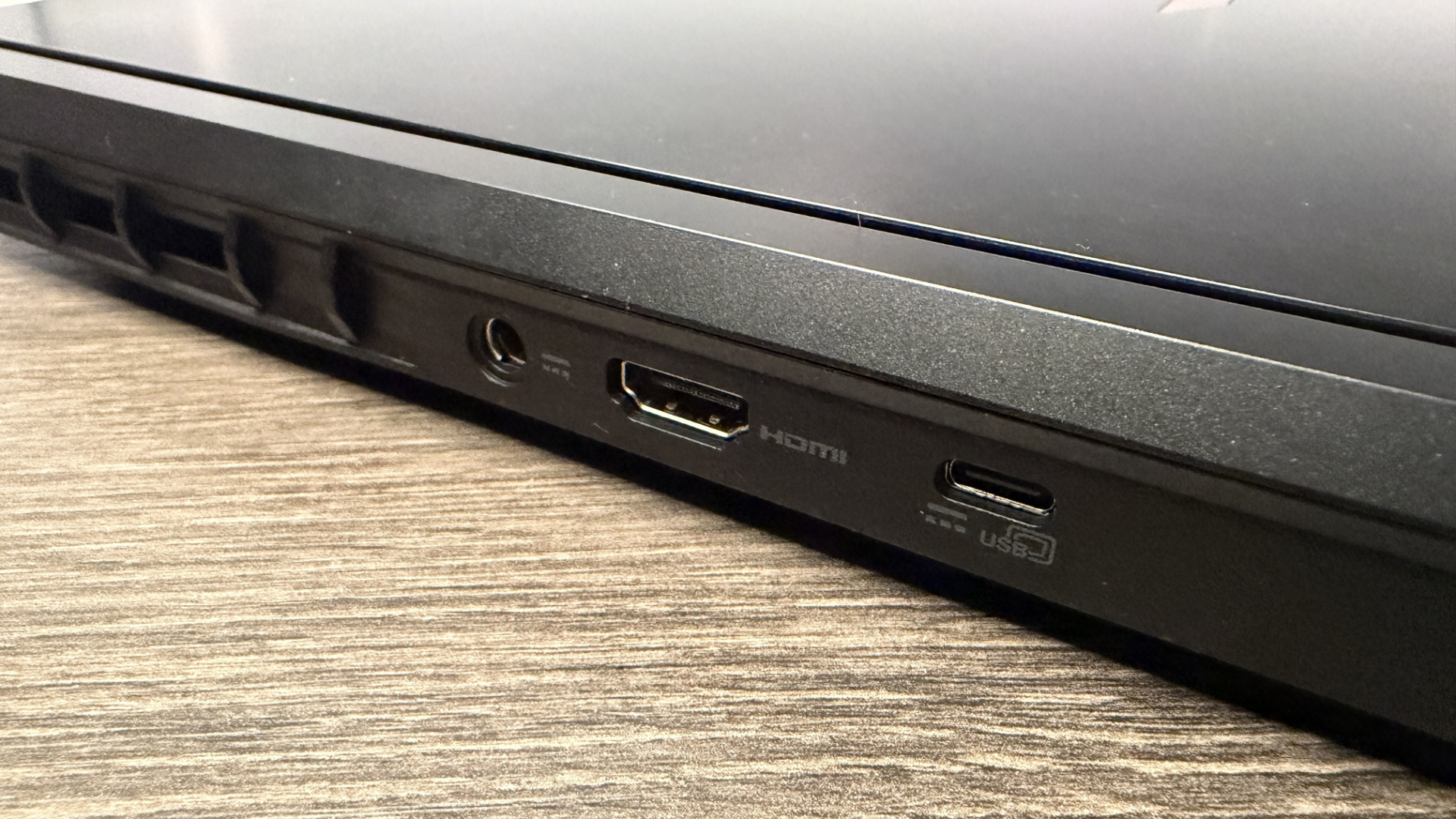
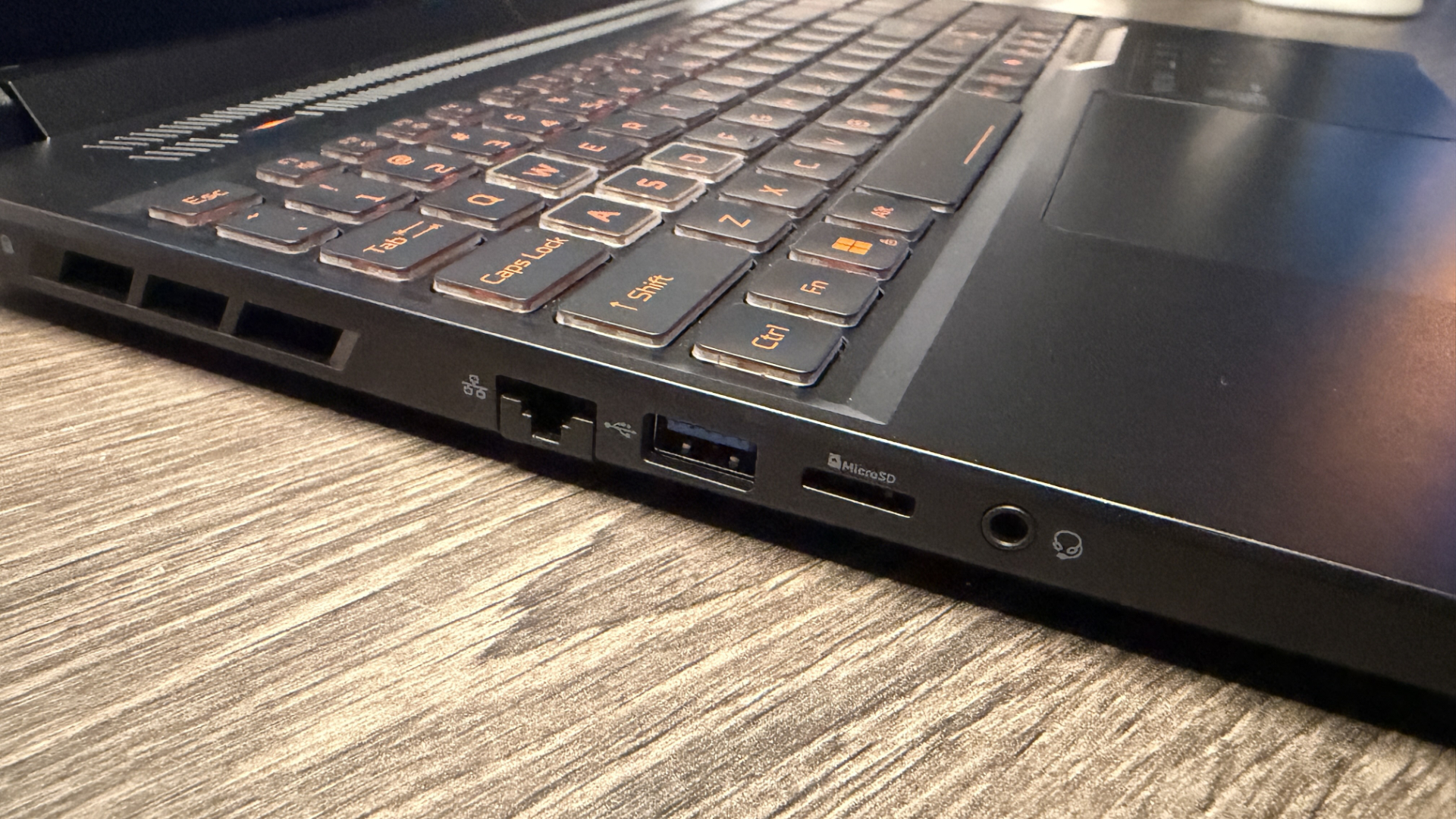
Connectivity is generous too, with three USB 3.2 Type A ports, a Micro-SD card reader, Ethernet out, headphone jack, and a HDMI 2.1 and USB4 Type C port popped out back behind the screen as well.
It’s the performance, though, that really stands out for me. At least in this model. Now I should preface this with a slight caveat. There are so many different models and skus of the Acer Nitro V 16 AI, that it’s genuinely terrifying. I spent hours trying to source a price for this thing, even going back and forth with Acer’s PR team.
You’ve got GPUs ranging from the RTX 5050 to the 5070, 16 GB to 32 GB of DDR5 RAM, different CPUs, from Intel to AMD, and storage capacities from 1 TB to 2 TB. Plus, two different panels as well, which, as I’ve mentioned, can stack all the way up to the 2560×1600 model I have here, or that more entry-level and more palatable 1920×1200 one instead.
FutureFutureFutureFuture
The one I’m testing is the absolute top-of-the-line edition. One that’s only possible to actually buy if you find a system integrator willing to do it for you. There’s 32 GB of RAM (instead of the usual 16 GB) and an extra 1 TB SSD fitted as well. Although, to be perfectly clear, neither of those additions massively affects performance in our testing suite, bar perhaps 7-Zip’s compression tests. The core hardware, the Ryzen AI 7 260, and the RTX 5070 95 W, you can find across a wide range of them too, so spot that, and the screen res and you’re good to go.
Speaking of numbers. The good news is that compared to Gigabyte’s Aero X16 (which also featured an RTX 5070 and a 2560×1600 display), it absolutely mops the floor with it. Scores are 5-10% higher across pretty much every title tested, regardless of resolution.
1766 Overall index score, 303.54 Avg bandwidth (MB/s), 102 Access time (ųs)
Both of these laptops are 16-inch models, with a 76 WHr battery life. In Baldur’s Gate 3, average fps for the Nitro V 16 AI was 5 fps ahead at their native resolution. Metro Exodus 50 fps vs 45 fps, and in Cyberpunk 2077, 20 fps versus 12 fps. You get the picture. The contrast is even more stark if you enable DLSS and upscaling as well, where the Nitro V 16 climbs even higher.
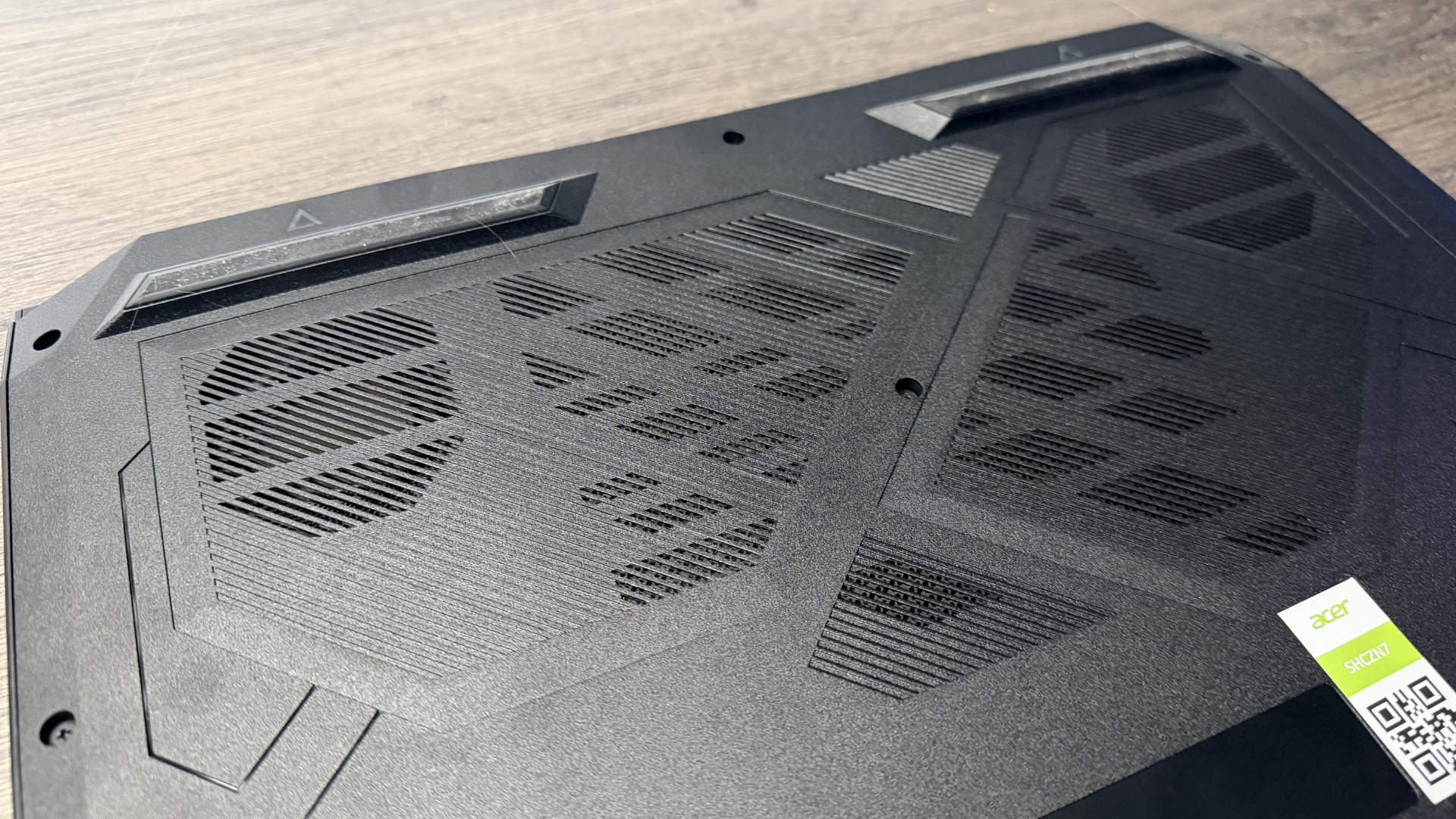
Two “identical” cards, but with one running at 95 W and the other at 85 W. One (the Acer) managed an average clock speed of 2,217 MHz, and the other (the Gigabyte) managed only 1,740 MHz. It’s fascinating, too, because there’s not a huge difference here in temperature either, yet the difference is dramatic. Yes, the Acer’s hotter but only by 5-6 degrees, and it’s still well below the 80 centigrade mark across all of our testing, but with that, you get a healthy dose of extra performance as a result.
The biggest criticism I had of that Aero X16 was that it performed poorly against Lenovo’s LOQ 15 Gen 10, despite that coming with an RTX 5060. The reason purely came down to the LOQ’s maddeningly high 115 W TGP, but here, even though there’s still a 20 W difference between the two, the RTX 5070 in the Nitro still beats it as you’d hope it would (although barely).
On the computational side, performance is similarly competitive too, although there’s not a huge difference between the three (the LOQ 15 utilises the Ryzen 7 250, and the Aero X17 the AI 7 350). Yet what’s more impressive is how Acer’s managing that battery life. 140 minutes, that’s how long it lasted in PC Mark 10’s battery gaming test. That’s wild, as the X16 only managed 109 minutes, and the LOQ 15, just 89 minutes total (although it does have a 60 WHr battery).
The Nitro V 16 is a bit of a saving grace in my eyes. Certainly, compared to Acer’s Nitro V15 that I recently took a gander at. Ignore the AI nonsense and copilot slop added onto the marketing fluff. Uninstall it when you get this thing, and you’ll genuinely have a remarkably affordable gaming laptop, at a decent price, that delivers solid performance in-game and out. Just make sure you get the right spec.